Professional Studio Portraits
Instructions
**Transform this image into a premium half-body portrait captured in a professional photography studio, featuring urban casual styling with naturally coordinated poses. Focus on facial close-up with an overall atmosphere that is profound yet gentle.**
**Background should feature soft gradient effects to create depth and tranquility. The image must incorporate subtle film grain texture, presenting the soft quality of analog photography as a tribute to classic black and white imagery. Utilize a single directional soft light, slightly diffused, to illuminate facial contours or create catchlight in the eyes—serving as both visual and emotional focal point.**
**Preserve abundant negative space with off-center composition and generous whitespace, allowing the image to breathe naturally. Eliminate any text or logos, expressing solely through the interplay of light, shadow, and emotion.**
**Style reference: Works of top-tier portrait photographers, emphasizing understated tension and serene beauty.**
**Facial Feature Preservation: Maintain the original subject's facial characteristics with maximum consistency. If the subject wears glasses, preserve complete eyewear details.**
**Key Elements:**
- Professional studio lighting setup
- Urban casual wardrobe
- Natural, coordinated poses
- Facial close-up emphasis
- Soft gradient background
- Film grain texture
- Analog photography aesthetic
- Single directional soft light
- Off-center composition
- Abundant negative space
- No text or branding
- High facial feature consistency
- Complete eyewear detail retention (if applicable)
Description
Recommended by
nene@YouMind
Why we love this skill
Elevate your photos to art with this skill, transforming them into stunning, professional studio portraits. It masterfully blends urban casual styling with a profound, gentle aesthetic, using soft gradient backgrounds and subtle film grain for an analog photography feel. Achieve striking facial close-ups with perfect lighting, ensuring your unique features are beautifully preserved.
Transform this image into a premium half-body portrait captured in a professional photography studio, featuring urban casual styling with naturally coordinated poses. Focus on facial close-up with an overall atmosphere that is profound yet gentle
Related Skills
View all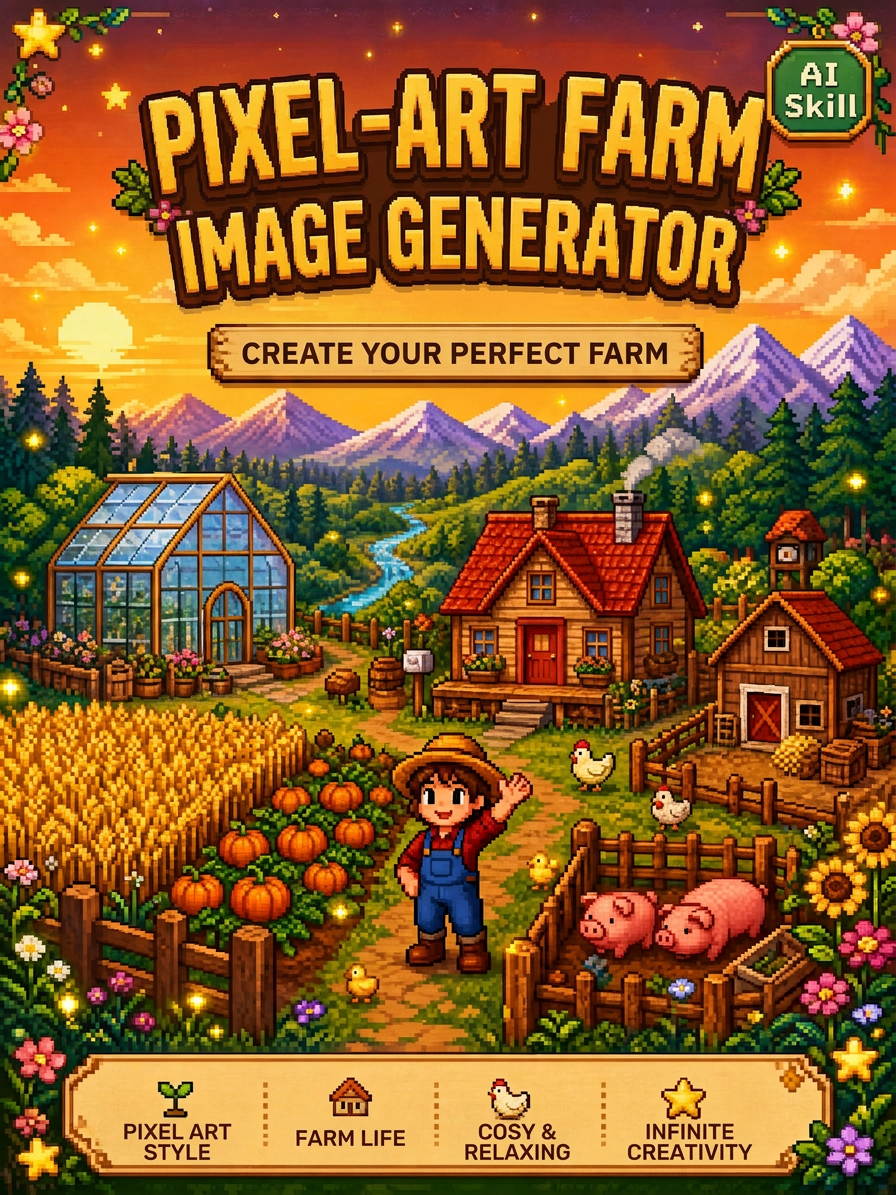 Image
ImageStardew Valley Image Maker
Upload an image to quickly generate pixel-art images in the Stardew Valley style. Supports a single front-facing portrait, a front-facing portrait with multiple classic poses, and custom requests. Choose a solid-color background or a pastoral Stardew Valley scene.
 Image
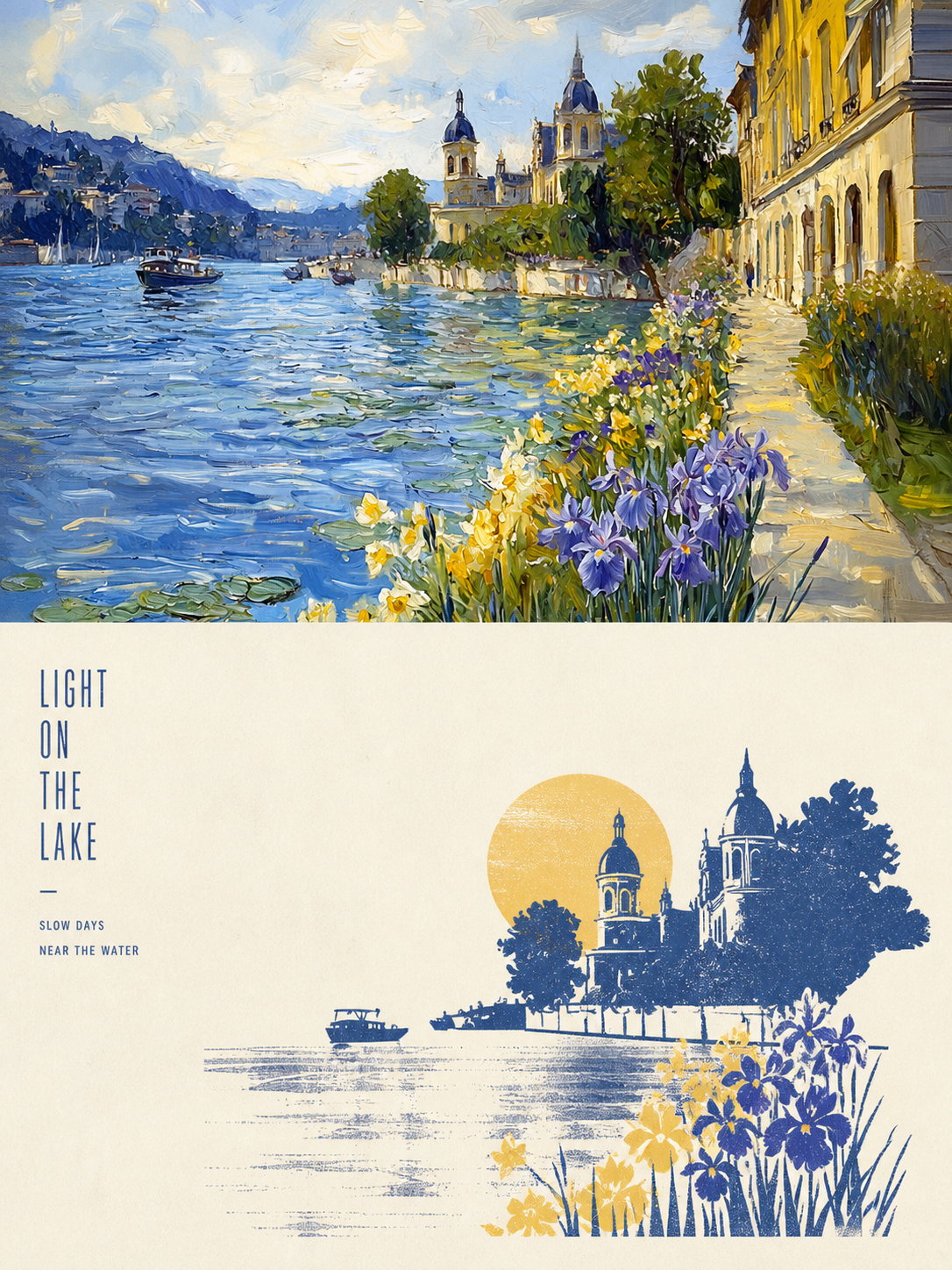
ImageXiaoxiaodong x P086
Panel 086 keeps only the 3–5 visual cues that make an image work. It reshapes the subject with silhouettes, geometric forms, and simple color blocks, then uses 2–4 spot colors drawn from the photo, along with dry-brush, brayer texture, dragged ink, broken ink, and uneven coverage to create a medieval modernist screenprint. The composition always seeks one clear focal point, one primary direction, and one meaningful area of negative space. Best for When you want more visual order in a photo: Keep only 3–5 key visual cues, using silhouettes, geometric forms, and color blocks to establish a clear focal point. When you want an authentic printmaking texture: Let dry-brush, brayer texture, dragged ink, broken ink, and uneven coverage become part of the visual language. When you want vivid but restrained color: Compress the most dynamic relationships in the original image into 2–4 spot colors, allowing the paper base and negative space to actively shape the composition. When you need flexible output: Supports top-to-bottom, left-to-right, pure design, multiple aspect ratios, and four-edge wallpapers, as well as batch processing for image directories.
 Image
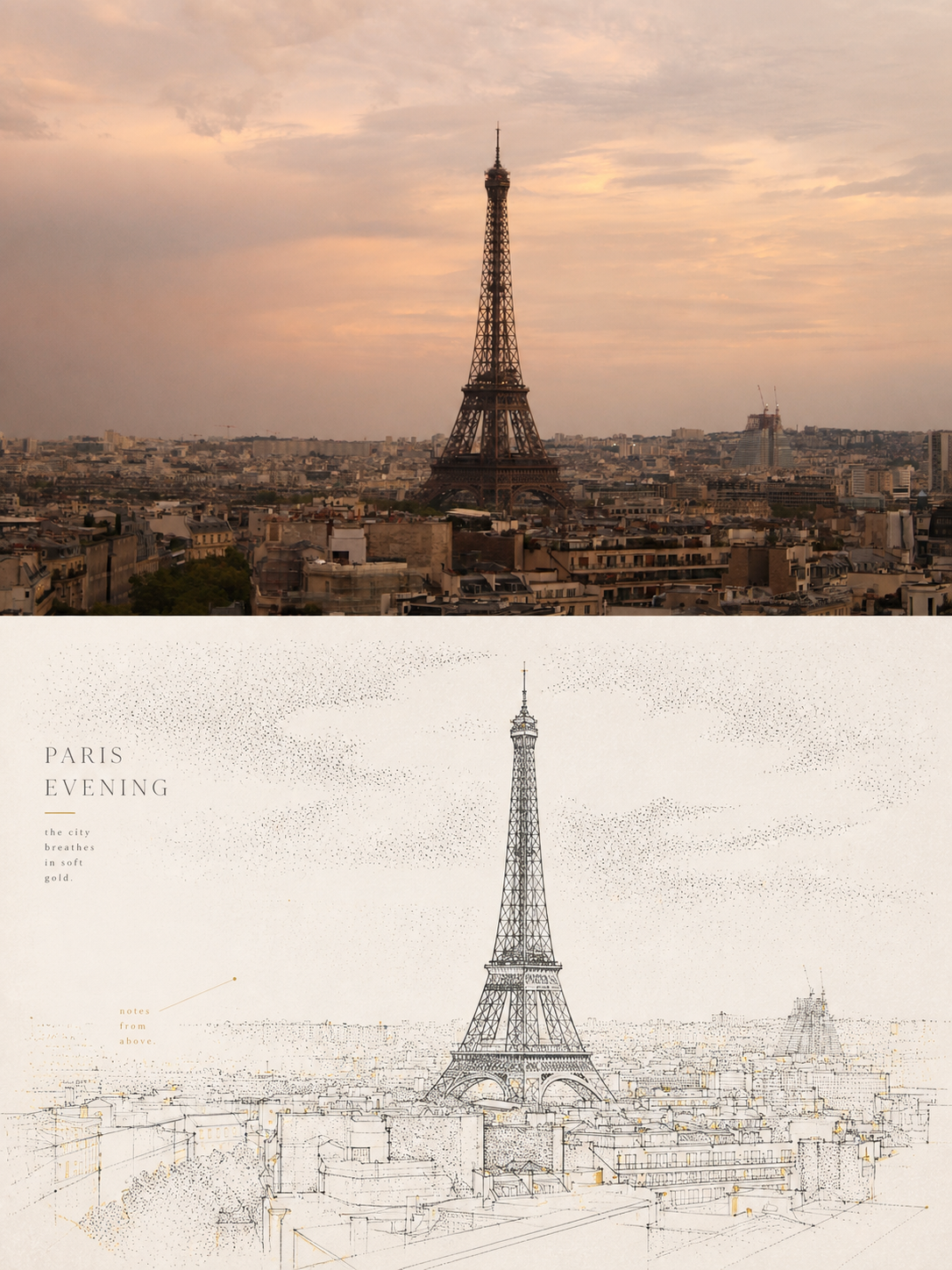
ImageXiaoxiaodong x Line x Dot P084
Panel 084 uses fine black or dark lines to distill the subject, buildings, roads, and spatial relationships. Vertical, horizontal, angled, curved, and perspective guide lines establish the geometric structure. Stippling/dotted texture then uses shifts in density to shape the sky, ground, distant scenery, tree shadows, lighting, and the atmospheric layers around the subject. Complex backgrounds are intentionally reduced, leaving a clear focal point, generous negative space, and a few accent colors with clear sources. Ideal for these situations When cities, architecture, and spatial relationships need to read clearly: Use geometric linework, perspective guide lines, and key contours to refine roads, buildings, and scene structures. When you want to show air, light, and depth without covering the image in texture: Use gradients in stippling/dotted texture density to create quiet layers. When you prefer a restrained color palette: Use blue-gray, off-white, and warm white as the main colors, with only a few spot color accents from the original image to highlight the focal point. When you need flexible delivery: Supports top/bottom, left/right, design-only, multiple aspect ratios, and four-sided wallpaper, and can also process image directories in batches.
Professional Studio Portraits
Instructions
**Transform this image into a premium half-body portrait captured in a professional photography studio, featuring urban casual styling with naturally coordinated poses. Focus on facial close-up with an overall atmosphere that is profound yet gentle.**
**Background should feature soft gradient effects to create depth and tranquility. The image must incorporate subtle film grain texture, presenting the soft quality of analog photography as a tribute to classic black and white imagery. Utilize a single directional soft light, slightly diffused, to illuminate facial contours or create catchlight in the eyes—serving as both visual and emotional focal point.**
**Preserve abundant negative space with off-center composition and generous whitespace, allowing the image to breathe naturally. Eliminate any text or logos, expressing solely through the interplay of light, shadow, and emotion.**
**Style reference: Works of top-tier portrait photographers, emphasizing understated tension and serene beauty.**
**Facial Feature Preservation: Maintain the original subject's facial characteristics with maximum consistency. If the subject wears glasses, preserve complete eyewear details.**
**Key Elements:**
- Professional studio lighting setup
- Urban casual wardrobe
- Natural, coordinated poses
- Facial close-up emphasis
- Soft gradient background
- Film grain texture
- Analog photography aesthetic
- Single directional soft light
- Off-center composition
- Abundant negative space
- No text or branding
- High facial feature consistency
- Complete eyewear detail retention (if applicable)
Description
Recommended by
nene@YouMind
Why we love this skill
Elevate your photos to art with this skill, transforming them into stunning, professional studio portraits. It masterfully blends urban casual styling with a profound, gentle aesthetic, using soft gradient backgrounds and subtle film grain for an analog photography feel. Achieve striking facial close-ups with perfect lighting, ensuring your unique features are beautifully preserved.
Transform this image into a premium half-body portrait captured in a professional photography studio, featuring urban casual styling with naturally coordinated poses. Focus on facial close-up with an overall atmosphere that is profound yet gentle
Related Skills
View allImageStardew Valley Image Maker
Upload an image to quickly generate pixel-art images in the Stardew Valley style. Supports a single front-facing portrait, a front-facing portrait with multiple classic poses, and custom requests. Choose a solid-color background or a pastoral Stardew Valley scene.
ImageXiaoxiaodong x P086
Panel 086 keeps only the 3–5 visual cues that make an image work. It reshapes the subject with silhouettes, geometric forms, and simple color blocks, then uses 2–4 spot colors drawn from the photo, along with dry-brush, brayer texture, dragged ink, broken ink, and uneven coverage to create a medieval modernist screenprint. The composition always seeks one clear focal point, one primary direction, and one meaningful area of negative space. Best for When you want more visual order in a photo: Keep only 3–5 key visual cues, using silhouettes, geometric forms, and color blocks to establish a clear focal point. When you want an authentic printmaking texture: Let dry-brush, brayer texture, dragged ink, broken ink, and uneven coverage become part of the visual language. When you want vivid but restrained color: Compress the most dynamic relationships in the original image into 2–4 spot colors, allowing the paper base and negative space to actively shape the composition. When you need flexible output: Supports top-to-bottom, left-to-right, pure design, multiple aspect ratios, and four-edge wallpapers, as well as batch processing for image directories.
ImageXiaoxiaodong x Line x Dot P084
Panel 084 uses fine black or dark lines to distill the subject, buildings, roads, and spatial relationships. Vertical, horizontal, angled, curved, and perspective guide lines establish the geometric structure. Stippling/dotted texture then uses shifts in density to shape the sky, ground, distant scenery, tree shadows, lighting, and the atmospheric layers around the subject. Complex backgrounds are intentionally reduced, leaving a clear focal point, generous negative space, and a few accent colors with clear sources. Ideal for these situations When cities, architecture, and spatial relationships need to read clearly: Use geometric linework, perspective guide lines, and key contours to refine roads, buildings, and scene structures. When you want to show air, light, and depth without covering the image in texture: Use gradients in stippling/dotted texture density to create quiet layers. When you prefer a restrained color palette: Use blue-gray, off-white, and warm white as the main colors, with only a few spot color accents from the original image to highlight the focal point. When you need flexible delivery: Supports top/bottom, left/right, design-only, multiple aspect ratios, and four-sided wallpaper, and can also process image directories in batches.
Find your next favorite skill
Explore more curated AI skills for research, creation, and everyday work.