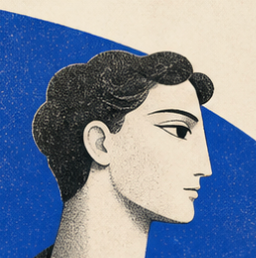
Sculptural Blue Charcoal Illustration
Generate poetic limited-palette editorial illustrations
Sculptural Blue Charcoal Illustration
Generate poetic limited-palette editorial illustrations
Showcase
Description
Generate tactile 16:9 limited-palette editorial illustrations that carry the visual spirit of ancient Greek and Roman figures into contemporary subjects. The Skill always creates the still image first, then asks whether the user wants to animate it into a short, coherent 16:9 video.
Recommended by
Shuting@YouMind
Why we love this skill
An editor’s pick for turning contemporary ideas into poetic, print-like scenes with sculptural figures, cobalt, charcoal, and paper-white restraint. Its distinctive showcase presets and carefully staged image-to-video workflow preserve a tactile, asymmetric visual language from still illustration through subtle animation.
Related Skills
View all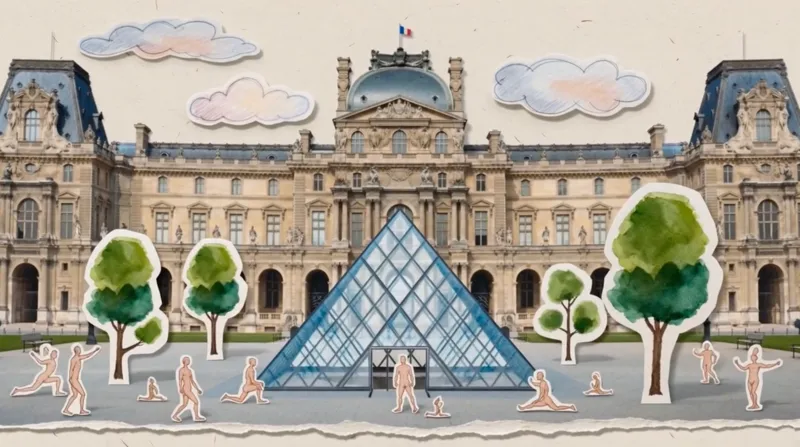 Video
VideoPaper Art Style Video Generator
Transform your linear narratives into captivating 5–10 second vintage paper-collage videos. Whether you're chronicling a brand's journey, tracing the evolution of a culture, or illustrating historical progression, this skill brings your story to life with a unique, handcrafted aesthetic. Simply provide a brief description of your narrative, and watch it unfold as a charming animated pop-up book. This skill specializes in creating seamless, one-take digital paper collage animations. It meticulously crafts each scene with a rich, tactile feel, incorporating elements like torn paper edges, visible paper grain, and layered depth. The visuals blend realistic photographic cutouts with hand-drawn paper illustrations, all presented with a refined, muted color palette inspired by the cultural context of your story. Each video is a continuous, smooth tracking shot, reminiscent of an animated pop-up book, where paper layers gracefully slide, fold, and rotate to reveal key stages of your narrative. From ancient civilizations to modern brand stories, the animation style evokes a specific era, ensuring an authentic and engaging visual journey without relying on generic effects. The result is a premium, handmade motion graphic experience that tells your story with elegance and charm.
 Image
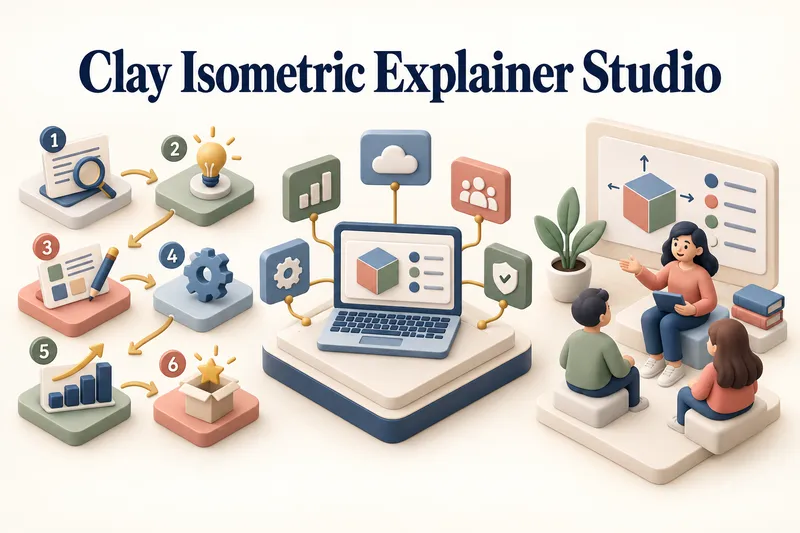
ImageClay Isometric Explainer Studio
Turn any topic into a clear, memorable visual explanation. Clay Isometric Explainer Studio transforms products, processes, services, systems, and educational subjects into polished hybrid 3D clay and isometric visuals. You can start with only a topic. The Studio performs a focused research snapshot, identifies the core message, recommends the clearest visual direction, and guides you through the creative process step by step. It builds the information architecture, maps each idea to a visual object, defines a consistent style system, and prepares a complete production prompt. Titles, numbered stages, information cards, labels, and short explanations are planned and included directly during image generation. Choose an Explainer Scene, Process Flow, Product Feature Board, Educational Visual, or a coherent 3–5-piece Visual Series. After the still image is approved, optionally turn it into a short image-to-video animation with subtle object motion, natural clay character gestures, or guided focus through numbered stages. Ideal for presentations, websites, social posts, posters, PDF pages, product communication, onboarding, and learning materials. Not intended for decorative 3D scenes without an explanatory purpose, random visual elements, dense paragraphs inside images, or final editable design files.
 Video
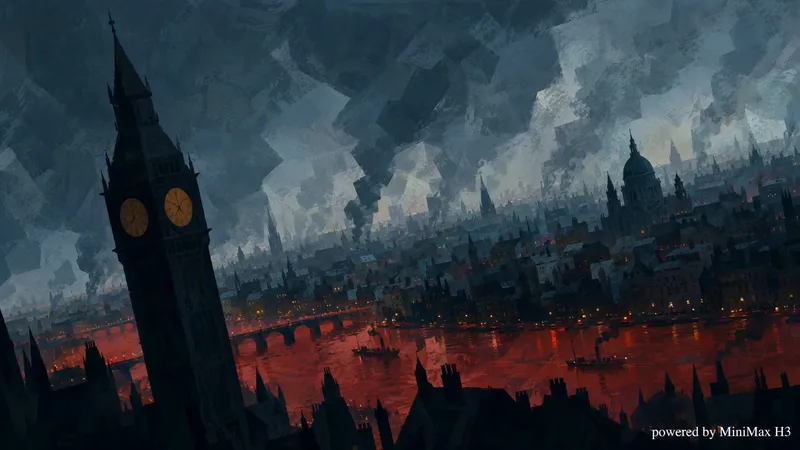
Video2.5D Printmaking Animation Studio
Transform any topic into a ~45-second war printmaking style 2.5D animated video. Generates a 9-shot script with narration, produces keyframe images, video clips, and audio narration per shot, then assembles everything into a Cast after user confirmation.
Information
- Version
- v18
- Last updated
- Runtime credits
- Usage-based
- Models
- Auto
