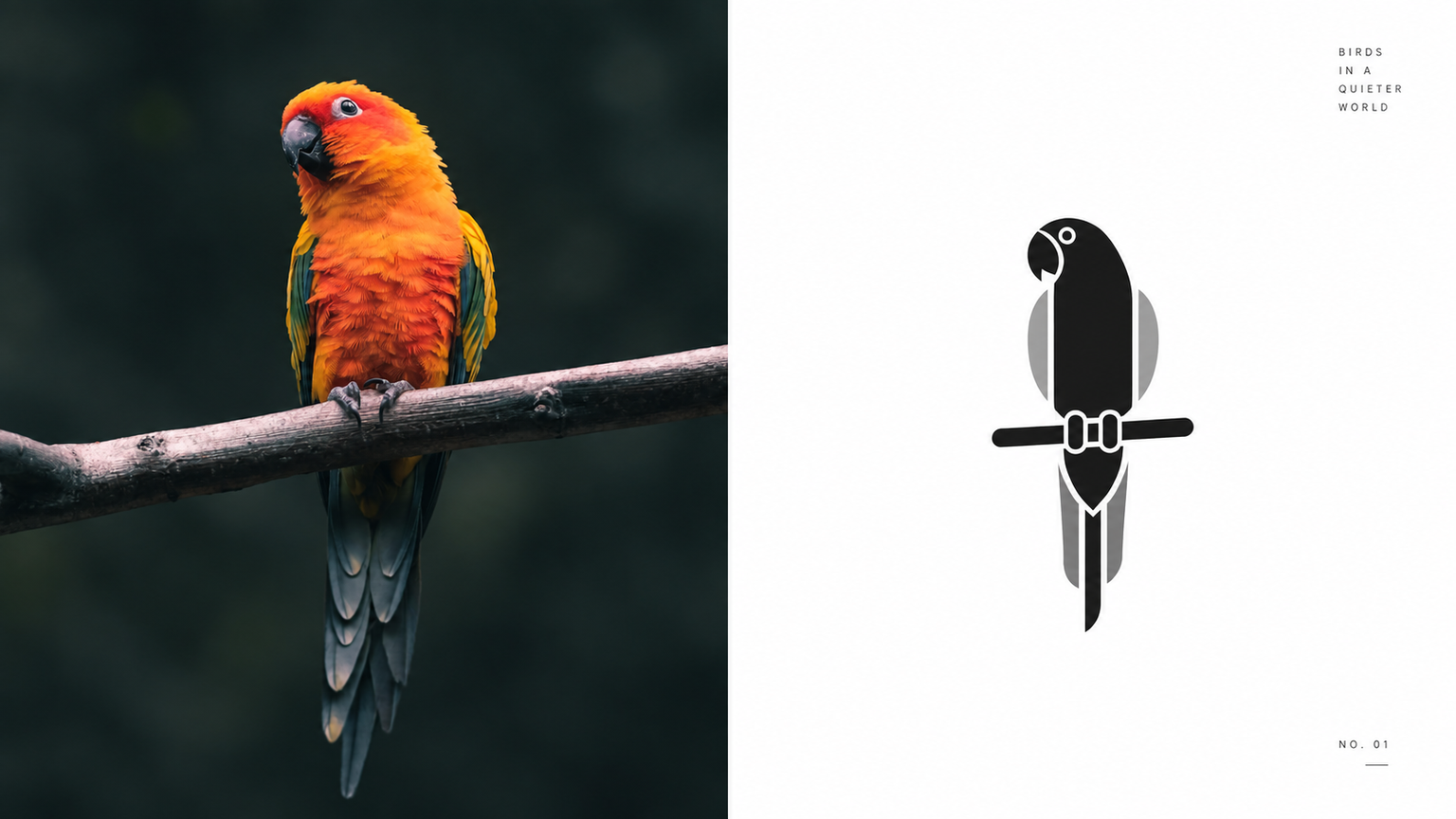
GPT2 x B&W Geometry
By xiaoxiaodong P236
GPT2 x B&W Geometry
By xiaoxiaodong P236
Showcase
Description
Ideal for turning photos into museum wayfinding, architectural pictograms, or editorial glyphs: identity systems, cover symbols, and exhibition graphics. The upper half retains a recognizable version of the original image; the lower half keeps only three to five key structures, reorganized with a few rounded geometric blocks and negative-space notches. The symbol must be very small and centered, with continuous white space around it. Use only black, neutral gray, and white. No gradients, textures, or extra colors. If there is text, it must be tiny and placed only at the edge. Avoid realistic rendering, colorful decoration, oversized graphics, full-bleed layouts, and cheap icon templates.
Recommended by
淡苍
Why we love this skill
Distills photos into minimalist black-and-white geometric symbols, preserving just three to five key structural cues through enclosed forms, notches, and negative space.
Best for
For visual creators who need museum wayfinding, architectural pictograms, cover symbols, or exhibition graphics.
How to use this Skill
Provide your input
Provide a photo or image.
Run the Skill
Reduce the subject to a few rounded geometric structures, then reorganize it using black, gray, white, and continuous negative space.
Review your result
Get a PNG image with a centered subject in an ultra-minimal black-and-white geometric symbol style.
Related Skills
View all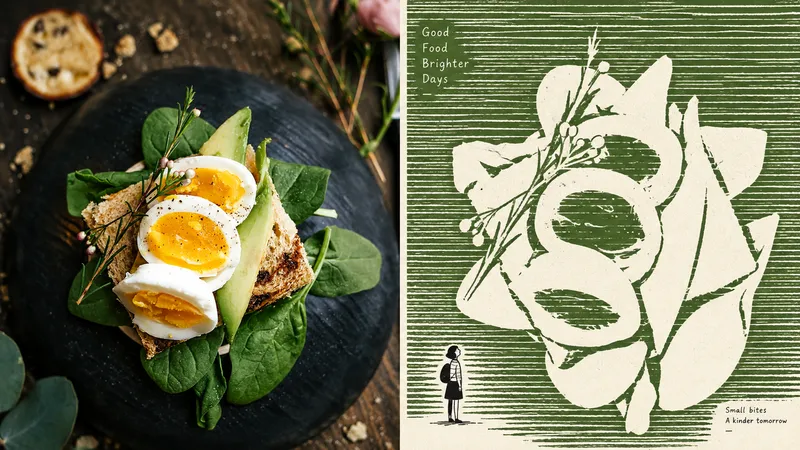 Image
ImageGPT2 x Negative Monument
For turning everyday photos into minimalist independent-publication illustrations: exhibition studies, personal photography projects, and literary visuals. The upper half retains a recognizable version of the original photo; the lower half does not depict the subject, but instead builds a field of dense, slightly shaky, broken horizontal strokes, leaving the subject as a huge, quiet expanse of negative space. A tiny, naïve figure contrasts with, passes through, or accompanies this monument. Use no more than three colors: a warm white paper ground, one soft, bright ink color drawn from the source image, and black. The image must use flat graphic forms while retaining paper texture and slight misregistration. Avoid volumetric rendering, gradients, shadows, smooth digital rendering, and flashy multicolor treatments.
 Image
ImageGPT2 x Architectural Type
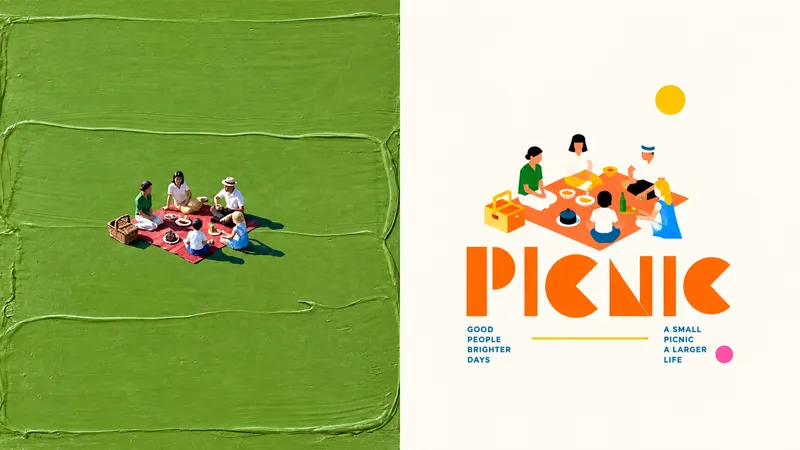
Suitable for organizing personal photography, independent publishing, exhibition studies, and lifestyle-oriented visual work. Even when the original image has an ordinary composition, a cluttered background, or a subject that is too small, you can reestablish a focal point through reduction, reorganization, cropping, and changes in scale—instead of simply applying a filter. A refined visual effect emerges from a small-scale central key visual, architectural typography, modular geometric construction, high-contrast functional color coding, and generous negative space. The style draws on the editorial language of public cultural visuals, art festival posters, architectural visual systems, and international design studios. Avoid full-bleed compositions, complex backgrounds, multiple equally weighted focal points, ordinary text layouts, realistic illustration, a cartoon feel, 3D rendering, cheap color clashes, and a templated poster look.
 Image
ImageGPT2 x Editorial Visual
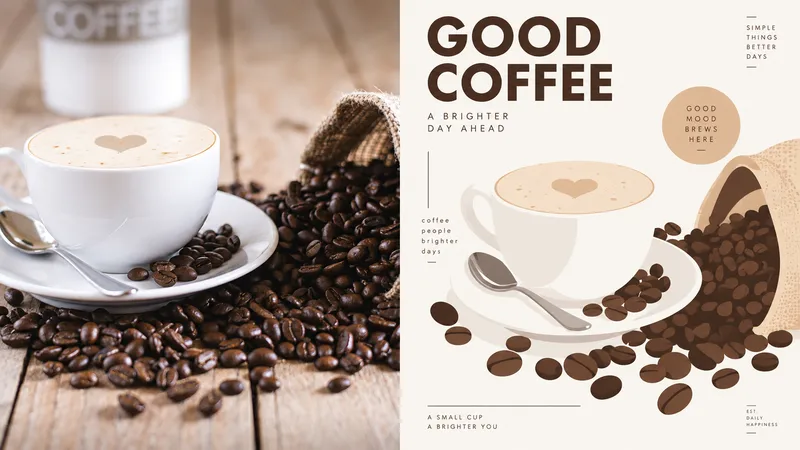
For creating key visuals for creative tools, digital magazines, or visual identities: brand exercises, covers, and exhibition graphics. Keep the original photo recognizable in the upper half; reframe it in the lower half with large solid-color blocks, simplified contours, fine lines, and a few rounded cards. The subject is the sole focus—do not crowd the surrounding space with a complex interface. Young, smart, and slightly playful, with a warm tech feel rather than a cyberpunk look. Draw the palette from the most vivid colors in the original image and refine them, using plenty of warm white—about one or two primary colors plus an accent. Keep text small and clear, using a condensed sans serif or a lightweight monospaced font. Avoid realism, complex shadows, gradient effects, dense UI, game interfaces, and cartoon stickers.
Information
- Version
- v5
- Last updated
- Runtime credits
- Usage-based
- Models
- Auto
- Use cases
- Images & design
- What you get
- Image
- Visual styles
- MinimalistFlatBlack and white
