AI Product Photo Studio
Premium product visuals from your reference images
AI Product Photo Studio
Premium product visuals from your reference images
Showcase
Description
Turn your product photos into premium, advertising-ready visual concepts with professional creative direction. Upload a product image alone or combine it with people, environments, mood references, composition examples, or your own creative idea. The skill analyzes each reference by role, protects the product’s identity, branding, labels, visible text, colors, proportions, and packaging details, then guides you through a short adaptive creative brief. Choose from photorealistic, premium studio, lifestyle, editorial, still life, minimal, luxury, surreal, UGC-style, cinematic, and other visual directions — with or without people. You receive 5 genuinely different creative concepts and 5 detailed English production prompts designed for high-end image generation. Every concept prioritizes natural product integration, realistic lighting, coherent shadows and reflections, accurate materials, believable scale and perspective, and strong commercial composition. Human scenes are directed toward natural anatomy, realistic hands, authentic interaction, and detailed skin texture without artificial plastic or waxy results. Optional image generation, variations, revisions, and quality-control workflows help you refine selected concepts into polished product visuals for social media, e-commerce, marketplaces, websites, campaigns, and brand content.
Related Skills
View all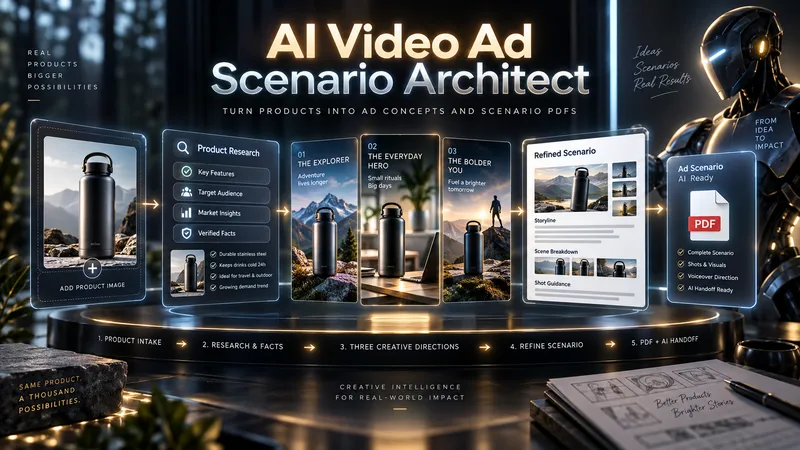
AI Video Ad Scenario Architect
Upload a product image or provide a product/model name. AI Video Ad Scenario Architect researches the product, identifies verified features, and turns them into creative advertising opportunities. The Skill first builds the Product Creative DNA, then uses the Creative Diversity Engine to generate 3 genuinely different ad directions. You can choose one, combine ideas, or introduce your own concept. If you want more control, Collaborative Mode lets you refine the selected direction together with the AI. For identifiable products already on the market, the Skill researches the web, prioritizes official sources, resolves conflicting information, and prevents unsupported technical claims from entering the script. When you upload a product image, Product Identity Lock preserves key visual details such as color, silhouette, logo placement, and distinctive product features for later production stages. After your chosen direction is approved, it is developed into a complete video ad scenario with scene timing, dialogue, visual direction, product visibility, sound design, payoff, and an optional CTA. The final deliverable is a structured PDF. It is not just a readable script: it also includes Verified Sources, Product Identity Lock, Production Context, and a Universal AI Continuation Prompt. You can give the PDF to another capable AI assistant and continue with image generation, image-to-image, image-to-video, voice, sound, and editing planning. You can also pass the same PDF into an optional AI Video Ad Production Workflow for a more advanced production pipeline.
 Image
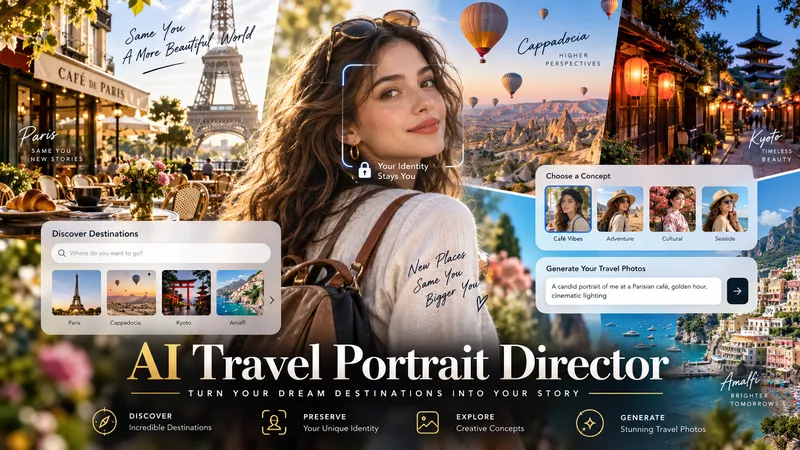
ImageAI Travel Portrait Director
Turn a single character reference into a complete AI travel-photo workflow. AI Travel Portrait Director acts as a virtual travel photographer, destination researcher, and scene director. It preserves the character’s recognizable identity while helping you create believable, destination-specific travel portraits that feel like real photography—not a person pasted onto a tourist background. The skill can: - Analyze a reference image and set identity/style controls - Research current destinations, seasonal hotspots, and photogenic locations - Adapt instantly when you already know the exact destination - Create 10 distinct photo concepts with varied poses, actions, lighting, camera angles, and outfits - Build detailed production-ready image-to-image prompts in English - Preserve facial identity across styling and location changes - Check realism, perspective, lighting, anatomy, scale, and environmental consistency - Generate selected images when supported and explicitly approved You stay in control at each important step: choose the destination, select the concepts you like, review the prompts, and decide whether to generate images. Ideal for personal travel portraits, AI influencers, virtual models, social media creators, and character-based visual projects.
 Image
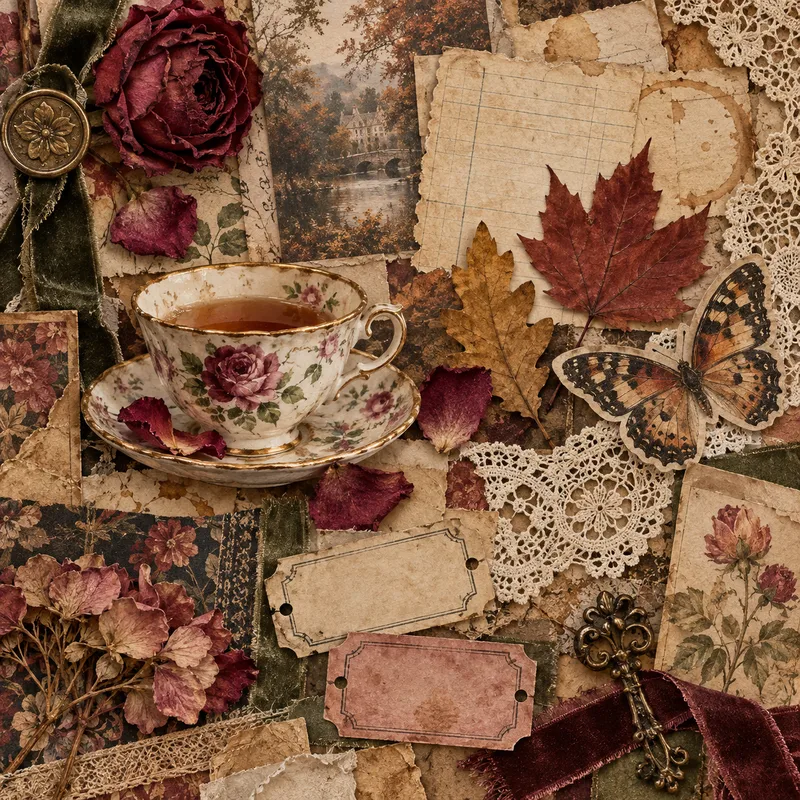
ImageTactile Ephemera Studio
Transform a rough idea into a premium, art-directed mixed-media image concept. Tactile Ephemera Studio helps you shape a clear visual story before writing prompts. It asks only the questions that matter—your intended format, mood, density, key objects, and preferred image platform—then turns your answers into a cohesive 2.5D paper-and-material collage direction. Receive a complete prompt pack with: A concise creative direction and material plan One detailed, production-ready master prompt Prompt versions tailored for ChatGPT Images, Midjourney, Flux, Ideogram, or your chosen platform Purposeful “Quieter / Curated” and “Denser / Collectible” variations when useful Clear format, ratio, and usage notes Each result is built around tactile paper layers, deckled edges, vellum, ribbons, botanical fragments, antique details, and a controlled visual hierarchy—never generic clutter, glossy 3D, photorealistic tabletop scenes, or accidental AI text. Once you choose a direction, the skill can also create the final image for you.
Information
- Version
- v8
- Last updated
- Runtime credits
- Usage-based
- Models
- Auto
