Make It Pop Magazine Cover
Turn ideas into editable magazine covers
Description
Recommended by
淡苍
Why we love this skill
Featured because it translates written ideas into magazine-quality covers, replacing generic decoration with content-driven visual metaphors. It preserves the original copy and delivers an editable webpage plus high-resolution artwork for precise layouts and publication-ready output.
Turn articles, viewpoints, or exact copy into a magazine-style Make It Pop landscape cover. By default, it uses a 2.35:1 (2350×1000) dual composition: a restrained editorial title area on the left, with a second focal point on the right formed by content-related visuals such as menus, cards, cursors, and structural graphics. It also delivers an editable webpage and a downloadable PNG image, with JPG available upon request.
Related Skills
View all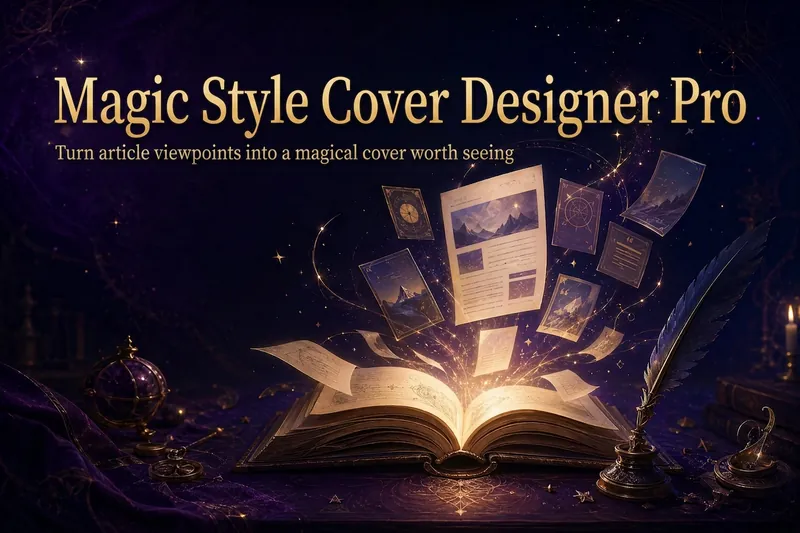 Image
ImageMagic Cover Designer Pro
Turn an article title into a magical cover that makes its ideas stand out. “Magic Cover Designer Pro” is not a random image generator. It is a visual content packaging workflow: “content understanding → title confirmation → visualizing ideas → platform adaptation → cover generation.” It helps preserve the real title and subtitle while transforming an article’s core ideas, emotions, and narrative relationships into vivid, engaging magical visuals with a distinct identity. It supports Twitter long-form posts or Threads, WeChat Official Account articles, Xiaohongshu Notes, product introductions, knowledge sharing, growth retrospectives, and personal brand content. The Skill first identifies the article’s original title, original subtitle, and core idea. The original title is used as the default main cover title, while the original subtitle is prioritized as the cover subtitle. The core idea does not directly replace the cover text; instead, it guides the choice of subject, symbols, composition, lighting, and visual metaphors. It matches visual strategies to different content types: practical breakdowns use magical blueprints or step-by-step scrolls; growth retrospectives use journeys and illuminated paths; contrarian ideas use light-and-shadow conflicts or broken seals; product introductions use magical workshops and core devices; knowledge sharing uses academy archives and spellbooks; and case studies use before-and-after changes and narrative scenes. When a title is too long, it provides both the original-title version and a concise version for you to confirm, without rewriting it on its own. When there is no subtitle, it first offers candidate copy instead of placing an unconfirmed idea directly into the image. Its default visual language combines retro fantasy with magical journaling: deep purple, midnight blue, black-brown, antique bronze, and warm gold, along with parchment, quill pens, spellbooks, sealing wax, stardust, and other tactile elements. It can also draw shared colors, materials, lighting, and narrative qualities from reference images, but it does not copy the specific composition, people, logos, or distinctive elements of any single image. For each platform, it adapts the aspect ratio, text density, subject size, whitespace, and thumbnail legibility to real reading contexts. It is suitable for knowledge creators, personal brands, product authors, and content creators who want to build a consistent visual identity. It does not fabricate numbers, results, identities, or brand endorsements, and it does not promise viral performance. It simply helps the visuals support real content more accurately and vividly.
 Webpage
E-magazine Style Slides
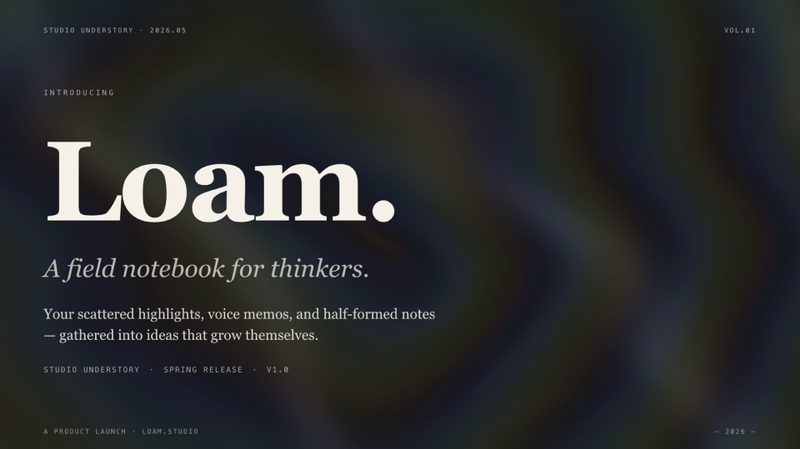
Create a horizontal swipe web slides (single HTML file) in the style of 'e-magazine × e-ink', featuring WebGL fluid backgrounds, serif titles + sans-serif body text, chapter title slides, data large-print slides, image grids, and more. Use this skill when you need to make a shareable, speech, or launch-style web slides, or when you mention 'magazine-style slides', 'horizontal swipe deck', 'editorial magazine', or 'e-ink presentation'.
 Webpage
Fashion Creative Design Page
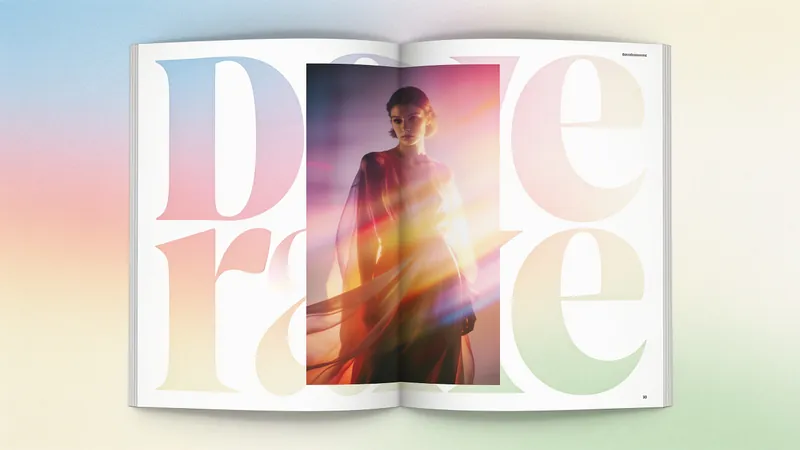
A web design system with a fashion-editorial poster style: warm cream paper canvas (#fffef7), 300-weight oversized headlines (64–84px), full-bleed photography, zero shadows, square-corner cards + pill buttons with a 1440px radius. Suitable for needs such as "fashion design style", "magazine layout", "poster style", "art portfolio webpage", "studio portfolio", "gallery page". It can rewrite any content into a high-end fashion editorial style page.
Make It Pop Magazine Cover
Turn ideas into editable magazine covers
Description
Recommended by
淡苍
Why we love this skill
Featured because it translates written ideas into magazine-quality covers, replacing generic decoration with content-driven visual metaphors. It preserves the original copy and delivers an editable webpage plus high-resolution artwork for precise layouts and publication-ready output.
Turn articles, viewpoints, or exact copy into a magazine-style Make It Pop landscape cover. By default, it uses a 2.35:1 (2350×1000) dual composition: a restrained editorial title area on the left, with a second focal point on the right formed by content-related visuals such as menus, cards, cursors, and structural graphics. It also delivers an editable webpage and a downloadable PNG image, with JPG available upon request.
Related Skills
View allImageMagic Cover Designer Pro
Turn an article title into a magical cover that makes its ideas stand out. “Magic Cover Designer Pro” is not a random image generator. It is a visual content packaging workflow: “content understanding → title confirmation → visualizing ideas → platform adaptation → cover generation.” It helps preserve the real title and subtitle while transforming an article’s core ideas, emotions, and narrative relationships into vivid, engaging magical visuals with a distinct identity. It supports Twitter long-form posts or Threads, WeChat Official Account articles, Xiaohongshu Notes, product introductions, knowledge sharing, growth retrospectives, and personal brand content. The Skill first identifies the article’s original title, original subtitle, and core idea. The original title is used as the default main cover title, while the original subtitle is prioritized as the cover subtitle. The core idea does not directly replace the cover text; instead, it guides the choice of subject, symbols, composition, lighting, and visual metaphors. It matches visual strategies to different content types: practical breakdowns use magical blueprints or step-by-step scrolls; growth retrospectives use journeys and illuminated paths; contrarian ideas use light-and-shadow conflicts or broken seals; product introductions use magical workshops and core devices; knowledge sharing uses academy archives and spellbooks; and case studies use before-and-after changes and narrative scenes. When a title is too long, it provides both the original-title version and a concise version for you to confirm, without rewriting it on its own. When there is no subtitle, it first offers candidate copy instead of placing an unconfirmed idea directly into the image. Its default visual language combines retro fantasy with magical journaling: deep purple, midnight blue, black-brown, antique bronze, and warm gold, along with parchment, quill pens, spellbooks, sealing wax, stardust, and other tactile elements. It can also draw shared colors, materials, lighting, and narrative qualities from reference images, but it does not copy the specific composition, people, logos, or distinctive elements of any single image. For each platform, it adapts the aspect ratio, text density, subject size, whitespace, and thumbnail legibility to real reading contexts. It is suitable for knowledge creators, personal brands, product authors, and content creators who want to build a consistent visual identity. It does not fabricate numbers, results, identities, or brand endorsements, and it does not promise viral performance. It simply helps the visuals support real content more accurately and vividly.
WebpageE-magazine Style Slides
Create a horizontal swipe web slides (single HTML file) in the style of 'e-magazine × e-ink', featuring WebGL fluid backgrounds, serif titles + sans-serif body text, chapter title slides, data large-print slides, image grids, and more. Use this skill when you need to make a shareable, speech, or launch-style web slides, or when you mention 'magazine-style slides', 'horizontal swipe deck', 'editorial magazine', or 'e-ink presentation'.
WebpageFashion Creative Design Page
A web design system with a fashion-editorial poster style: warm cream paper canvas (#fffef7), 300-weight oversized headlines (64–84px), full-bleed photography, zero shadows, square-corner cards + pill buttons with a 1440px radius. Suitable for needs such as "fashion design style", "magazine layout", "poster style", "art portfolio webpage", "studio portfolio", "gallery page". It can rewrite any content into a high-end fashion editorial style page.
Find your next favorite skill
Explore more curated AI skills for research, creation, and everyday work.