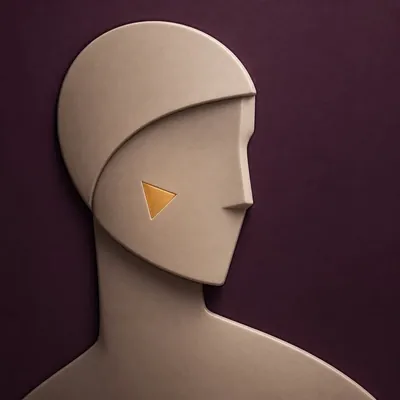
Rembrandt Studio Portrait
Clean, natural Rembrandt-style portraits
Description
Recommended by
淡苍
Why we love this skill
Transforms people, pets, and group photos into cohesive Rembrandt studio portraits—not just dark-background edits—with faithful identity and anatomy, tailored lighting, composition, framing, and a clean cinematic finish.
Transform ordinary photos of people or pets into Rembrandt-lit portraits with realistic studio lighting, strong chiaroscuro shaping, and a cinematic look. The skill automatically selects lighting suited to the original photo, based on a person’s frontal, profile, or three-quarter view, or on a pet’s facial and fur structure. It will not distort the nose shadow or facial features just to create a “Rembrandt triangle of light.” By default, people retain their identity, age, expression, skin tone, clothing, and accessories. Pets retain their breed, coat color, markings, ears, eyes, and body structure. Small adjustments to the camera angle, shoulder line, head direction, and composition are allowed to make an ordinary photo feel like a genuine new studio session, while avoiding a stiff, cutout, or memorial-portrait look. The original photo’s aspect ratio and orientation are preserved by default; a 1:1 headshot is not required. The skill also supports 1:1 headshots, 4:5 social portraits, 3:4 classic portraits, 2:3 print formats, 3:2 photographic landscapes, 4:3 general landscape images, and 16:9 cinematic covers. When the aspect ratio must change, it prioritizes cropping irrelevant background. If hair, ears, chin, hands, paws, or tail might be cut off, it extends the clean studio background instead. The background uses a clean, smooth, noise-free gradient from deep charcoal gray to inky black, aligned with the direction of the key light. Film grain, sensor noise, mottling, paper texture, smoke, glow, banding, and AI-generated compositing textures are explicitly prohibited. Suitable for: people portraits, pet portraits, profile photos, social media covers, editorial portraits, family photo upgrades, and cinematic studio transformations.
Related Skills
View all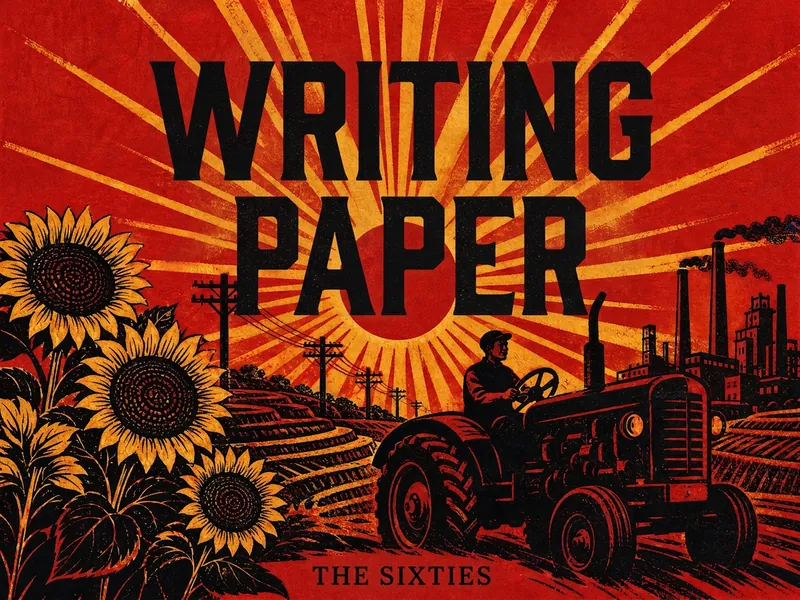 Image
ImageModern Chinese Era Visuals
Transform titles, themes, or graphics into visual designs inspired by modern Chinese eras, suitable for book covers, posters, cards, illustrations, typography, and social media graphics. Simply provide the text, target era, design format, and aspect ratio to receive a visual concept tailored to your theme. If no ratio is specified, a portrait cover composition can be used. Supports a range of styles from the 1920s–30s Republic of China period and the 1940s through the 2000s, including Eastern Constructivism, War of Resistance woodcut, revolutionary realism, understated literary design, humanistic minimalism, and digital visual styles. Each era-based style presents a distinct design language through its color palette, composition, typography, graphics, and print texture—for example, geometric display lettering, woodcut marks, limited-color flat fills, asymmetrical layouts, paper grain, and balanced negative space. Whether you need a literary book cover, an era-themed poster, or a simple Chinese title design, you can evoke the aesthetics of the corresponding period while keeping the text clear and the composition clean. Supports common aspect ratios including 1:1, 2:3, 3:2, 4:3, 16:9, and 9:16, making it suitable for publishing visuals, exhibition promotion, content graphics, and personal creative work.
 Image
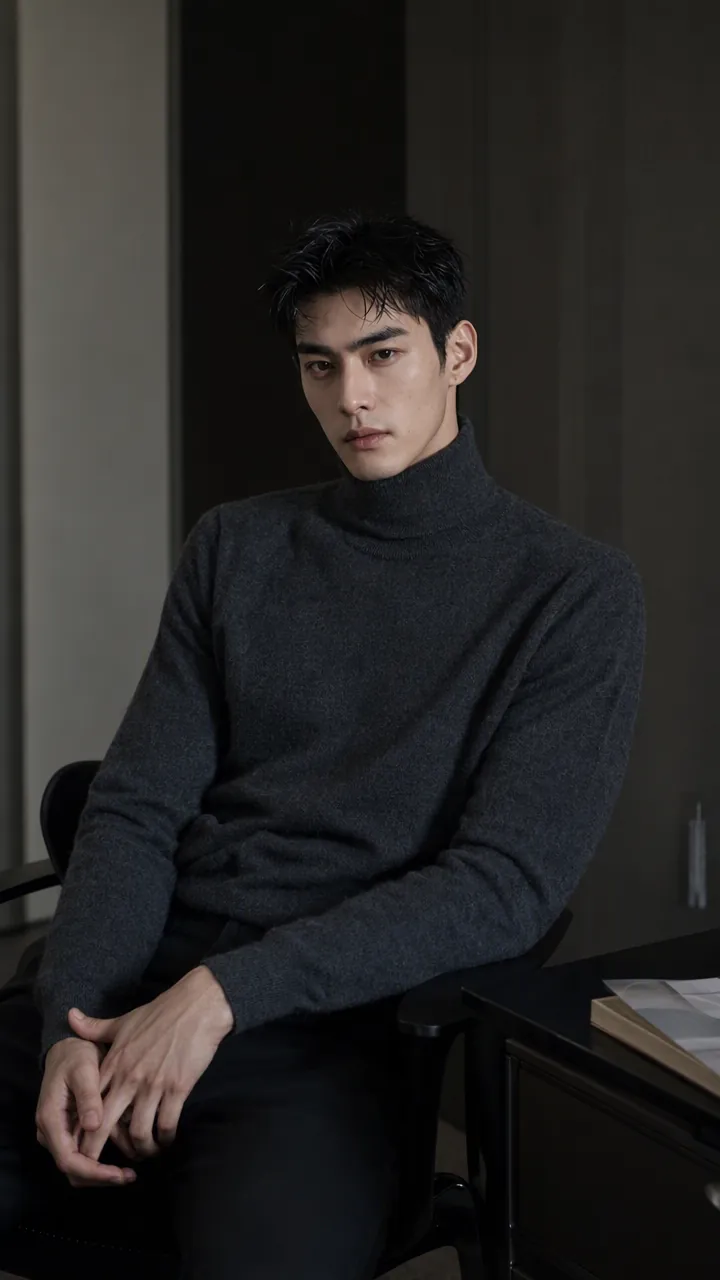
ImagePrecise AI Character Images
Turn the character you envision into ready-to-use prompts and finished images. Start with a seed description or a broad theme, then define key details step by step, including hairstyle, hair accessories, clothing, expression, pose, camera, lighting, and setting. Whether you’re creating a classical Chinese woman, a cyberpunk girl, a Japanese-style character, a realistic portrait, or a custom character concept, you can develop a cohesive visual direction based on the character’s overall mood. Choose Quick Image Generation to let AI complete the character design automatically, or use Fine Control to adjust each element through selections or custom input. Results include structured prompts in both Chinese and English, along with a matching Negative Prompt, making them easy to understand and reuse with leading models such as FLUX, Midjourney, and SDXL. You can also generate the finished character image with AI. After generating an image, continue fine-tuning specific dimensions, such as hairstyle, expression, pose, camera angle, lighting, setting, or art style. Regenerate while keeping the other details unchanged, with each modification clearly identified. Ideal for character design, character concept art, avatar creation, illustration planning, and exploring visual directions.
 Image
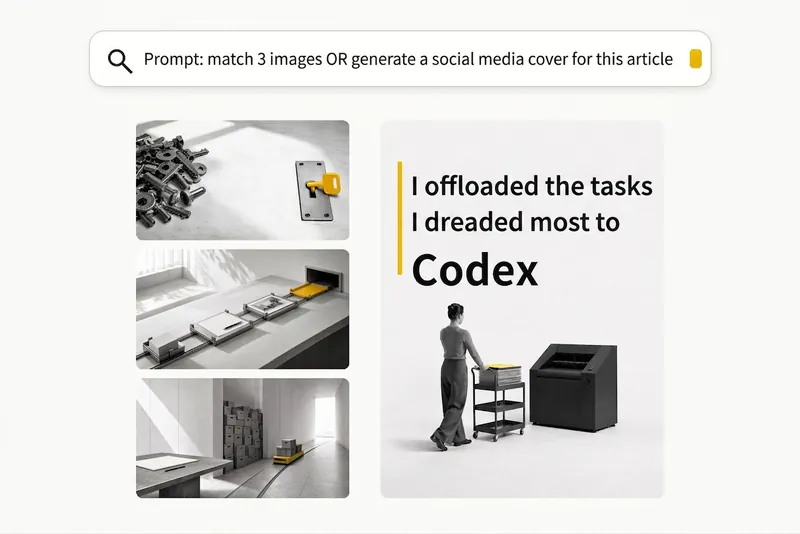
ImageBlack-and-White Visuals
Create black, white, and gray visuals with small accents of yellow for WeChat Official Accounts, Zhihu, Xiaohongshu, Moments, profile pictures, and other platforms. Choose your preferred dimensions and generate 1–3 separate images per request. Images are text-free by default, with support for text-based Xiaohongshu covers. You can use it to: - Create three 16:9 text-free images for the article below: [paste article] - Turn “independent, calm, with a touch of loneliness” into a 1:1 profile picture. - Use this photo as a reference to generate a 3:4 refined black-and-white visual. - Generate a 3:4 Xiaohongshu cover with text titled: “At What Age Did Children in Ancient China Start School?”
Rembrandt Studio Portrait
Clean, natural Rembrandt-style portraits
Description
Recommended by
淡苍
Why we love this skill
Transforms people, pets, and group photos into cohesive Rembrandt studio portraits—not just dark-background edits—with faithful identity and anatomy, tailored lighting, composition, framing, and a clean cinematic finish.
Transform ordinary photos of people or pets into Rembrandt-lit portraits with realistic studio lighting, strong chiaroscuro shaping, and a cinematic look. The skill automatically selects lighting suited to the original photo, based on a person’s frontal, profile, or three-quarter view, or on a pet’s facial and fur structure. It will not distort the nose shadow or facial features just to create a “Rembrandt triangle of light.” By default, people retain their identity, age, expression, skin tone, clothing, and accessories. Pets retain their breed, coat color, markings, ears, eyes, and body structure. Small adjustments to the camera angle, shoulder line, head direction, and composition are allowed to make an ordinary photo feel like a genuine new studio session, while avoiding a stiff, cutout, or memorial-portrait look. The original photo’s aspect ratio and orientation are preserved by default; a 1:1 headshot is not required. The skill also supports 1:1 headshots, 4:5 social portraits, 3:4 classic portraits, 2:3 print formats, 3:2 photographic landscapes, 4:3 general landscape images, and 16:9 cinematic covers. When the aspect ratio must change, it prioritizes cropping irrelevant background. If hair, ears, chin, hands, paws, or tail might be cut off, it extends the clean studio background instead. The background uses a clean, smooth, noise-free gradient from deep charcoal gray to inky black, aligned with the direction of the key light. Film grain, sensor noise, mottling, paper texture, smoke, glow, banding, and AI-generated compositing textures are explicitly prohibited. Suitable for: people portraits, pet portraits, profile photos, social media covers, editorial portraits, family photo upgrades, and cinematic studio transformations.
Related Skills
View allImageModern Chinese Era Visuals
Transform titles, themes, or graphics into visual designs inspired by modern Chinese eras, suitable for book covers, posters, cards, illustrations, typography, and social media graphics. Simply provide the text, target era, design format, and aspect ratio to receive a visual concept tailored to your theme. If no ratio is specified, a portrait cover composition can be used. Supports a range of styles from the 1920s–30s Republic of China period and the 1940s through the 2000s, including Eastern Constructivism, War of Resistance woodcut, revolutionary realism, understated literary design, humanistic minimalism, and digital visual styles. Each era-based style presents a distinct design language through its color palette, composition, typography, graphics, and print texture—for example, geometric display lettering, woodcut marks, limited-color flat fills, asymmetrical layouts, paper grain, and balanced negative space. Whether you need a literary book cover, an era-themed poster, or a simple Chinese title design, you can evoke the aesthetics of the corresponding period while keeping the text clear and the composition clean. Supports common aspect ratios including 1:1, 2:3, 3:2, 4:3, 16:9, and 9:16, making it suitable for publishing visuals, exhibition promotion, content graphics, and personal creative work.
ImagePrecise AI Character Images
Turn the character you envision into ready-to-use prompts and finished images. Start with a seed description or a broad theme, then define key details step by step, including hairstyle, hair accessories, clothing, expression, pose, camera, lighting, and setting. Whether you’re creating a classical Chinese woman, a cyberpunk girl, a Japanese-style character, a realistic portrait, or a custom character concept, you can develop a cohesive visual direction based on the character’s overall mood. Choose Quick Image Generation to let AI complete the character design automatically, or use Fine Control to adjust each element through selections or custom input. Results include structured prompts in both Chinese and English, along with a matching Negative Prompt, making them easy to understand and reuse with leading models such as FLUX, Midjourney, and SDXL. You can also generate the finished character image with AI. After generating an image, continue fine-tuning specific dimensions, such as hairstyle, expression, pose, camera angle, lighting, setting, or art style. Regenerate while keeping the other details unchanged, with each modification clearly identified. Ideal for character design, character concept art, avatar creation, illustration planning, and exploring visual directions.
ImageBlack-and-White Visuals
Create black, white, and gray visuals with small accents of yellow for WeChat Official Accounts, Zhihu, Xiaohongshu, Moments, profile pictures, and other platforms. Choose your preferred dimensions and generate 1–3 separate images per request. Images are text-free by default, with support for text-based Xiaohongshu covers. You can use it to: - Create three 16:9 text-free images for the article below: [paste article] - Turn “independent, calm, with a touch of loneliness” into a 1:1 profile picture. - Use this photo as a reference to generate a 3:4 refined black-and-white visual. - Generate a 3:4 Xiaohongshu cover with text titled: “At What Age Did Children in Ancient China Start School?”
Find your next favorite skill
Explore more curated AI skills for research, creation, and everyday work.