Soft Modern Tech Illustration
Description
Create technical illustrations like a professional designer. The soft, modern color palette and flat style make your diagrams instantly look sophisticated and eliminate dullness.
Related Skills
View all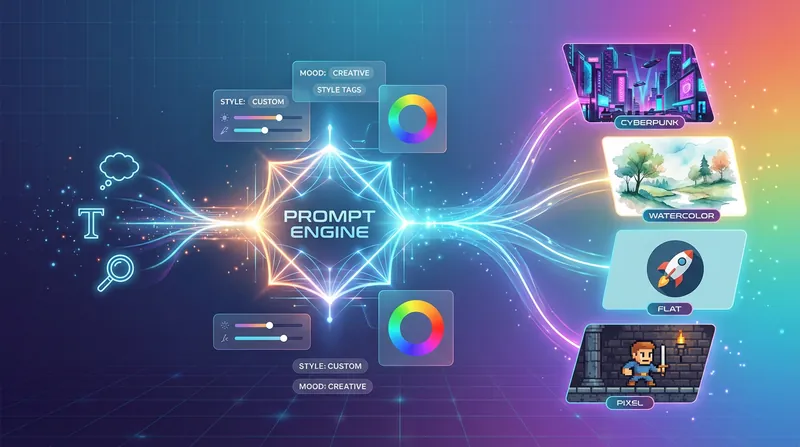
Understand with One Image
Create illustrations like a professional designer! Intelligently generate and optimize image prompts, deeply understand the subject, and ensure consistent style across image series, making your visual expression professional and efficient.
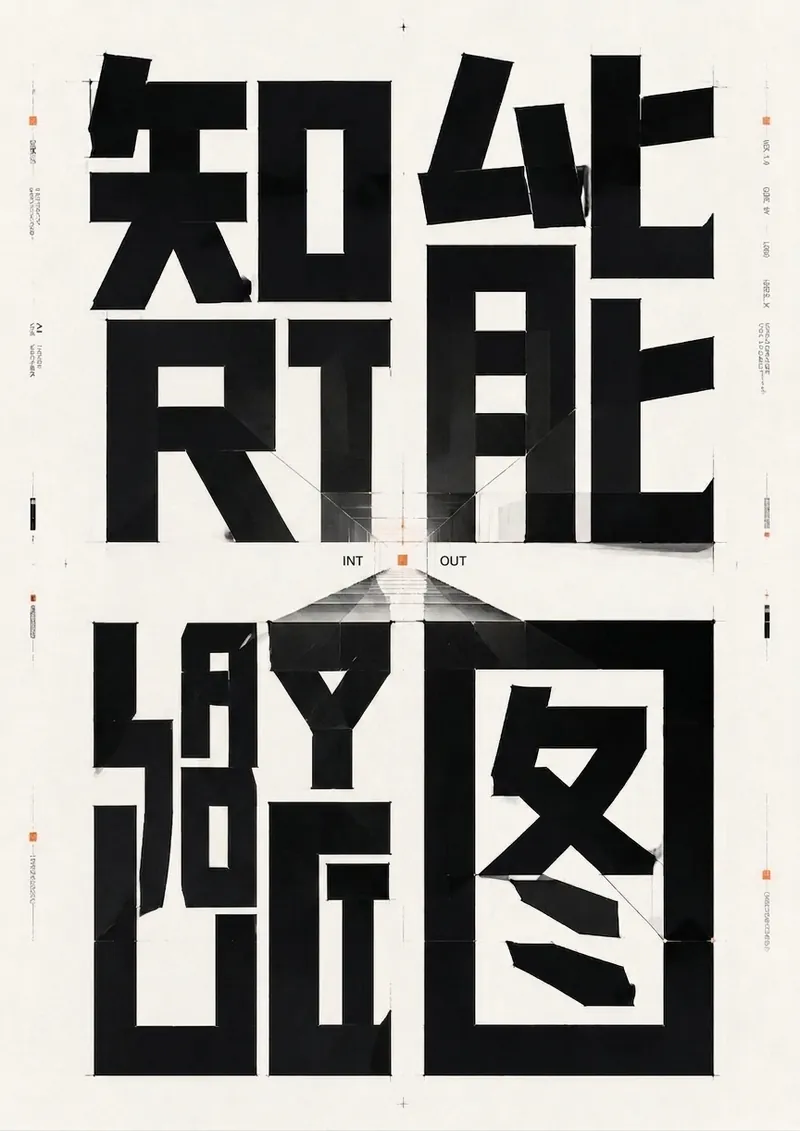
Flat Illustration Generator
Automatically generates textless flat illustrations based on text content, intelligently adapting style and visual elements. Suitable for use as illustrations in presentations and articles.
 Image
ImageNotion-Style Art Studio
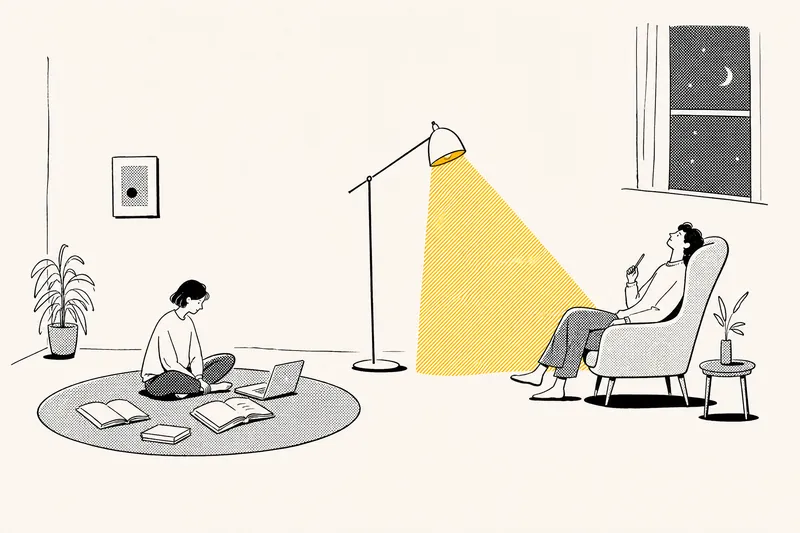
Turn your ideas into images with a handmade feel. This Skill recreates the widely loved illustration language of the Notion website: bold black hand-drawn ink lines, fine halftone dots, generous white space, and restrained monochrome accents—each image uses just one color: red, blue, or yellow. It deliberately avoids the generic flat vector illustrations and Corporate Memphis style common today, offering a texture closer to editorial magazine illustration. What it can do: · Illustration assets — Feature icons, small still-life illustrations, interface mockups, close-up portraits, multi-person narrative scenes, and cohesive sets of illustrations generated in one go · Posters — Quote posters, personal reflection cards, event announcements, and covers for WeChat Official Accounts and Xiaohongshu · Information design — Product hero images, feature overview grids, process diagrams, and hand-drawn data charts · Photo transformations — Add ink-line illustrations to your photos or turn an entire photo into an ink-and-halftone image · Custom creations — Apply this style to any scene you have in mind Chinese copy can be handled in two ways: short phrases can be generated directly in the image, while longer copy gets a clean text area for you to add later, giving you more control over the result. When your intent is clear, it generates the image directly. When you are not sure what you want, it gives you options instead of making you fill out a long form.
Soft Modern Tech Illustration
Description
Create technical illustrations like a professional designer. The soft, modern color palette and flat style make your diagrams instantly look sophisticated and eliminate dullness.
Related Skills
View allUnderstand with One Image
Create illustrations like a professional designer! Intelligently generate and optimize image prompts, deeply understand the subject, and ensure consistent style across image series, making your visual expression professional and efficient.
Flat Illustration Generator
Automatically generates textless flat illustrations based on text content, intelligently adapting style and visual elements. Suitable for use as illustrations in presentations and articles.
ImageNotion-Style Art Studio
Turn your ideas into images with a handmade feel. This Skill recreates the widely loved illustration language of the Notion website: bold black hand-drawn ink lines, fine halftone dots, generous white space, and restrained monochrome accents—each image uses just one color: red, blue, or yellow. It deliberately avoids the generic flat vector illustrations and Corporate Memphis style common today, offering a texture closer to editorial magazine illustration. What it can do: · Illustration assets — Feature icons, small still-life illustrations, interface mockups, close-up portraits, multi-person narrative scenes, and cohesive sets of illustrations generated in one go · Posters — Quote posters, personal reflection cards, event announcements, and covers for WeChat Official Accounts and Xiaohongshu · Information design — Product hero images, feature overview grids, process diagrams, and hand-drawn data charts · Photo transformations — Add ink-line illustrations to your photos or turn an entire photo into an ink-and-halftone image · Custom creations — Apply this style to any scene you have in mind Chinese copy can be handled in two ways: short phrases can be generated directly in the image, while longer copy gets a clean text area for you to add later, giving you more control over the result. When your intent is clear, it generates the image directly. When you are not sure what you want, it gives you options instead of making you fill out a long form.
Find your next favorite skill
Explore more curated AI skills for research, creation, and everyday work.