This guide will walk through running Claude Code on your phone in under 5 minutes and 500 words. To get started, you'll need:
- An Anthropic subscription or API key
- A Replit account
It's easiest to start on your laptop. First, head to this template and click Remix
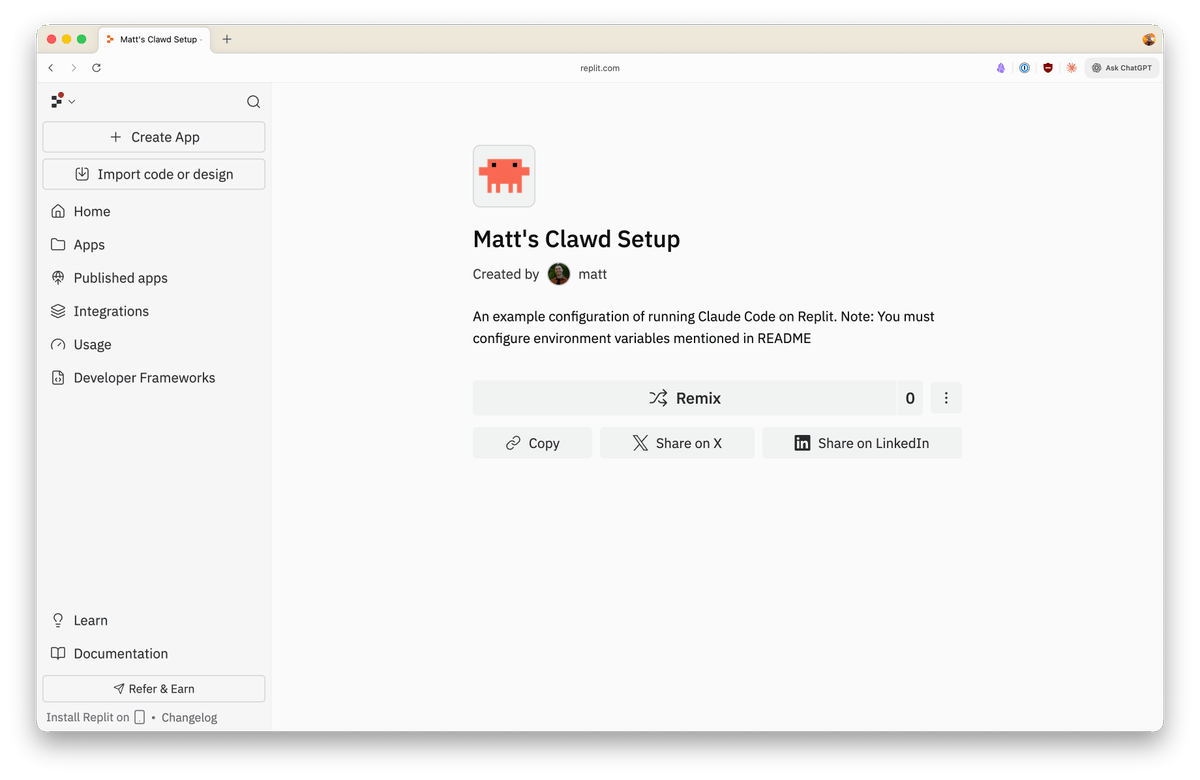
Matt's Claude template
You'll see a prompt that secrets are missing in the bottom right, click it and you'll be taken to the Secrets pane.
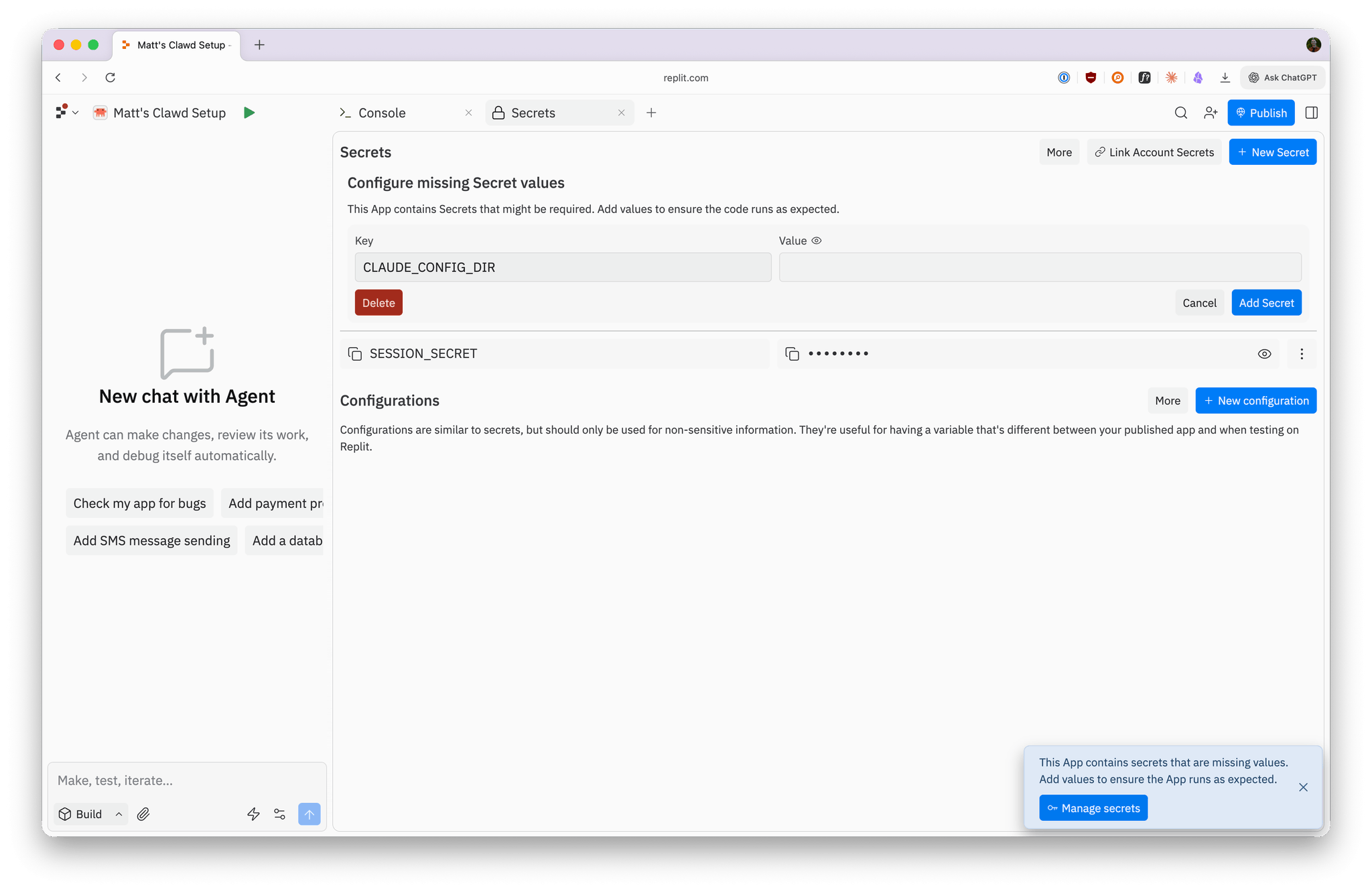
Paste in \/home/runner/workspace/.claude-user\ (no quotes) as the value for CLAUDE_CONFIG_DIR - don't forget to click "Add Secret"
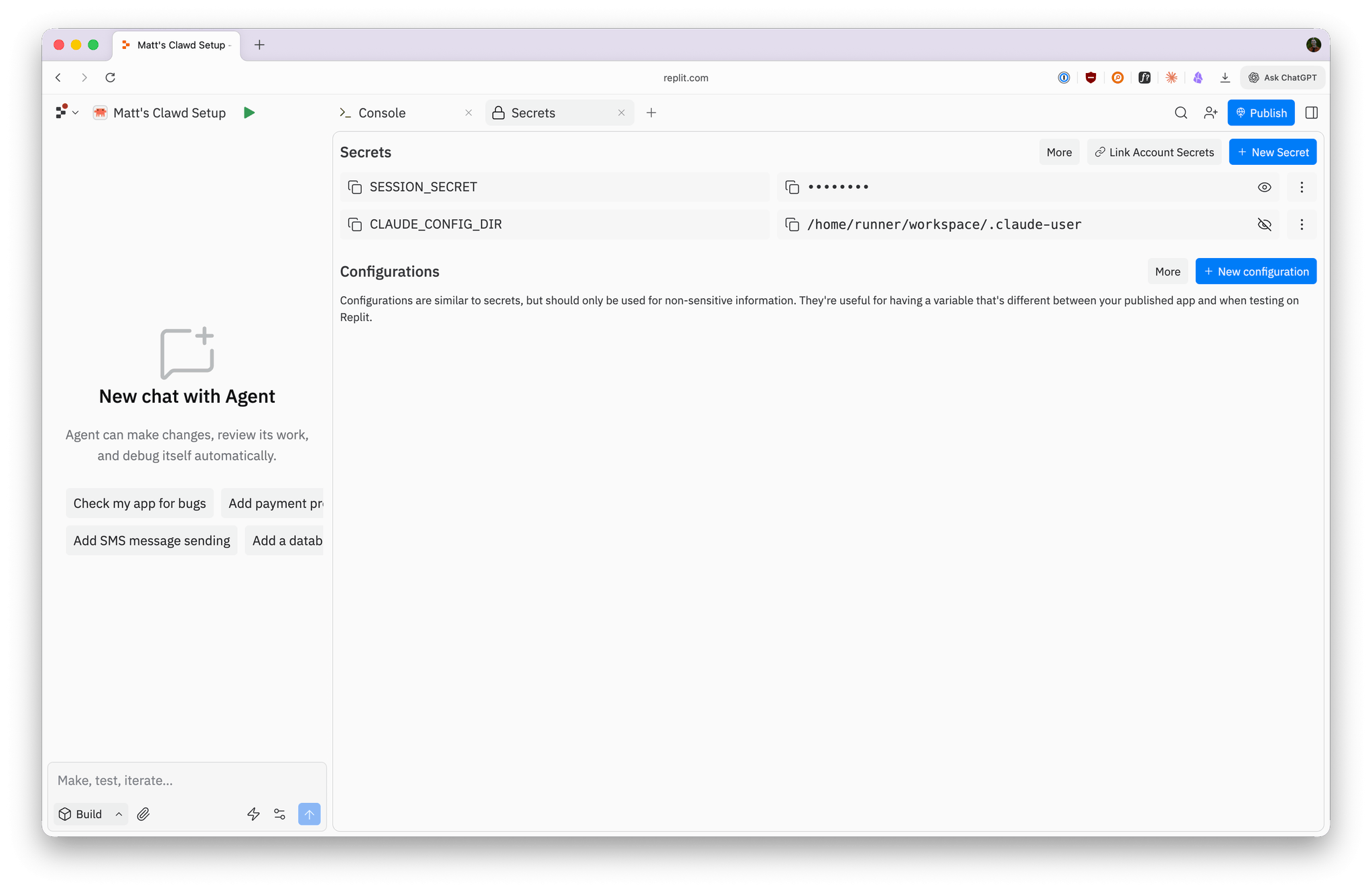
Now, click the plus icon next to the "Secrets" tab and search for "Shell"
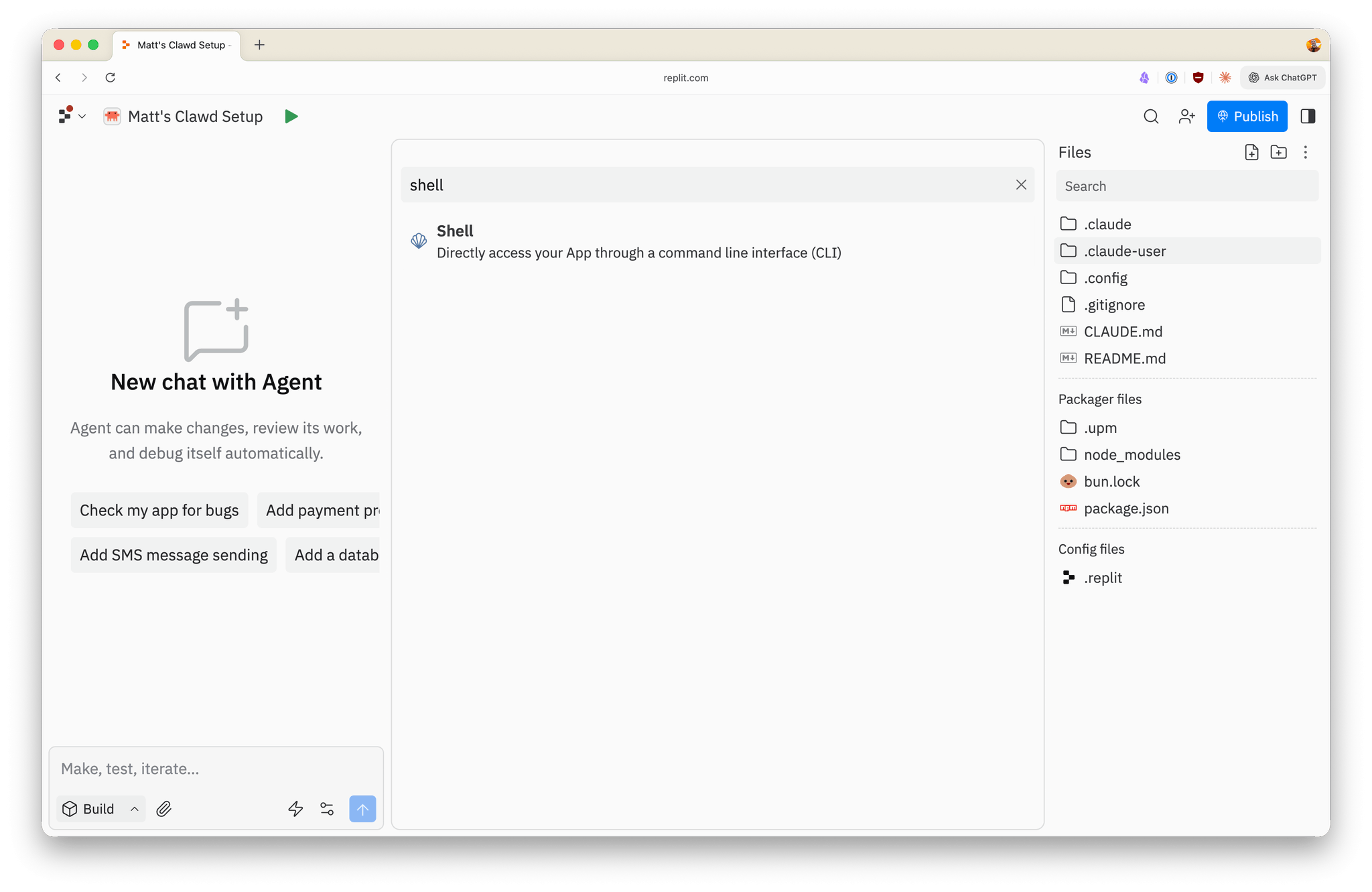
Search for the shell in tools
Open the Shell and type in "claude" - voila! Claude Code is running
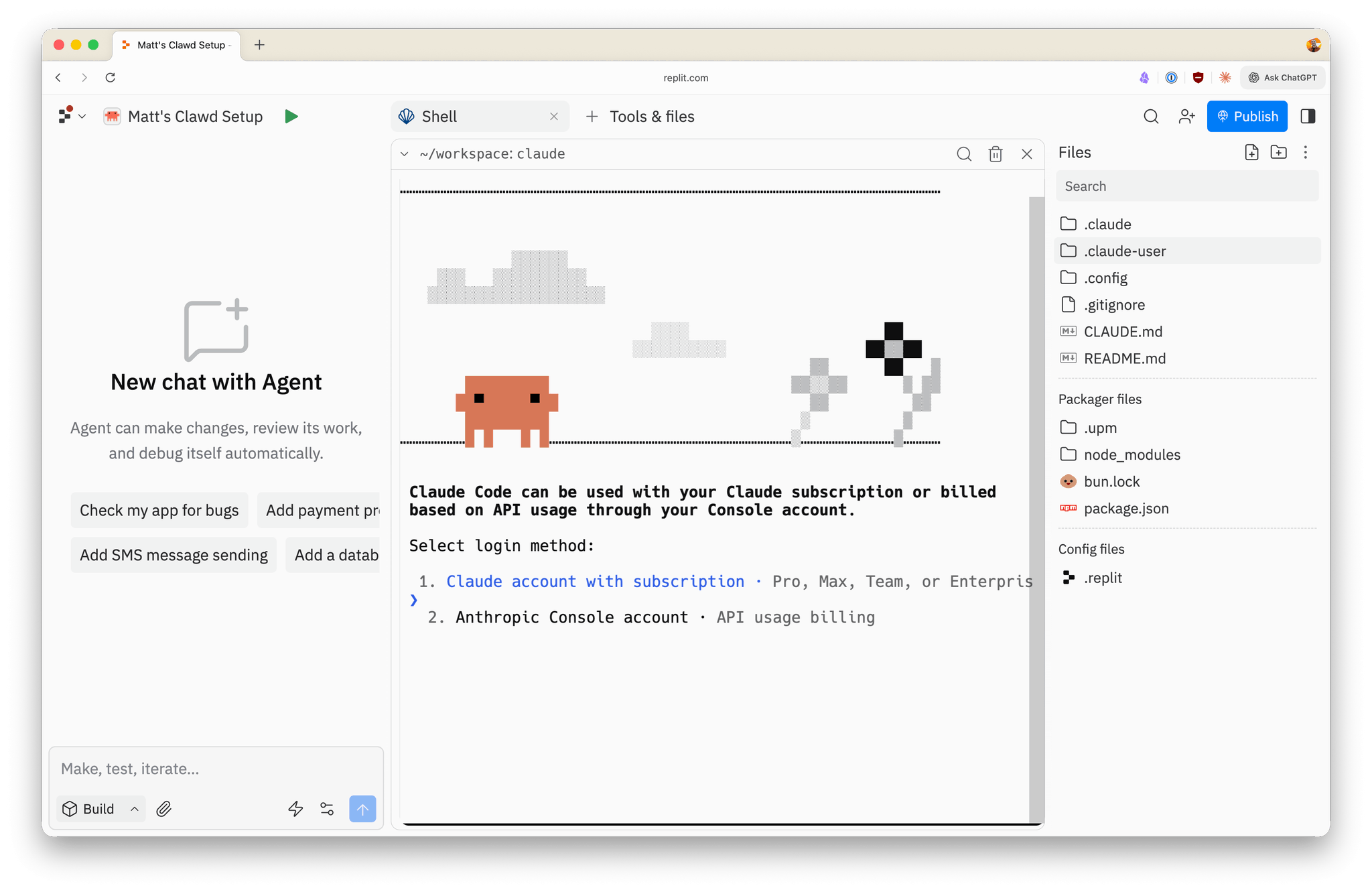
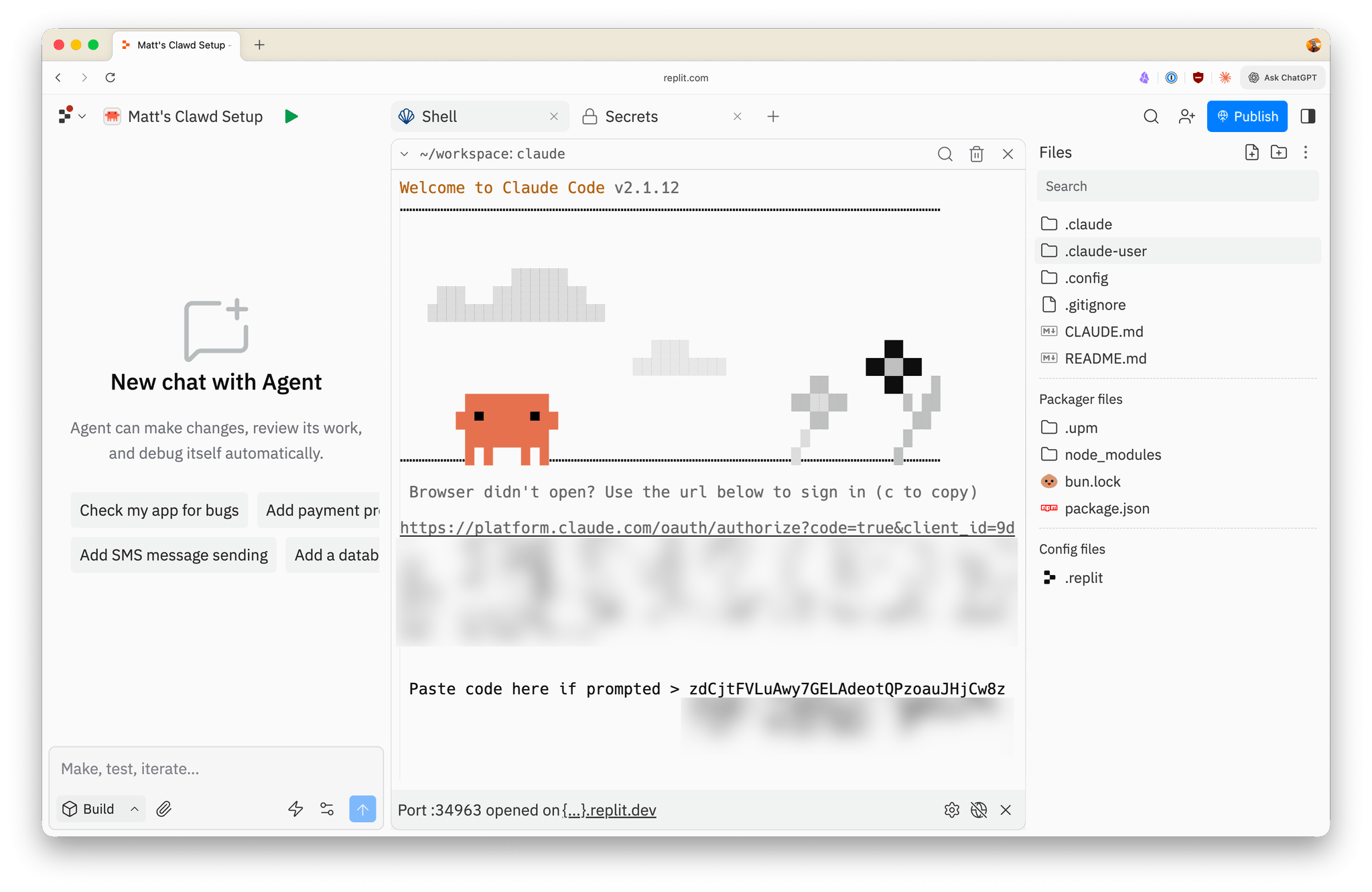
Login with Anthropic - do not authorize at the clicked link, instead copy / paste the URL
Follow the authorization prompts, when a new window is opened and you're prompted to authorize, do not - instead, go back to the terminal and there will be a URL.
Copy / paste the URL, get the resulting code, and paste that in your terminal
Now the fun part.
Install the Replit mobile app on your phone.
Open it up and sign in. You will see your app from before - select it.
Click the "three rectangles" icon in the bottom right to open the tools
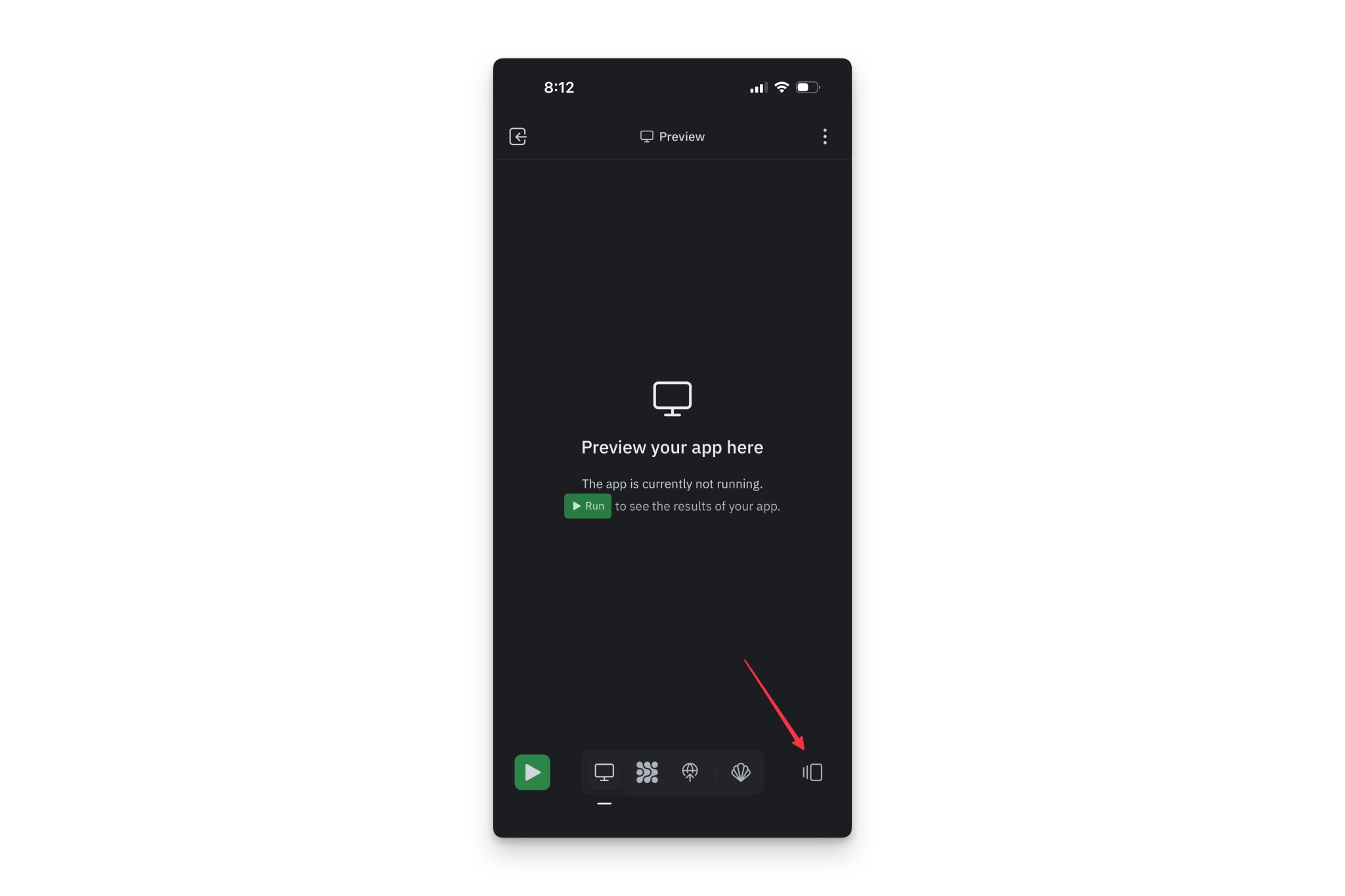
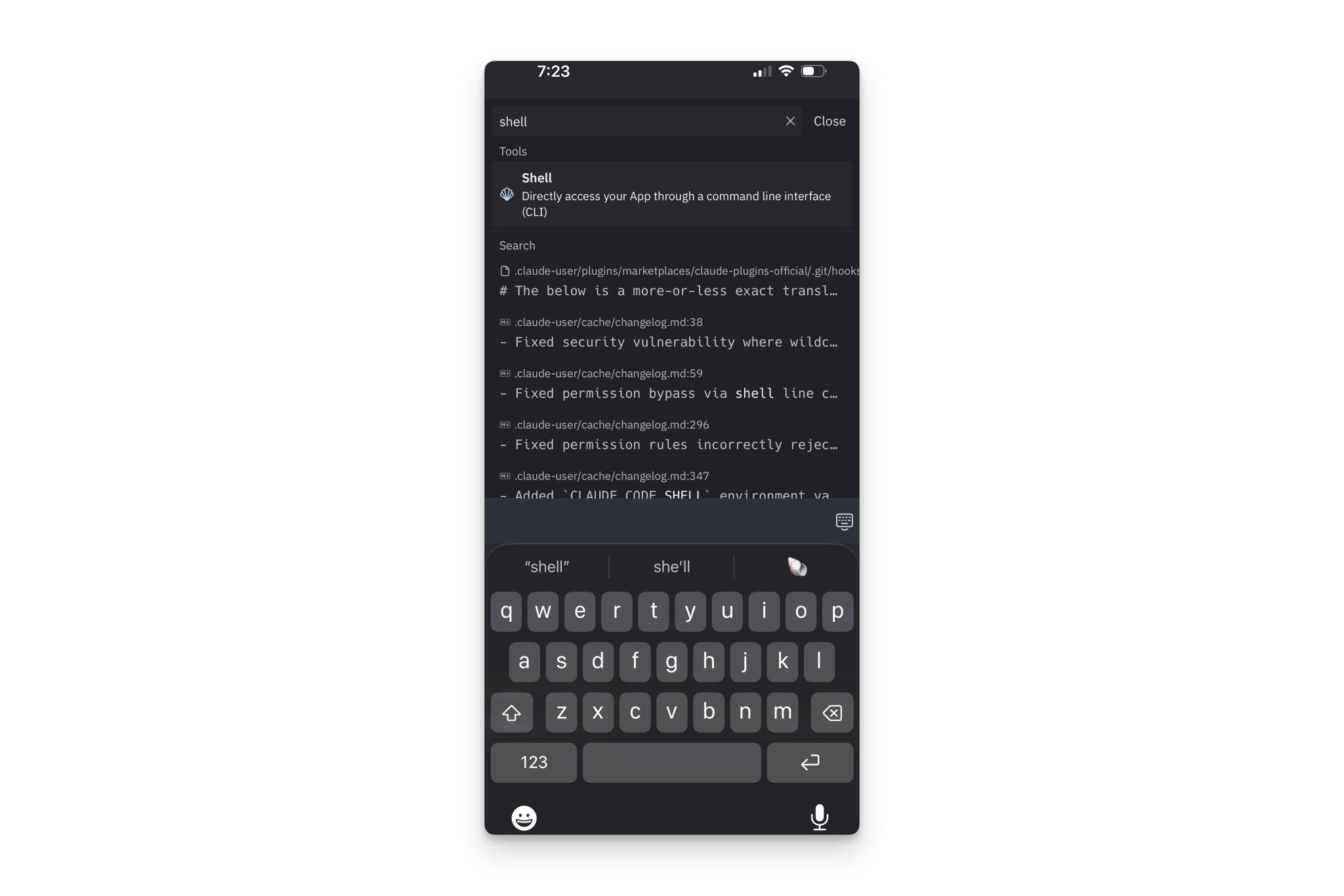
Search for "Shell" - tap it!
Now that you're logged in, we can open your phone!
Tap the Shell selector in the top left - you'll see our "claude" command from before
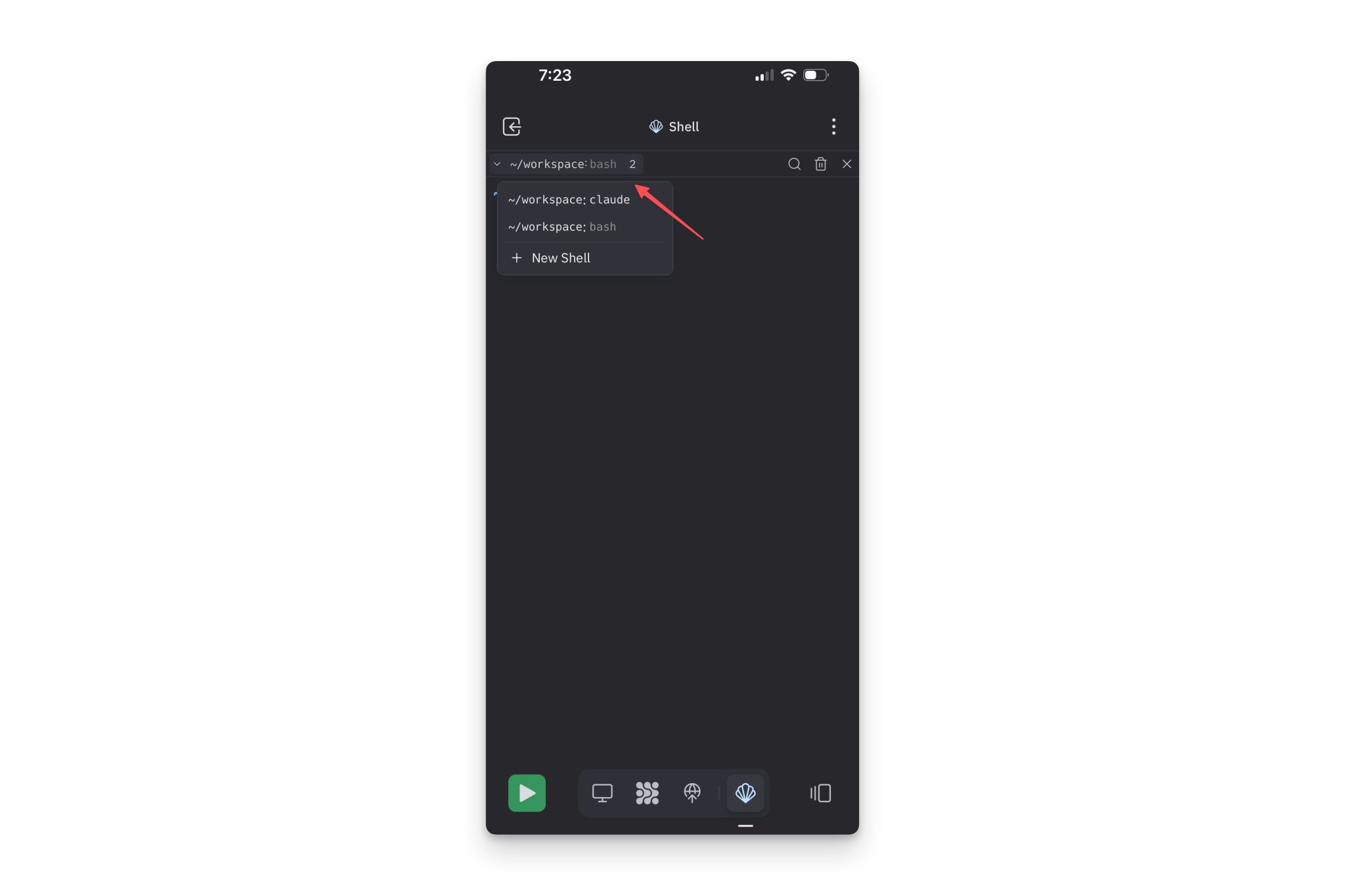
Open the shell on mobile
Boom! Claude Code is running on your phone... You might notice it's sync with the version on your desktop! (more on that below)
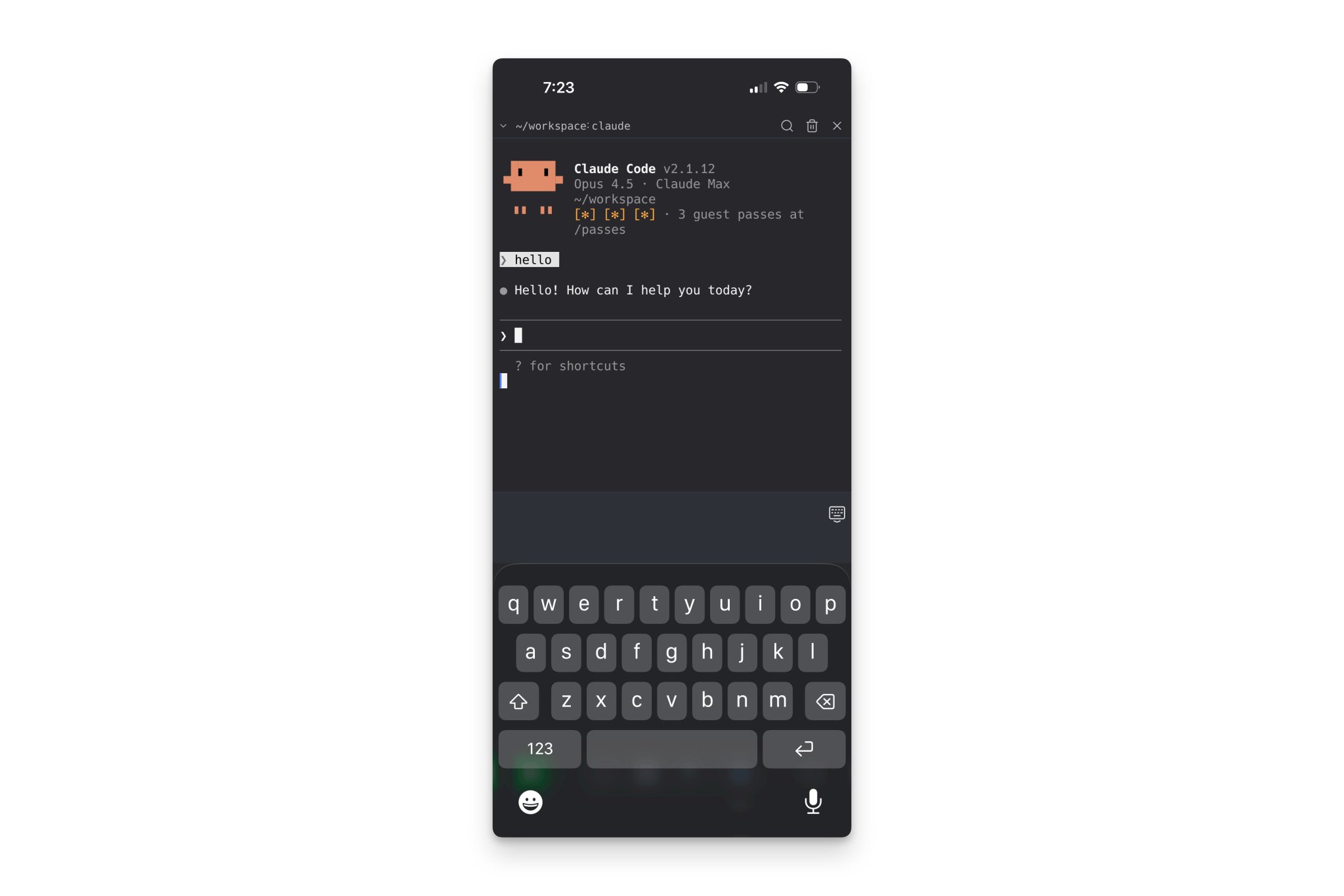
Claude on mobile!
From here on out, you can simply open up the Shell in the app on your phone and type "claude" to run Claude Code.
IMPORTANT: this app has your credentials in the \.claude-user\ directory. It will be ignored by git, but you should not share this app with anyone or make it public without first deleting that directory
What we just did:
- We created a "sandbox:" every Replit app is it's own isolated environment, running in the cloud. You might also hear this called a container or a virtual environment.
- Replit apps allow you to write and execute code, we normally do that with our own agent - Replit Agent. You can see it on the left hand side of the app.
- Claude Code was already configured in this template, so you started the package in our Shell, which is just a terminal
- Authorizing Claude wrote credentials to the \
.claude-user\directory, which is necessary to persist through Replit environment restarts. - Opening Replit on your phone loaded the same virtual environment as the one running on your laptop. That's because the environment is running on a remote server in the cloud.
- Replit can display the same environment in real time on multiple devices, what we call "multiplayer" - this is thanks to some amazing engineering by the team.
- Now, you can control Claude from both your phone & your computer. The same is true of Replit Agent and any other project on Replit.
You can follow the same process in any Replit app that has Claude Code installed, which may be done from the command line. You can also install Skills, plugins, MCP servers, and Hooks as you would normally.
Happy building ✌️