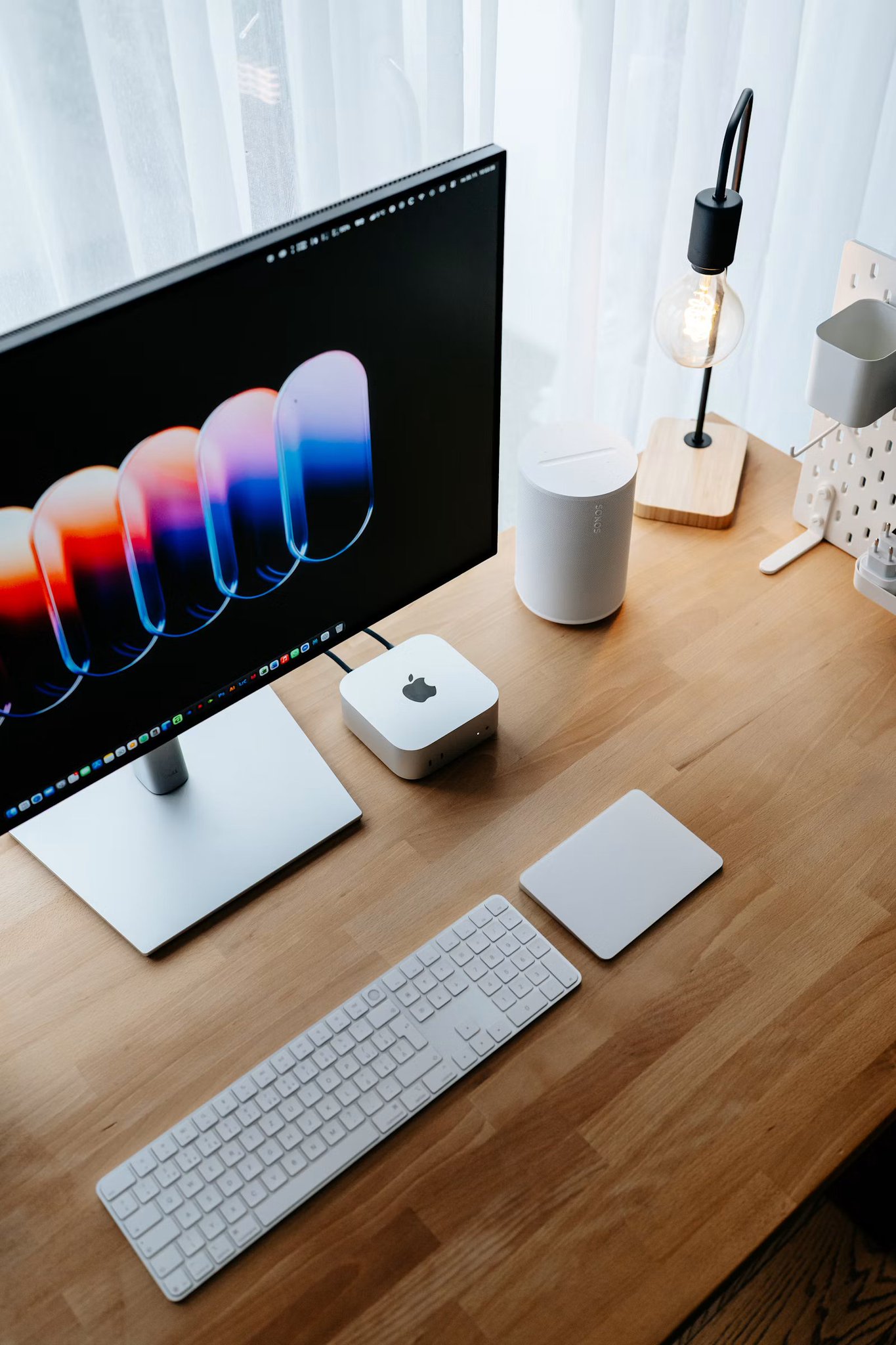
Somewhere a developer is paying $200 a month for AI and has a Mac mini sitting three feet away that could do most of it for the price of the electricity.
The Mac mini is the box people reach for first when they want to run AI at home, and for good reasons. It is silent, it sips power, and it leaves everything on your own machine. But there are two numbers that decide whether it is brilliant or a waste of money for you, and almost nobody explains them before you buy.
This is the honest version. What the Mac mini is great at, where it quietly falls short, which configuration to actually get, and the real math in 2026.
Why the Mac mini, specifically
The magic word is unified memory.
On a normal PC the graphics card has its own VRAM, and that VRAM is a hard wall. If a model does not fit, it does not load. Apple builds one pool of memory that the CPU and GPU share, so the Mac mini can hold and run models that a spec-matched Windows box with separate VRAM cannot.
Add three things to that. It runs near-silent, it pulls 10 to 30 watts under load instead of hundreds, and it is small enough to leave on around the clock as the quiet server behind your automations. That combination is why the Mac mini became the default home AI box, not raw horsepower.
The two numbers that decide everything
Before you look at a single price, understand the two specs that actually matter for local AI.
Memory is capacity. It decides which models can load at all. Roughly: 16GB comfortably runs a 7B model, 24GB stretches to a quantized 14B, and you want 48GB before a 30B model is genuinely comfortable. Buy for the model size you want to run, because this is a wall, not a slider.
Bandwidth is speed. It decides how fast the words come out once a model is loaded. This is the part the Mac marketing never puts on the box, and it is where the two chips split hard:
1Apple M4 120 GB/s2Apple M4 Pro 273 GB/s
That gap is not cosmetic. It is why the base M4 feels instant on a 7B model and starts to crawl on anything large, while the M4 Pro stays usable on 30B models. Capacity gets the model to load. Bandwidth is whether you enjoy using it.
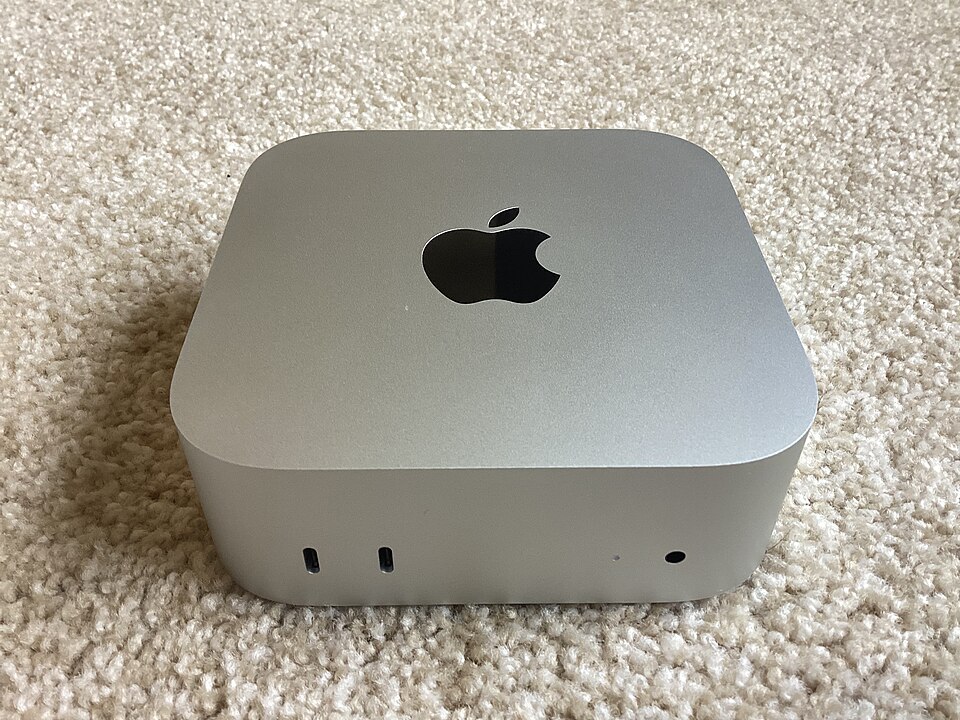
Which configuration to actually buy
Three honest tiers, with real measured speeds.
The base M4 (16 to 24GB, 120 GB/s). This is the "my daily assistant lives here" machine. On 16GB it runs Llama 3.2 3B and Qwen2.5 7B at around 25 tokens a second, which feels instant, and a 14B model at about 10 tokens a second, which is usable but no longer snappy. Perfect for writing, drafting, summarizing, classification, and Q&A over your own notes. It will not enjoy a 30B model.
The M4 Pro (48GB, 273 GB/s). This is the best Mac mini for local AI in 2026, full stop. The extra bandwidth and memory let it run a 30B-class model at roughly 40 tokens a second in real chat use, which is genuinely comfortable. If you want the mini to be a real inference server and not just a chatbot, this is the one.
Skip the middle if you can. A base M4 stuffed with maxed RAM but stuck at 120 GB/s will load bigger models and then run them slowly. If you need big models, the bandwidth of the Pro matters more than a few extra gigabytes on the base chip.
The honest math in 2026
Here is where the story changed this year, and the honest version matters.
1Mac mini M4 (16GB / 512GB) from $7992 24GB memory upgrade ~ +$2003Mac mini M4 Pro (24GB) from $1,5994 48GB configuration higher, and supply-limited5Electricity, 24/7 ~$3 to $8 / month
The base price jumped from $599 to $799 this year, and Apple quietly capped the M4 at 24GB and the M4 Pro at 48GB, because a global memory shortage driven by AI datacenter build-outs has made RAM scarce and expensive. For a machine where memory is the whole point, that is the honest asterisk: price the config you actually need, and know the number is drifting up, not down.
Against a subscription stack, the payback is real but not instant. A $799 mini set against a $100-a-month AI habit clears in about eight months, then it is a few dollars of electricity forever. Against a light $20 ChatGPT Plus habit, the mini never pays for itself in cash, and you should not pretend otherwise. The box is worth it when you actually run AI daily, not occasionally.
The setup takes one afternoon
The process is the same for every config.
Install Ollama, the tool that turns any model into a local API that speaks OpenAI's language:
1curl -fsSL https://ollama.com/install.sh | sh
Pull a model sized to your memory:
1# base M4, 16 to 24GB:2ollama pull llama3.23ollama pull qwen2.5:7b45# M4 Pro, 48GB:6ollama pull qwen2.5:32b
Then point any tool you already use at the local endpoint by changing one line:
1client = OpenAI(base_url="http://localhost:11434/v1", api_key="ollama")
Add Open WebUI in Docker if you want a browser chat that looks like ChatGPT, and you have a private assistant running entirely on your desk.
What actually goes wrong
Memory is the ceiling, and it is expensive right now. Every "it won't run" story is a model that did not fit. Buy the RAM up front, because you cannot add it later, and the shortage has made those upgrades pricier than they were a year ago.
The base M4 is bandwidth-limited. At 120 GB/s it is a joy on 7B models and sluggish on large ones. Do not buy the cheapest mini expecting 30B speeds. That is what the Pro is for.
Frontier work still belongs in the cloud. The hardest reasoning and cutting-edge coding still favor the best hosted models. The Mac mini is the reliable, private, always-on workhorse for the everyday 80%, not a replacement for everything. Keep one cloud subscription for the hard 20% and run the rest at home.
It is not portable. This is a desktop tethered to a wall. If you need AI on the move, this is the wrong tool.
Who it is for, and who it is not
Get a Mac mini if you use AI daily, want a silent machine that runs around the clock, care about keeping your data on your own hardware, and are happy in a terminal for the setup. Get the M4 Pro if you want to run 30B models at real speed.
Skip it if your whole AI life fits inside a $20 subscription, you only need a chatbot now and then, or you need something you can carry.
Two things to do now
Try it free first. Install Ollama on the Mac you already own and run a 7B model this weekend. Any Apple Silicon machine with 16GB does it. Prove the workflow before you spend a cent.
Then buy for the model, not the sticker. Decide the biggest model you actually want to run, then pick the config whose memory holds it and whose bandwidth runs it. For most people that is a 24GB base M4. For anyone serious about 30B models, it is the M4 Pro with 48GB.
The strategy was never the hard part. It is a quiet box, a one-line change, and the decision to stop feeding a subscription for work a machine on your desk can already do.
Follow for more breakdowns like this.
*
*I break down AI tools and the money being made with them like this regularly. Follow for the next one, and join my Telegram: https://t.me/+3XrP38Cv9fk2YTM6