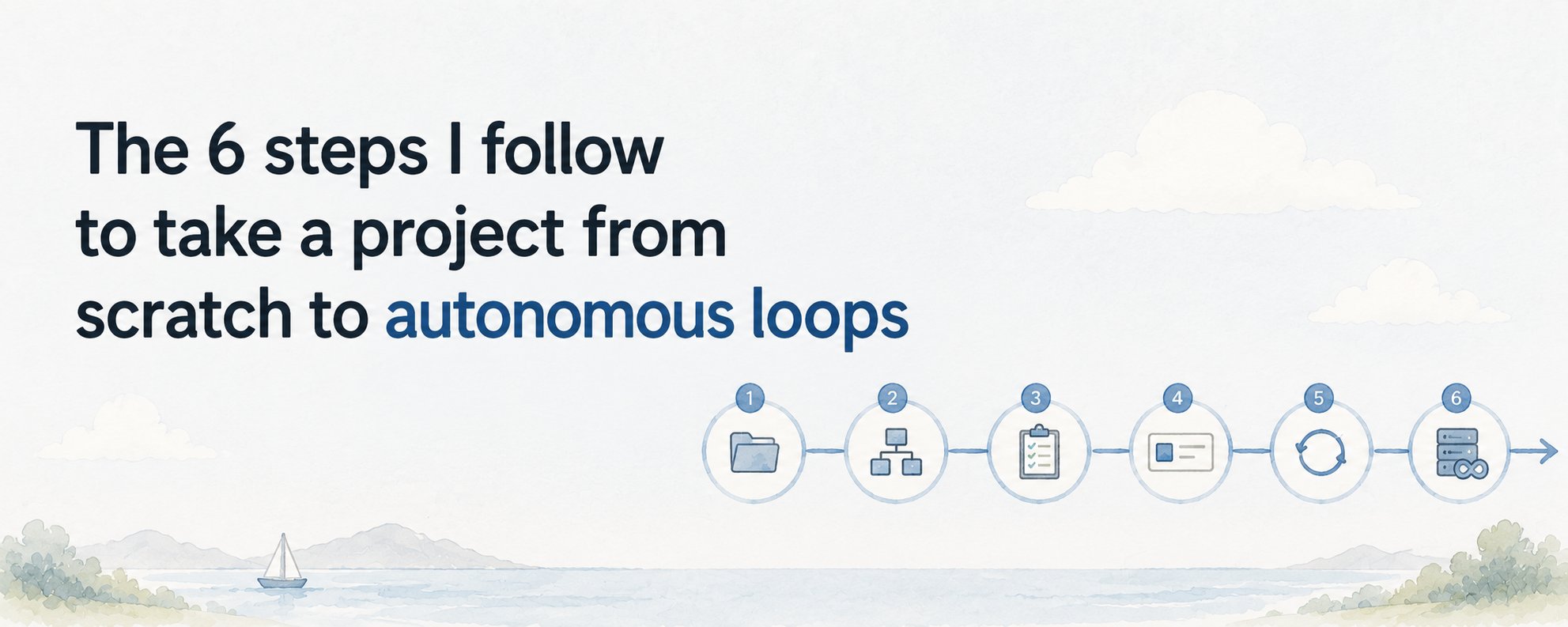
learn how to set up Claude as a full content operation. configure your agent roles, build the production pipeline, and turn a Claude Project into a machine that researches, writes, reviews, and publishes, while you do other work.
most people use Claude to write one thing at a time. they open a chat, type a prompt, get output, close the tab. the next day they do it again from scratch. that is not a content operation. that is manual labor with an AI keyboard.
a content machine is different. it is a set of agents with defined roles, a shared memory file they all read from, and a pipeline that moves a topic from idea to published output with minimal input from you. this article shows you exactly how to build it.
Understand the Structure Before You Build
a content machine has four roles: researcher, writer, editor, and publisher. each role is a separate Claude Project with its own system prompt and its own job. no single agent does everything.
the researcher finds angles, pulls references, and writes a brief. the writer turns that brief into a draft. the editor reviews against your brand voice and flags weak sections. the publisher formats the output and prepares it for wherever it goes.
a shared file called \PIPELINE.md\ sits at the center. every agent reads it at the start of a session and writes its output back to it. this is the memory that connects four separate agents into one working system.
Set Up the Researcher Agent
open claude.ai and create a new Project. name it "Content Researcher." paste this as the system prompt:
you are a content researcher. your job is to take a topic and return a structured brief.
read PIPELINE.md first. find the topic listed under "NEXT UP." research it and return:
- one sharp angle (not the obvious take)
- three supporting points with real specifics
- two sources worth referencing
- one question the audience is actually asking
write your brief under "BRIEF" in PIPELINE.md. mark the topic as "BRIEFED."
give it a real topic on the first run: "write a brief on how solopreneurs use Claude Projects to replace hiring." review what it returns. correct anything that missed your standard. that correction becomes the new benchmark for every run after.
Set Up the Writer Agent
create a second Project. name it "Content Writer." paste this system prompt:
you are a content writer. your job is to turn a brief into a finished first draft.
read PIPELINE.md first. find the brief listed under "BRIEF." write the article using this format:
- hook: one sentence that names the outcome upfront
- body: short paragraphs, max 4 lines each, plain language, no filler
- no conclusion that summarizes what was already said
use the voice in VOICE.md. save your draft under "DRAFT" in PIPELINE.md. mark the status as "DRAFTED."
VOICE.md is a separate file you write once. put five examples of your best existing content in it. tell the agent: "this is the voice, rhythm, and format every article must match." it reads this file every session and writes to match it.
Set Up the Editor Agent
create a third Project. name it "Content Editor." paste this system prompt:
you are a content editor. your job is to review a draft and return specific fixes, not rewrites.
read PIPELINE.md first. find the draft under "DRAFT." check it against VOICE.md. return:
- any paragraph that exceeds 4 lines: flag it, suggest how to cut
- any sentence that has filler or restates something already said: quote it, delete it
- any section where the reader stops learning something new: identify the line
- a verdict: APPROVE or REVISE
do not rewrite the draft. return only precise surgical feedback. save your notes under "EDITS" in PIPELINE.md. mark status as "EDITED."
the editor's job is not to like the draft. its job is to catch what the writer missed. the separation between writer and editor is what stops the machine from approving its own mediocre work.
Set Up the Publisher Agent
create a fourth Project. name it "Content Publisher." paste this system prompt:
you are a content publisher. your job is to take an approved draft and prepare it for publishing.
read PIPELINE.md first. confirm the status reads "APPROVED." format the article for [your platform: Substack / Ghost / Medium / LinkedIn]. return:
- the formatted article ready to paste
- a title option and an alternate title
- a two-sentence description for the preview card
- three hashtags if the platform uses them
save the final output under "READY" in PIPELINE.md. mark status as "PUBLISHED."
swap the platform name for whatever you actually publish on. if you publish on multiple platforms, create one publisher agent per platform. each formats the same approved draft differently.
Build the PIPELINE.md File
create a plain markdown file called PIPELINE.md. this is the connective tissue of the whole system. every agent reads and writes to it. structure it exactly like this:
Content Pipeline
NEXT UP
- topic goes here
BRIEF
[researcher writes here]
DRAFT
[writer writes here]
EDITS
[editor writes here]
READY
[publisher writes here]
STATUS
current stage: [BRIEFED / DRAFTED / EDITED / APPROVED / PUBLISHED]
upload this file to every Claude Project as a piece of Project knowledge. when an agent finishes its job, it writes back to the relevant section and updates the STATUS line. the next agent picks up from there.
Run the Machine for the First Time
drop a topic into PIPELINE.md under "NEXT UP." open the Researcher Project, type: "read PIPELINE.md and complete your job." review the brief it returns. if it is solid, update the STATUS to BRIEFED.
open the Writer Project. type: "read PIPELINE.md and complete your job." it reads the brief and returns a draft. review it. if it matches your voice, update the STATUS to DRAFTED.
open the Editor Project. type: "read PIPELINE.md and complete your job." it reviews the draft and returns specific edits. apply the ones that are right. when you are satisfied, update the STATUS to APPROVED.
open the Publisher Project. type: "read PIPELINE.md and complete your job." it returns the formatted, ready-to-publish article. paste it directly into your platform.
the first run is manual and slow. that is correct. you are not automating yet. you are verifying that each agent does its job well before you step back.
Add Scheduling Once Each Agent Is Reliable
Claude Code has a built-in scheduling system. once you are confident in each agent's output, go to the Claude desktop app, open Claude Code, and run \/schedule\ to create a routine for each stage.
a practical starting schedule: researcher runs at 7am and drops a brief into PIPELINE.md. you review and approve by 9am. writer runs at 10am and returns a draft by noon. you review and approve. editor runs at 1pm. you apply the edits. publisher runs at 3pm. you paste and publish.
your input is four approval moments, not four creation sessions. the agents handle the production. you handle the judgment.
Keep the Machine Improving
every time an agent produces something that misses the mark, update its system prompt with the specific correction. do not rely on memory. the prompt is the agent's operating standard. corrections that stay only in your head die the next time you open the Project.
once a week, read the last five published articles and check them against your VOICE.md file. if the voice has drifted or improved, update VOICE.md to reflect the current standard. all four agents read from it. one update tightens the whole machine.
the machine does not improve on its own. you improve it. but the inputs get smaller and the outputs get better each week because the corrections compound across every future run.
What Your Job Becomes
you are not the writer anymore. you are the editor-in-chief. your job is to set the standard, approve or reject what the agents produce, and update the system when it drifts.
this shift in role is where the actual leverage lives. a writer can produce one or two pieces a week. an editor-in-chief running four agents can review and approve five to ten, with each piece arriving already researched, drafted, and formatted.
the machine runs without you in the production sense. it does not run without your judgment at the approval gates. keep those gates. that is the part that keeps the output worth publishing.