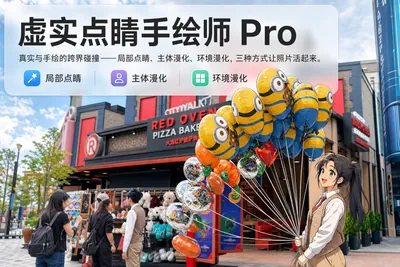
Hand-Drawn Reality Touch Pro
Anime hand-drawn on photo parts or subjects
Featured by
Nico@YouMind
Why we love this skill
Through three modes—Local Touch, Subject Animefication, or Environment Animefication—it perfectly blends real photography with multiple hand-drawn anime styles to precisely create reality-fantasy two-dimensional art masterpieces.
Description
Upload a photo. AI first analyzes it from five dimensions like a visual analyst — what the subject is, how it's composed, the color tone, where the visual focus is, and what emotion it conveys. Then it tells you: which parts are most worth hand-drawing and how to modify them for the best effect. Three reality-blending modes, three ways to play: 🔹 Local Finishing Touch — Keep the overall photo real, and AI selects 2-3 local areas to replace with a hand-drawn style. Patterns on a sign, a coffee cup in hand, a few flowers in a bush — subtle touches that instantly bring the photo to life. 4 hand-drawn styles: Sketch line art / Watercolor wash / Sticker doodle / Clay relief. 🔹 Subject Animation — Turn people, animals, or objects into anime style while keeping the background photorealistic. 5 anime styles: Energetic manga / American superhero comic / Studio Ghibli style / Korean webtoon / Chinese ink wash. The effect is like an anime character stepping into the real world. 🔹 Environment Animation — The reverse: keep the subject real and turn the entire surrounding environment into anime style. The contrast of a person in a two-dimensional world is maximized with one click. Each mode × 2 blending methods: Gradient feathering (natural transition between real and virtual, like ink spreading) / Hand-drawn border (white edge outline, like a sticker). No blind generation — every step is up to you. AI analyzes → recommends a plan → you confirm → then generate. No wasted images. For portrait photos, facial features are automatically preserved and not hand-drawn; local areas are limited to 2-3, with professional constraints on position and size — the result is a "finishing touch," not a "collage." 3 modes · 9 styles · 2 blending methods = 28 reality-blending combinations. The same photo can yield completely different feelings.
Related Skills
View all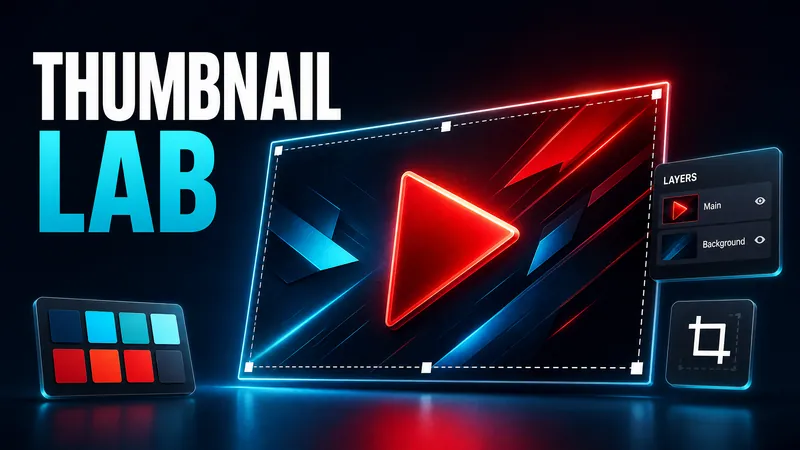 Image
ImageDesign YouTube Thumbnail
Analyzes your video topic and target audience with current trends, offers three testable concepts, and converts the chosen direction into a professional 16:9 YouTube thumbnail.
 Image
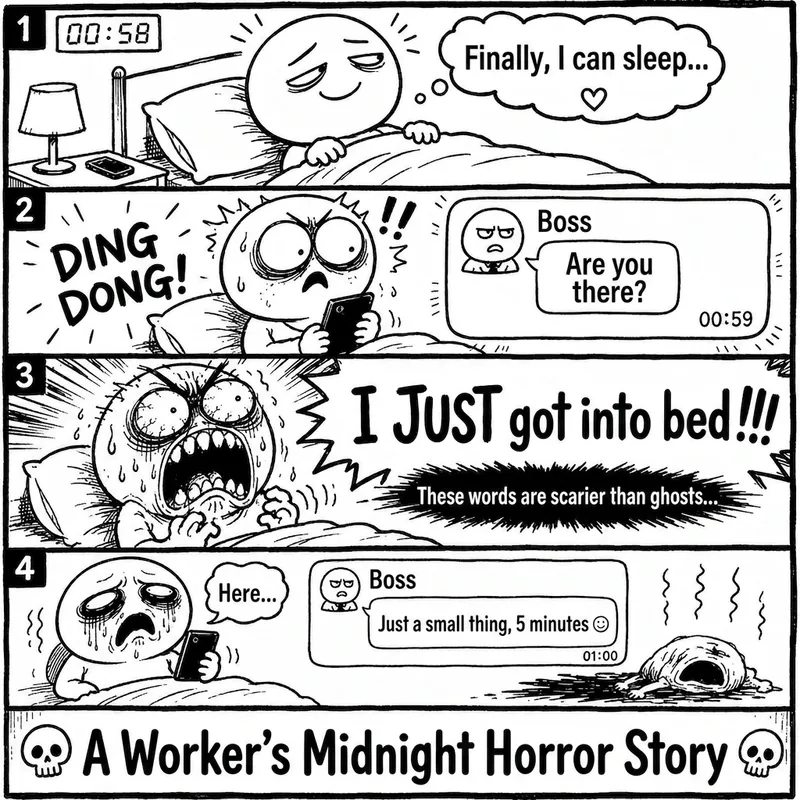
ImageRage Comic Style Image
"One-Page Rage Comic Machine" is a Skill specifically designed to generate Chinese roast comic images. You just need to input a situation, an emotion, a meme, or a phrase like "Today's me", and it will automatically expand into a complete one-page black-and-white rage comic style image. Default generation effects include: - Black-and-white line art - Exaggerated expressions - Big-headed, small-bodied comic characters - Speech bubbles and large-text roast lines - Single-panel large image or 2-4 panel short comic - Clear punchline or final zinger - Suitable for social media posting and meme sharing It is especially well-suited for high-resonance topics such as office worker rants, student meltdowns, social awkwardness, couple daily life, diet failures, waking up late, client revision requests, boss meetings, etc. The Skill does not directly copy existing rage comic pages or specific well-known meme images, but instead generates original one-page online roast comics that provide a reading experience similar to Chinese rage comics.
 Image
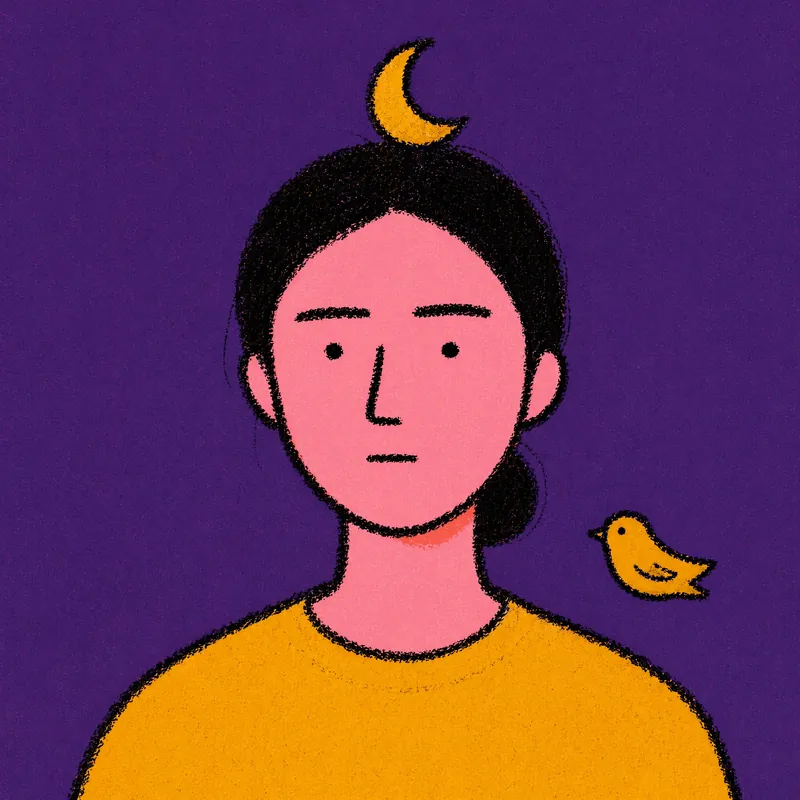
ImageRiso Portrait
Users upload one photo, get 2 Riso Grain Indie style abstract portraits with randomized surreal head elements, referencing the user's face type and hairstyle.
Hand-Drawn Reality Touch Pro
Anime hand-drawn on photo parts or subjects
Featured by
Nico@YouMind
Why we love this skill
Through three modes—Local Touch, Subject Animefication, or Environment Animefication—it perfectly blends real photography with multiple hand-drawn anime styles to precisely create reality-fantasy two-dimensional art masterpieces.
Description
Upload a photo. AI first analyzes it from five dimensions like a visual analyst — what the subject is, how it's composed, the color tone, where the visual focus is, and what emotion it conveys. Then it tells you: which parts are most worth hand-drawing and how to modify them for the best effect. Three reality-blending modes, three ways to play: 🔹 Local Finishing Touch — Keep the overall photo real, and AI selects 2-3 local areas to replace with a hand-drawn style. Patterns on a sign, a coffee cup in hand, a few flowers in a bush — subtle touches that instantly bring the photo to life. 4 hand-drawn styles: Sketch line art / Watercolor wash / Sticker doodle / Clay relief. 🔹 Subject Animation — Turn people, animals, or objects into anime style while keeping the background photorealistic. 5 anime styles: Energetic manga / American superhero comic / Studio Ghibli style / Korean webtoon / Chinese ink wash. The effect is like an anime character stepping into the real world. 🔹 Environment Animation — The reverse: keep the subject real and turn the entire surrounding environment into anime style. The contrast of a person in a two-dimensional world is maximized with one click. Each mode × 2 blending methods: Gradient feathering (natural transition between real and virtual, like ink spreading) / Hand-drawn border (white edge outline, like a sticker). No blind generation — every step is up to you. AI analyzes → recommends a plan → you confirm → then generate. No wasted images. For portrait photos, facial features are automatically preserved and not hand-drawn; local areas are limited to 2-3, with professional constraints on position and size — the result is a "finishing touch," not a "collage." 3 modes · 9 styles · 2 blending methods = 28 reality-blending combinations. The same photo can yield completely different feelings.
Related Skills
View allImageDesign YouTube Thumbnail
Analyzes your video topic and target audience with current trends, offers three testable concepts, and converts the chosen direction into a professional 16:9 YouTube thumbnail.
ImageRage Comic Style Image
"One-Page Rage Comic Machine" is a Skill specifically designed to generate Chinese roast comic images. You just need to input a situation, an emotion, a meme, or a phrase like "Today's me", and it will automatically expand into a complete one-page black-and-white rage comic style image. Default generation effects include: - Black-and-white line art - Exaggerated expressions - Big-headed, small-bodied comic characters - Speech bubbles and large-text roast lines - Single-panel large image or 2-4 panel short comic - Clear punchline or final zinger - Suitable for social media posting and meme sharing It is especially well-suited for high-resonance topics such as office worker rants, student meltdowns, social awkwardness, couple daily life, diet failures, waking up late, client revision requests, boss meetings, etc. The Skill does not directly copy existing rage comic pages or specific well-known meme images, but instead generates original one-page online roast comics that provide a reading experience similar to Chinese rage comics.
ImageRiso Portrait
Users upload one photo, get 2 Riso Grain Indie style abstract portraits with randomized surreal head elements, referencing the user's face type and hairstyle.
Find your next favorite skill
Explore more curated AI skills for research, creation, and everyday work.