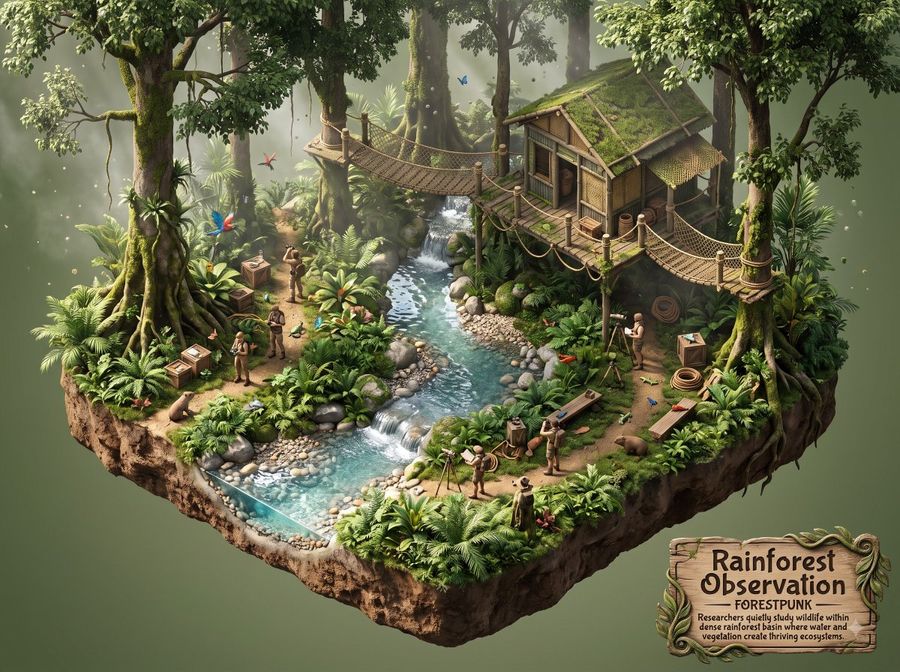
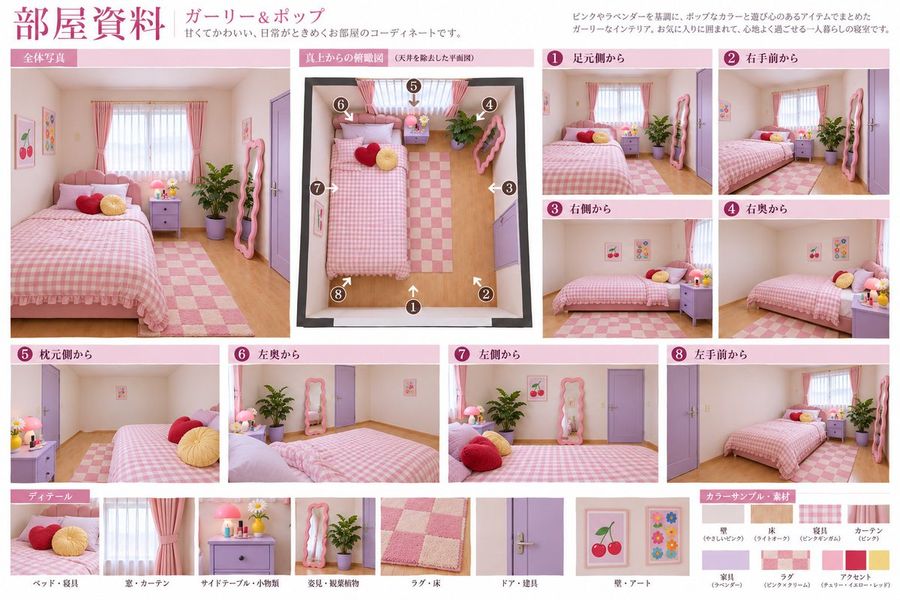
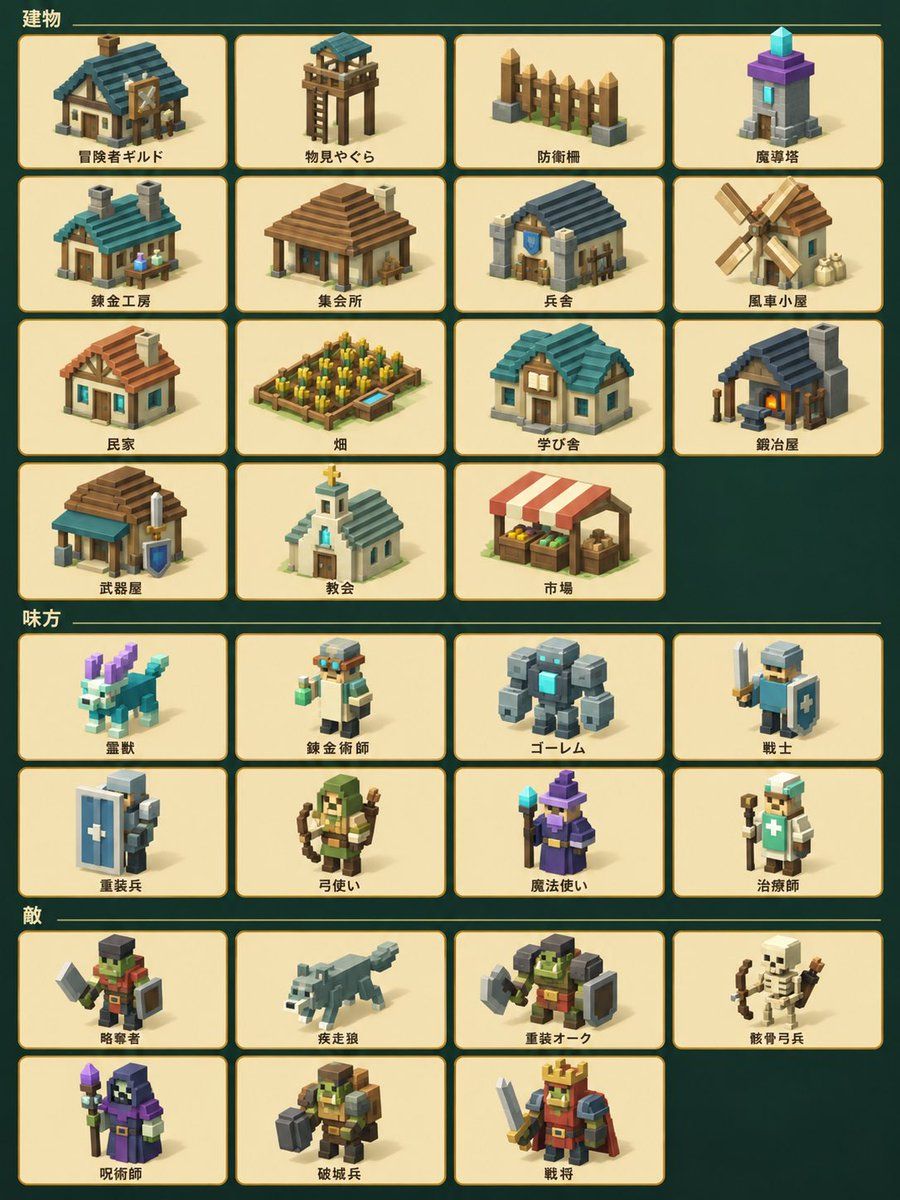
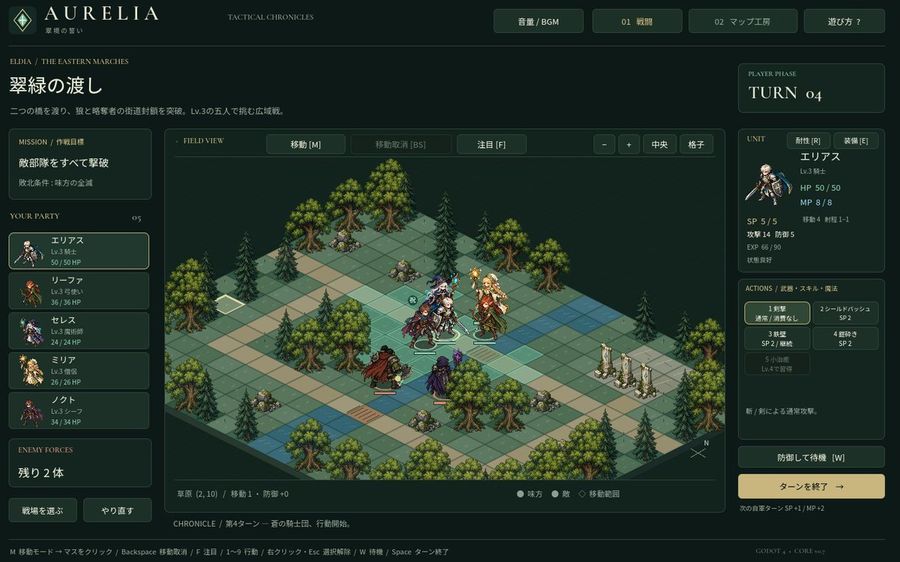
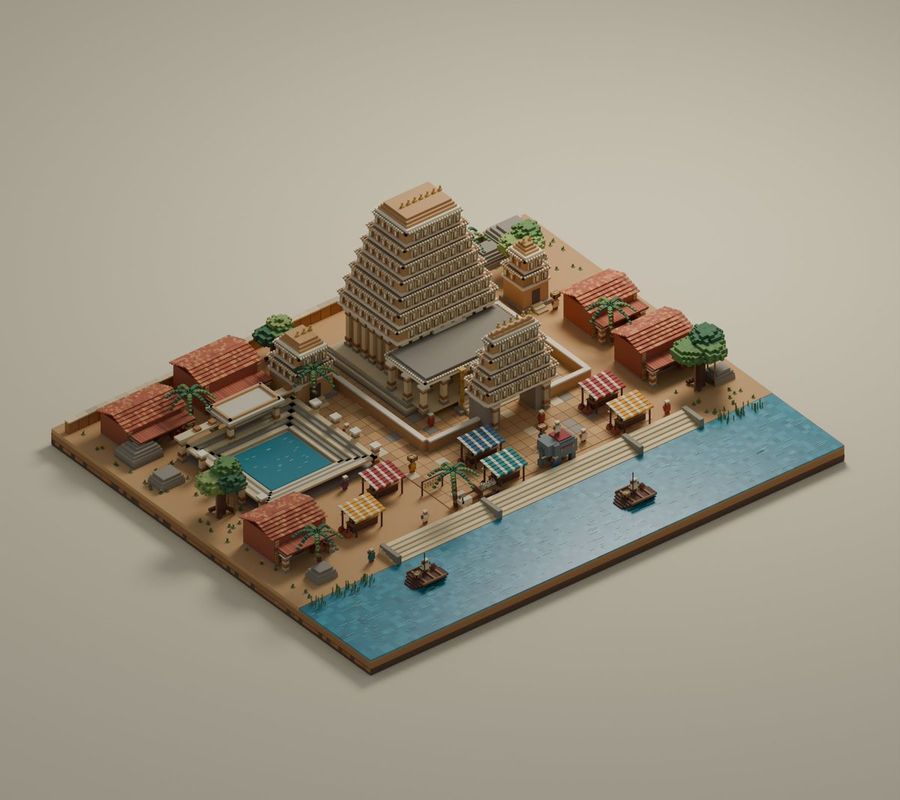
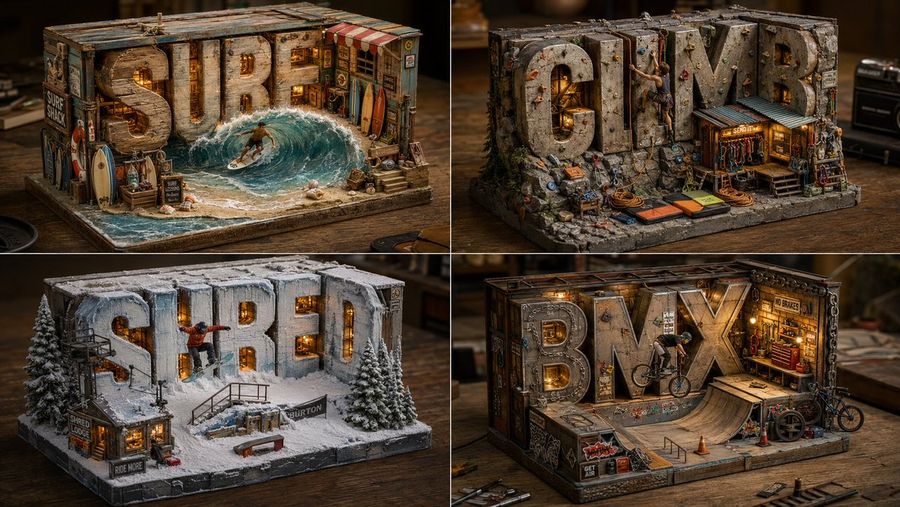
Isometric

Изучите бесплатные промпты Isometric изображение из библиотеки AI-промптов YouMind, сгруппированные по стили. Каждый промпт взят из реальных творческих рабочих процессов и готов к копированию, адаптации и повторному использованию.

Текст в изображениеИзображение в текст
GPT Image 2
Planetary Gear Unit Blueprint
Открыть промпт и скопировать

Goal: Create a dark technical blueprint poster of a mechanical exploded assembly labeled PGU-05 Planetary Gear Unit, with the subtitle “Exploded View & Component Reference,” styled like a precision engineering CAD reference sheet. Canvas: Square 1:1 format on a black/charcoal background with a faint grid, thin border lines, corner crop marks, small registration crosshairs at the top and bottom center, and a small sheet number “01” in the upper-right corner. Use white and light gray monoline drafting lines, with selective red highlights. Main subject: Center a detailed isometric exploded view of a planetary gear unit, vertically arranged from top to bottom. Show exactly 10 labeled component groups with leader lines on the right: 01 Cap screw (x6), 02 Top cover, 03 Ring gear internal, 04 Planet gear (x3), 05 Sun gear, 06 Planet carrier, 07 Thrust washer, 08 Output shaft, 09 Bearing (x2), 10 Housing. Render the exploded parts as transparent wireframe/technical linework with hidden construction lines and dotted alignment axes. Make the sun gear the only emphasized component in red, positioned in the middle of the assembly, with a red leader line and red label. Left information panel: At the upper left, place the title “PGU-05 PLANETARY GEAR UNIT” and subtitle “EXPLODED VIEW & COMPONENT REFERENCE.” Below it, include a specifications block with exactly 5 rows: Gear ratio 27.31:1, Max input RPM 6000, Max output torque 320 N-m, Efficiency 94%, Weight 3.7 kg. Under that, add a function overview paragraph explaining that a planetary gear set uses multiple planet gears rotating around a central sun gear while meshing with an internal ring gear, distributing load and increasing torque capacity in a compact drive train. Inset diagrams: Add exactly 2 inset boxes on the lower-left side. The upper inset is labeled “SECTION A-A” and shows a white line cross-section of the assembled gear unit. The lower inset is labeled “05 SUN GEAR [DETAIL]” and uses red linework to show the isolated sun gear with dimension arrows and annotations such as Ø18.00, Ø32.00, and Ø12.00 (H7). Right reference panel: Use compact monospaced technical text for the component list and notes. Include material and tooth-count callouts such as ring gear Z=72 module 1.25, planet gear Z=24 module 1.25, and sun gear Z=18 module 1.25. Add a notes block with exactly 5 numbered notes: all gears 20° pressure angle, gear material 20CrMnTi, heat treatment carburized, all dimensions in millimeters, tolerances ISO 2768-mK. Add a bottom scale bar labeled 1:1 with ticks from 0 to 100 mm. Visual style: High-detail CAD drafting aesthetic, thin precise strokes, clean monospaced typography, subtle glow on white linework, red accent only for the sun gear detail and corresponding callouts, no photographic shading, no color except white/gray and red. Keep all text legible and aligned like a professional mechanical drawing.

Создать изображение
GPT Image 2
Voxel AI Website Building Infographic
Открыть промпт и скопировать

Goal: Create a square voxel-art Japanese infographic poster about building many AI websites with minimal tools, using a warm beige Minecraft-like block aesthetic. Canvas: 1:1 square composition, 768x768 style, soft studio lighting, tan paper-and-wood background, subtle voxel blocks in the corners, crisp isometric pixel/voxel edges, shallow shadows, no photorealism. Main headline area: At the top, place a large cream beveled signboard with blocky Japanese text reading 300超 AIサイト構築. Make “300超” bright orange-red and “AIサイト構築” black. Under the headline, attach a small centered beige tab label reading 実績. Use thick extruded voxel lettering. Central layout: Below the headline, create one large cream framed panel with a decorative stepped border. Inside it, divide the content into three vertical zones: left checklist, center workflow illustration, right checklist. Use dotted vertical divider lines between the zones. Left checklist: Title label reads 不要. Show exactly 4 rejected items, each with a large black voxel X icon on the left and a small cream label on the right. The 4 labels, top to bottom, are: 「フィグマ」, 「フレーマー」, 「ウェブフロー」, 「コード」. Center workflow illustration: Show exactly 3 main elements stacked vertically: 1) a black computer monitor with a simple code/editor window using orange and beige lines, 2) a cream document sheet with a few text lines and one orange square, 3) an orange right-pointing arrow along the bottom. Keep everything blocky and voxel-built. Right checklist: Title label reads 使うもの. Show exactly 3 approved items, each with a green voxel checkmark icon on a cream square and a small cream label to the right. The 3 labels, top to bottom, are: 「クロード」, 「動画生成」, 「プロンプトだけ」. Bottom row: Place exactly 3 separate cream beveled cards across the bottom of the main panel. Card 1 has an orange chat bubble icon and text 「相談風 デザイン」. Card 2 has an orange cube icon and text 「AIで 構築」. Card 3 has an orange pencil icon and text 「最小入力」. Characters and decorative objects: Add exactly 2 voxel characters/mascots: on the lower left, a small black-haired person in a black hoodie pointing upward toward the panel; on the lower right, an orange-and-white voxel cat sitting beside the panel. Add a small potted blocky plant on a shelf at upper left and a small shelf with upright books at upper right. Include scattered tiny beige and orange cubes for decoration, but keep the poster clean and readable. Visual style: High-quality 3D voxel diorama, blocky extruded Japanese typography, warm cream, tan, orange, black, and green palette, soft ambient occlusion, orthographic front view, friendly educational tech infographic, neatly aligned labels, crisp readable Japanese text. Constraints: Use exactly 4 X-mark rejected items, exactly 3 checkmark approved items, exactly 3 bottom feature cards, and exactly 2 mascot figures. Do not add extra sections, extra checklists, logos, watermarks, or English text.

Создать изображение
Автор: @张扬Zhang
GPT Image 2
Isometric Productivity Desk Scene
Открыть промпт и скопировать

Create a wide 2:1 cinematic 3D isometric desktop scene about digital planning and productivity, with a large empty dark navy workspace on the left for copy space and the objects clustered on the right. Use a premium matte clay-render style with soft bevels, realistic ambient occlusion, subtle depth of field, and dramatic blue-and-gold accent lighting. The surface is a dark navy desk with a smooth gradient background fading from deep blue to charcoal. Subject and layout: Arrange exactly 10 main object groups on the right half of the canvas: 1) a layered stack of documents and folders in white, navy, royal blue, and muted gold, slightly rotated in perspective; 2) a central open document or dashboard sheet showing pale rectangular UI wireframes and blue header blocks; 3) a small raised web page card on top with one blue title rectangle and three lower content blocks; 4) a smaller analytics tile in front with six blue-gray rounded squares; 5) a dark horizontal chart card with a blue folded area graph; 6) a compact donut chart disk with blue and gold segments; 7) a vertical dark checklist panel with six circular status dots and six short horizontal list lines, including one gold highlighted dot; 8) a spiral desk calendar in the upper right with a grid of small dark squares and one gold highlighted date; 9) a circular mouse-button icon with a gold cursor arrow; 10) a blue-and-white file organizer box on the far right holding folders. Additional desk details: Include exactly 1 black fountain pen with gold trim lying diagonally near the bottom center, exactly 1 small gold sticky note on the paper stack, exactly 9 small color swatches near the bottom right arranged as tiny rounded squares in navy, blue, gray, white, and gold, and exactly 3 visible file folders inside the right organizer. Keep all text as abstract lines and blocks, no readable words. Visual style: Minimal corporate design, elegant planning-dashboard concept, monochrome navy palette with warm gold highlights, clean geometric shapes, smooth plastic-paper materials, soft shadows, high-end product mockup aesthetic. Use 2:1 ultra-wide landscape, deep navy gradient, and a quiet professional mood suitable for a technology or productivity hero banner. Constraints: No people, no logos, no watermark, no realistic clutter, no readable text, leave the left 45% of the image mostly empty and dark for headline placement.

Создать изображение
Автор: @Gadgetify
GPT Image 2
Minimalist Isometric Data Physics Cube
Открыть промпт и скопировать

Create a minimalist isometric 3D render that compresses everything related to electricity consumption into one perfect cube. The AI should choose one statistic that can be represented as volume, mass, area, time, money, data, population, waste, emissions, or consumption. The cube should be made from the material implied by the statistic: glowing data. It should sit beside one familiar comparison object: a person. Style: ultra-clean studio render, matte clay or physically accurate material, neutral concrete-grey background, soft ambient occlusion, sharp edges, generous negative space. Add subtle dimension lines showing height, width, and depth. Include one huge numeral floating above or printed on the floor. Caption should state what was compressed, the metric, timeframe, and source year. The spirit: make an impossible quantity feel measurable by turning it into one silent block.

Создать изображение
Автор: @Gadgetify
GPT Image 2
Isometric Room History Timeline
Открыть промпт и скопировать

2x2 grid, 16:9, AI infers: An isometric cutaway of a single room (like a study or kitchen) divided into four seamless quadrants. The bottom-left quadrant is furnished with the earliest era’s [THEME] objects, the top-left is a middle period, the top-right is late period, and the bottom-right is the most modern. The room’s architecture morphs subtly but stays consistent; the objects tell the time shift ::5 Time Logic: AI_INFER 25–30 objects distributed across the four time quadrants, each zone historically consistent. Quadrants flow clockwise like a time-loop ::5 Composition: Isometric view (no perspective distortion), seamless quadrant transitions, no clutter, objects neatly arranged on surfaces ::3 Material Physics: Real materials, period-appropriate aging, soft shadows, no glowing items ::2 Illumination: Neutral ambient light across all zones, no dramatic shadows ::2 Typography: Small year range subtly placed on the floor of each quadrant ::2 Render Stack: Isometric time-room, evolutionary diorama, interior timeline, 8k ::1 Negative: [perspective, broken room geometry, anachronistic mixing across quadrants, excavation, moss, bioluminescence] ::-1

Создать изображение
Автор: @Magali Saucedo
GPT Image 2
Fantasy RPG Region Map Sheet
Открыть промпт и скопировать

Goal: Create a wide fantasy worldbuilding presentation sheet for an open-world RPG region, combining a left editorial note panel and a large illustrated top-down map. Canvas: 16:9 horizontal image, clean white background. The left 20% is a white sidebar; the right 80% is a detailed parchment-dark fantasy map framed edge-to-edge. Left sidebar: At the top, place the logo text The Deals in a medieval serif font, with a small ribbon beneath reading FORTUNA NON DAT, SED PROBAT. Under it, add a painterly fantasy character cluster: exactly 4 ragged adventurer/elf-like figures in sepia watercolor, arranged vertically. Below the illustration add a small byline. Then add two Spanish explanatory paragraphs in a narrow column, modern sans-serif, dark gray, resembling a design note about a third version of early AI concept maps, gameplay events, crystals, ore veins, hunting zones, and needing about 68 hours of gameplay. Main map: An isometric/top-down high-detail fantasy region map titled REGIÓN DE ELDORAN with subtitle ~68h DE JUEGO in an ornate dark plaque at the top right. The region has a snowy mountain range across the top, dense green forests, winding rivers, a turquoise lake, wetlands and marshes on the right, rocky hills, a glowing orange geological fault running vertically near the right side, and a fortified harbor city at the bottom center opening into a teal sea with small islands and docks. Use dramatic clouds and fog around the edges, especially the bottom left and right border, for an unexplored-map feeling. Legend: Add a dark rectangular ornate legend box near the upper left of the map titled “LEYENDA”. It must contain exactly 15 labeled rows with small icons: 1 Ciudad Portuaria Desarrollada, 2 Asentamiento Sin Desarrollar, 3 Puerto Menor, 4 Yacimiento de Cristal de Maná, 5 Mina en Producción, 6 Mina Abandonada, 7 Vetas de Hierro Expuestas, 8 Río Principal, 9 Río Menor, 10 Lago, 11 Humedales / Pantanos, 12 Bosque Frondoso, 13 Sierras / Montañas, 14 Falla Geológica, 15 Zona Sin Explorar. Map markers: Place exactly 1 developed port city marker at the bottom city, exactly 4 minor port anchor markers along rivers/lake/coast, exactly 4 settlement house markers, exactly 5 glowing purple mana crystal clusters, exactly 1 active mine marker, exactly 2 abandoned mine markers, and exactly 4 large question marks in smoky unexplored zones on the right side. Keep marker colors consistent with the legend: blue for ports/water, brown for settlements, purple for crystals, gold for active mine, gray for abandoned mine, red/orange for fault. Extra map details: Add a compass rose at the bottom right with N, E, S, W letters; add a small black scale bar at the bottom left marked from 0 to 5 km; use thin roads and trails connecting settlements, mines, ports, and the main city. The map should feel like a polished game-design concept board, with realistic terrain textures, ornate fantasy UI frames, warm gold typography, and no modern UI elements. Constraints: Preserve the Spanish labels and medieval-fantasy atmosphere. Do not add extra legend categories, extra character figures, or extra major title plaques. Keep the composition clean and readable at presentation size.

Создать изображение
Автор: @Gadgetify
GPT Image 2
Evolutionary Branching Tree Visualization
Открыть промпт и скопировать

A top-down branching tree where THEME objects are arranged along forking limbs spreading from a single root, ancestral at the base and most-evolved at the tips, the spreading canopy forming the silhouette of SHAPE ::5 Branching Logic: AI_INFER 25–45 themed objects placed as a genealogy — one origin at the root, each fork a divergence, related forms on shared branches — the lineage reading clearly from base to outermost tips ::5 Composition: Clean dendritic branching, non-crossing limbs, even canopy spread, clean silhouette edge, generous margin ::3 Material Physics: Real themed objects, accurate materials and age per branch, consistent matte finish, soft shadows, faint connecting limbs ::2 Illumination: Flat overhead softbox, no glare ::2 Typography: Tiny node labels at each branch tip ::2 Render Stack: Phylogenetic flat-lay, family-tree arrangement, branching-lineage collection, 8k ::1 Negative: [tangled crossing branches, broken hierarchy, disconnected nodes, broken canopy silhouette, tilt, 3d perspective, hands] ::-1

Создать изображение
GPT Image 2
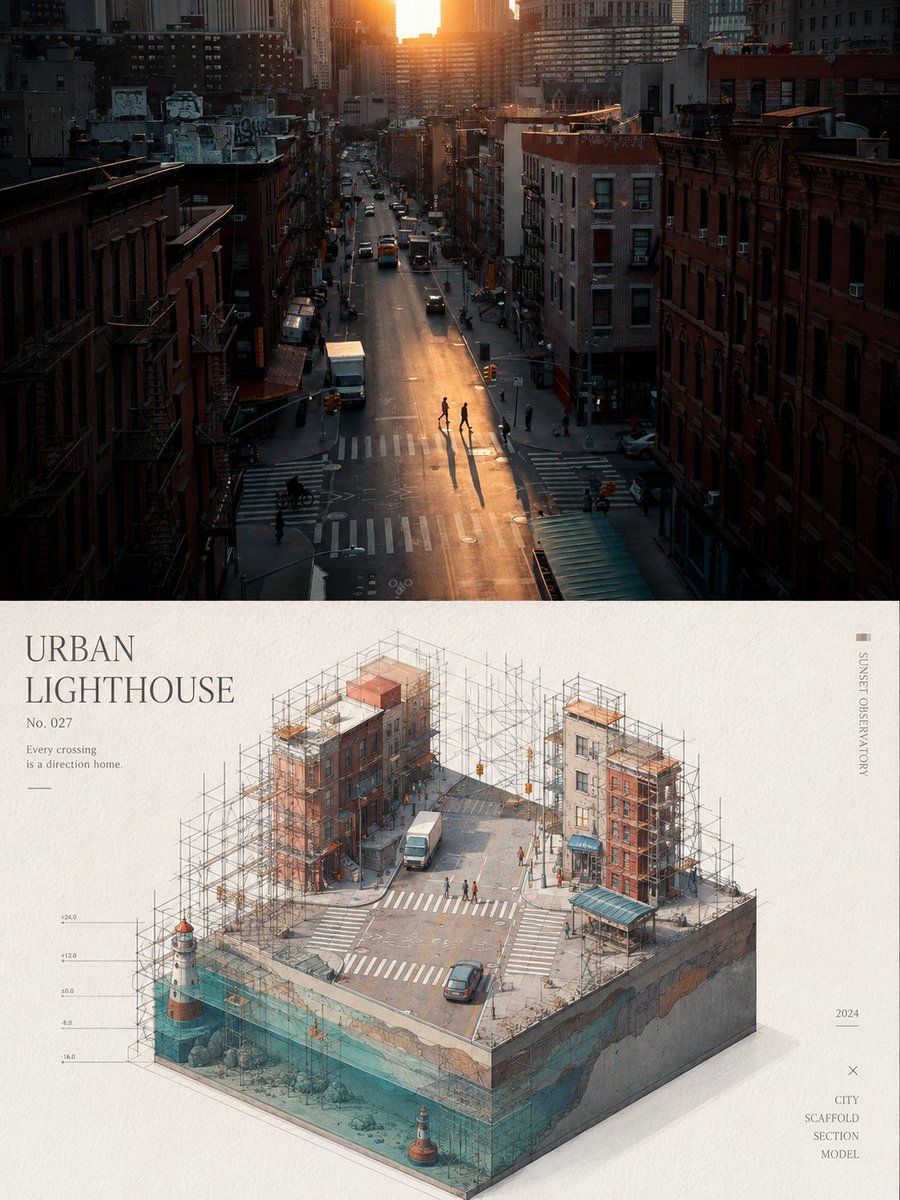
Isometric Workflow Automation Illustration
Открыть промпт и скопировать

Create a clean isometric corporate website illustration on a white background, showing a stylized laptop at the center with a workflow automation diagram on its screen. A human figure in a red sweater, black pants, and white shoes stands to the right of the laptop, reaching forward and pressing a red rounded-square node on the screen. Use a modern vector/3D hybrid style with thick black outlines, soft gray shadows, white surfaces, and a limited palette of orange, red, black, and light gray. Include exactly 7 distinct surrounding objects connected by black circuit-like lines with small orange circular junctions: 1 large orange gear in the upper left behind the laptop screen, 1 small red gear on the right, 1 white rounded cube with an orange top tile in the upper right, 1 white/red rounded cube with a pie-chart icon in the lower left, 1 small white rounded cube with an orange check mark at the bottom center, 1 stacked white server-like cube with an orange top and small orange/red dots in the lower right, and 1 central laptop with a visible keyboard and trackpad. On the laptop screen include exactly 5 workflow UI elements: 2 red rounded-square nodes with white circular centers, 1 orange rounded rectangle in the middle, 1 white rounded rectangle with three small colored dots, and 1 black curved connector leading to the right red node. Keep the composition airy, minimal, friendly, and suitable as a corporate site hero asset for automation and digital workflow. No text, no logos, no photorealism, no clutter.

Создать изображение
Автор: @张扬Zhang
GPT Image 2
3D AI Prompt Library Workspace
Открыть промпт и скопировать

Goal: Create a polished 3D isometric tech workspace illustration showing a reusable AI design prompt library and digital content planning tools. Canvas: Ultra-wide horizontal banner, approximately 2.5:1 aspect ratio, dark navy-to-teal gradient background, cinematic studio lighting, clean empty margins at the left and top for possible overlay text. Main subject and layout: Arrange a layered cluster of floating and tabletop productivity elements across the center-right of the canvas. Use deep navy, teal, cyan, white, violet, and warm gold accents. The scene should feel like a premium SaaS/productivity hero image, with soft shadows, glossy bevels, subtle reflections, and rounded corners. Discrete visible elements: Include exactly 13 main objects: 1 large central desktop browser window with a dark top bar and wireframe layout blocks; 1 dark grid dashboard panel behind it on the left with nine square tiles; 1 small white analytics/card panel in front with left-side list dots and bottom mini buttons; 1 teal UI card on the right with four main content blocks and three narrow side rows; 1 purple UI card farther right with five rounded modules; 1 spreadsheet/calendar tablet lying flat in the foreground left with turquoise row header and purple top bar; 1 open report/document tablet in the foreground center with four colored chart blocks; 1 stacked pile of papers or folders in the foreground right topped by a blank white sheet; 1 small stack of rounded square app tiles in the foreground; 1 dark smartphone or slim rectangular device at the bottom center; 1 large stack of dark binders or file folders standing vertically in the back right with teal and gold edges; 1 floating cloud icon in the upper right outlined with gold rim lighting; 1 dark cylindrical pen cup on the far right containing three writing instruments. Background accents: Add thin golden orbital connector lines arcing above the panels with three small gold nodes, a tiny cyan cube near the upper right, and translucent glass-like panel outlines behind the main windows. Keep these accents delicate and secondary. Style: High-end 3D render, rounded clay-like UI components, glassmorphism, soft ambient occlusion, beveled edges, metallic gold highlights, modern creator-tool aesthetic, no people. Use moody cinematic blue studio lighting with bright cyan rim highlights and premium 3D isometric SaaS illustration. Text constraints: No readable words, no logos, no watermark. Any interface marks should be abstract lines, dots, grids, and blank cards only. Composition constraints: Keep the main cluster centered slightly right, preserve strong depth layering from flat foreground tablets to floating background panels, keep the cloud in the upper-right corner, and leave the far-left background mostly uncluttered.

Создать изображение
Автор: @Maddox
Nano Banana Pro
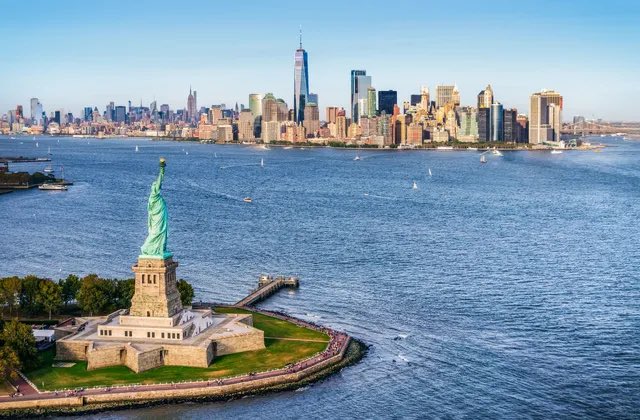
3D Miniature Diorama of New York City
Открыть промпт и скопировать

Create a stylized miniature 3D diorama viewed from a 45-degree angled perspective, emphasizing careful scale, clean geometry, and fine craftsmanship. WATER GLASS device serves as the central base of the composition. From within or above this device, a miniature interpretation of the selected NEW YORK emerges naturally, forming a compact, self contained world. The scene highlights recognizable landmarks, terrain features, or symbolic structures associated with the NEW YORK, arranged harmoniously and rendered with precise detail. Miniature roads, pathways, environmental elements, and tiny human figures interact naturally with the Nano Banana Pro, reinforcing its presence as the foundation of the world. Use cinematic lighting, soft highlights, reflections on premium surfaces, and selective depth-of-field blur to create a magical, dreamlike, ultra realistic promotional atmosphere. Emphasize the product’s premium materials, sleek design, and futuristic aesthetic,Image size 4 5..

Создать изображение
Nano Banana Pro
3D Miniature City Diorama
Открыть промпт и скопировать

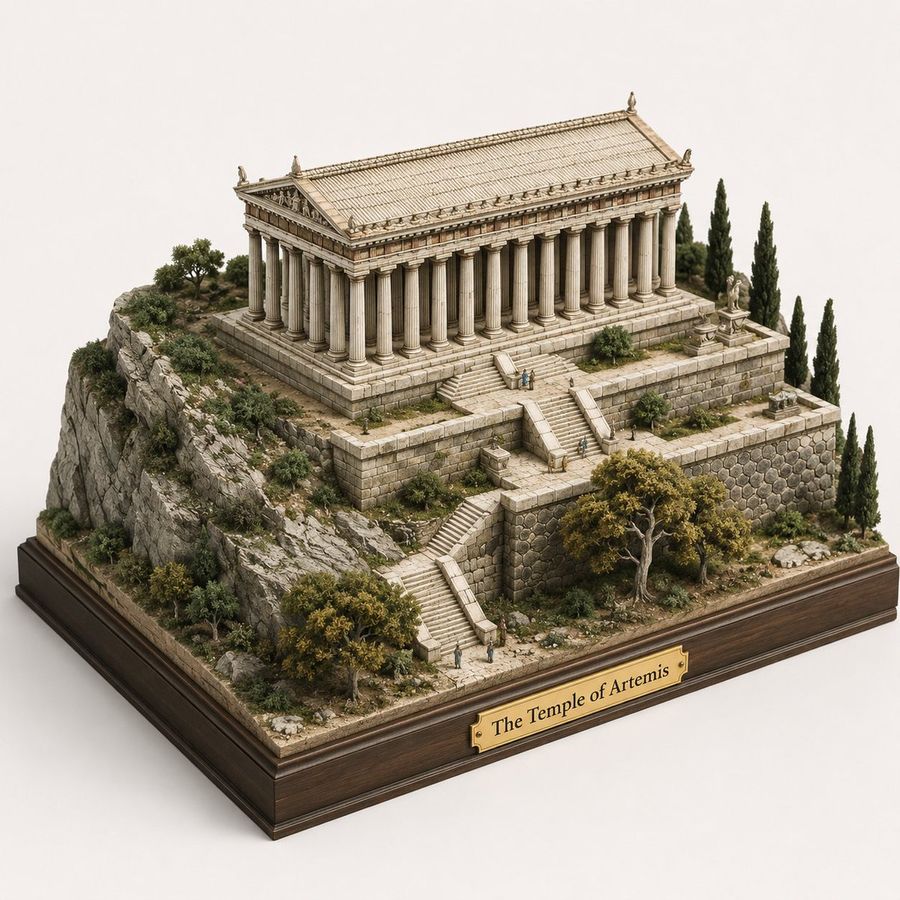
A hyper-realistic 3D square display of Istanbul; the bottom shows an excavated terrain structure of rocks, roots, and soil layers. The top features a fairy-tale city landscape containing iconic buildings, architecture, and cultural elements of Istanbul. Modern and concise text for 'Istanbul' is naturally integrated into the composition. DSLR photo quality, clear and vivid magical realism aesthetics. Dimensions: 1080x1080.

Создать изображение
Автор: @Gadgetify
GPT Image 2
Isometric Statistic Visualization Render
Открыть промпт и скопировать

A clean isometric 3D render that turns a single abstract statistic into a physical object you can feel the weight of — soft studio lighting, matte clay materials, gentle ambient occlusion shadows, a neutral concrete-grey backdrop. The point is scale shock: take a number nobody can intuit and rebuild it as one tangible mass beside a familiar object for comparison (all the gold ever mined as a single cube next to a school bus). One precise, oversized hand-set numeral anchors the composition, with a short caption in clean grotesque type stating the metric and its source year. Subtle measurement bars and a tiny human silhouette provide scale. No clutter — generous negative space, one hero object, one comparison. The spirit: a science-museum exhibit model that reframes a statistic as architecture, so a figure you'd scroll past becomes something your body understands.

Создать изображение
Автор: @PromptLab
GPT Image 2
Cozy Isometric Bathroom Diorama
Открыть промпт и скопировать

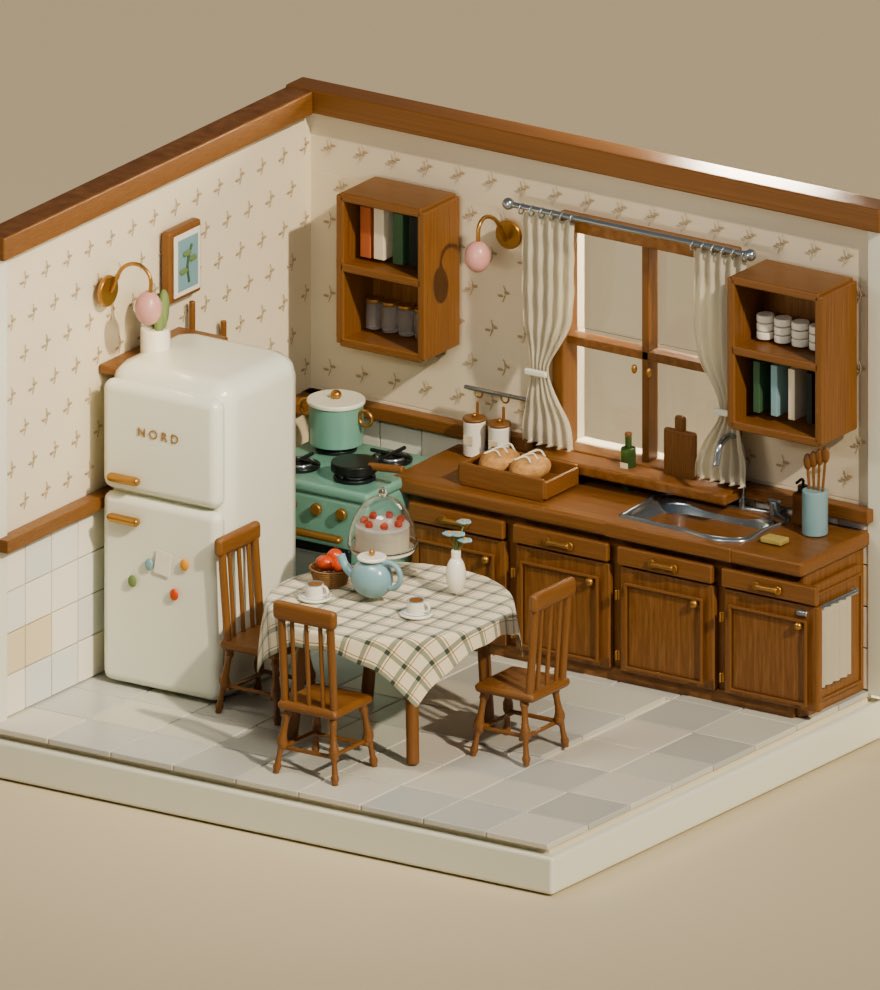
Adorable cozy isometric 3D miniature bathroom diorama, warm terracotta and beige color palette, Japanese-style tiny bathroom scene viewed from a 45-degree corner angle. Cream ceramic subway tiles with warm wooden trim, vintage clawfoot bathtub filled with blue bubbly foam and a wooden bath tray holding an open laptop, green mug, soap, and lit candles. Small potted plant, golden brass curved shower rod with beige curtain, round wooden mirror above a white porcelain sink with wooden vanity cabinet and brass faucet. Toilet with wooden seat, wooden stool with rolled white towels and stacked books, green wine bottle, tiny bonsai plant, wall-mounted gold sconces glowing warmly. Light blue fluffy towel on wall hook, wicker laundry hamper full of colorful towels, round plush purple bath mat, checkered beige-white floor tiles. Soft warm golden hour lighting, cozy ambient glow, tilt-shift miniature photography effect, dollhouse aesthetic, 8k hyperdetailed, soft bokeh, extremely intricate miniature textures, trending on Artstation.

Создать изображение
Автор: @Gadgetify
GPT Image 2
Low Sugar Dessert Science Infographic
Открыть промпт и скопировать

2x2 grid, 16:9, ai infers: render_target = ( isometric_ingredient_swap_station_for_[dessert_type]_with_alternative_sweeteners_binders_flours * 1.6 ) + ( glycemic_impact_comparison_chart_of_natural_and_artificial_sweeteners_for_[dessert_type] * 1.5 ) + ( bulk_and_structure_science_diagram_explaining_how_to_replace_sugar_in_[dessert_type] * 1.6 ) + ( texture_result_matrix_cakey_vs_chewy_vs_crispy_using_different_low_sugar_approaches * 1.4 ) + ( taste_masking_and_flavor_boosting_techniques_for_[dessert_type]_with_spices_and_extracts * 1.2 ) + ( 3_step_recipe_cards_for_low_sugar_[dessert_type]_with_precise_weights * 1.3 ) + ( common_myths_busted_about_sugar_alcohols_and_natural_sweeteners * 1.0 ) - ( shaming_language_about_sugar_or_moralizing_food / 3.5 ) - ( unbaked_gooey_mess_presented_as_“healthy”_without_real_structure / 3.0 ) - ( over_use_of_green_leaves_and_“skinny”_labels / 3.3 )

Создать изображение
Автор: @zayan
Nano Banana Pro
Neo-parametric architectural illustration
Открыть промпт и скопировать

Ultra-detailed Neo-Parametric Editorial Illustration, combining elegant painterly character rendering with futuristic architectural blueprint aesthetics. Refined flowing linework, intricate cross-hatching, contour mapping, technical drafting overlays, geometric construction grids, engineering schematics, dimensional annotations, organic parametric curves, layered wireframe structures, subtle topographic patterns, intelligent negative space composition. Soft cinematic lighting with warm golden highlights balanced by cool gray-blue technical elements. Delicate skin-like shading transitions, luminous depth, atmospheric perspective, premium magazine illustration quality. Harmonious blend of artistic realism and scientific visualization, featuring highly controlled line density, precision ink detailing, transparent design diagrams, flowing structural rhythms, sophisticated visual hierarchy. Muted ivory, warm beige, champagne gold, graphite gray, steel blue, and soft slate palette. Clean luxury aesthetic, intellectual futuristic mood, museum-quality craftsmanship, elegant complexity, ultra-sharp details, high-end concept art, 8K masterpiece. Hyper-detailed Parametric Renaissance Fusion, where organic forms emerge from engineering blueprints and computational design structures. Elegant realistic rendering fused with mathematical line networks, contour meshes, drafting grids, architectural annotations, generative curves, topological flow lines, technical sketch layers, precision pen-and-ink detailing, intelligent wireframe geometry, scientific visualization aesthetics. Warm cinematic glow illuminating soft volumetric forms against sophisticated monochromatic technical frameworks. Rich micro-details, layered transparency effects, flowing construction diagrams, luxury editorial illustration, visionary futurism meets classical artistry, highly refined craftsmanship, intricate line architecture, museum-grade visual sophistication, ultra-premium 8K artwork. 60% realistic and cinematic editorial illustration. 40% parametric blueprint, wireframe, and engineering drawing. COLOR: (champagne, beige, steel blue, graphite).

Создать изображение
Автор: @MarioTan
GPT Image 2
Isometric Circular Museum Architecture
Открыть промпт и скопировать

Create a clean isometric architectural concept rendering of a modern circular tiered building on a square site, in a minimalist white paper-model style. The main subject is a large round multi-level structure with exactly 5 visible stacked circular tiers: a wide ground floor ring, three progressively smaller upper rings with continuous narrow vertical window bands, and a top circular roof level. Add a small rectangular rooftop volume placed off-center on the top disk, and a wedge-shaped cut or recessed notch in the top roof edge. Attach two simple rectilinear annexes to the main building: one low rectangular wing extending to the right front, and one tall plain rectangular tower block at the rear right. Include one small separate circular pavilion near the front left of the building, connected by a short walkway. The site should be a square raised base with rounded road edges, pale gray paths, and soft green landscaping. Count the landscape elements clearly: exactly 9 small stylized trees or shrubs visible around the site, including 3 at the left green island, 2 small round shrubs at the front-left lawn, 1 tree near the front center, 1 shrub on the central lawn, 1 tree near the front-right curve, and 1 tree at the far right lawn. Use an orthographic isometric camera looking down from above, centered composition, lots of negative space, off-white background, subtle ambient occlusion, fine gray outline strokes, soft shadows, no people, no cars, no signage, no text. Color palette: warm white architecture, light gray pavement, muted sage green grass, delicate technical-illustration linework. Render as a polished architectural massing model, crisp and elegant, with simple geometry and smooth rounded forms.

Создать изображение
Загрузка промптов

Часто задаваемые вопросы

Откуда берутся промпты в YouMind?
YouMind отбирает наиболее эффективные примеры AI-промптов из сообществ авторов и общедоступных творческих рабочих процессов. Библиотека ориентирована на промпты, которые полезно изучать, повторно использовать и адаптировать.
Как организованы категории промптов для изображений?
Промпты для изображений сгруппированы по сценариям использования, стилям и объектам. Сценарии использования описывают решаемую задачу, стили — визуальное оформление, а объекты — то, что является основным содержанием изображения.
Как промпты распределяются по категориям?
YouMind использует ИИ для анализа каждого промпта изображение, его заголовка, метаданных и сгенерированного результата (если он доступен), а затем присваивает наиболее подходящие категории. Редакторы могут уточнять категории по мере развития таксономии.
Что такое YouMind?
YouMind — это рабочее пространство с ИИ для превращения исследований, идей и творческих референсов в готовые результаты. Библиотека промптов — это общедоступная часть этого рабочего процесса, созданная для того, чтобы помочь авторам быстрее учиться на качественных примерах.