Somewhere right now a developer is paying $200 a month for AI and has never once done the math. ChatGPT Plus. Claude Pro. Cursor. API costs that creep up quietly every month. It renews forever, and forever is a long time to rent something you could own.
There is another way to think about it. A box that sits in your house, runs AI locally, costs a few dollars a month in electricity, keeps your data on your own machine, and never sends a single byte to someone else's server.
Local AI in 2026 is not the sad compromise it was two years ago. Better quantization, leaner model architectures, and unified-memory chips mean a machine on your desk now handles maybe 80% of daily AI work: writing, coding help, document analysis, summarizing, classification, automations, answering questions over your own files. The other 20%, the frontier reasoning and cutting-edge coding, still belongs to the cloud. But that 20% does not justify a $200 bill when a one-time box covers the rest.
This is the ladder. Ten rungs, from the machine you already own to a desktop supercomputer, and the honest tradeoffs at each step.
The one idea that changes everything
You are not buying speed. You are buying memory.
Every "it won't run" story traces back to the same wall: a model that did not fit in the box's memory. A model either loads or it does not. Speed only decides how it feels once it is running; memory decides whether it runs at all.
So the whole ladder is really a memory ladder. 8GB runs a 7B model. 24GB runs a 32B model comfortably. 128GB runs a 70B model and starts flirting with the really big ones. Read every rung below through that lens, and note the pattern: the boxes that stretch furthest are the ones with unified memory, where the CPU and GPU share one big pool instead of fighting over a small walled-off chunk of VRAM.
One caveat before the specs, true across the whole list: a global DRAM shortage is pushing memory prices up through 2026, not down. Every number here is approximate and drifting upward, which is an argument for buying the box you will actually use rather than waiting for a dip that may not come.
The ladder
Rung 1. The machine you already own ($0)
Before you spend anything, prove the workflow on what is already on your desk. Any laptop with 8GB of RAM runs a 7B model through Ollama. It will not be fast, but it answers the only question that matters: is local AI good enough for what you actually do? Spend a weekend here before you spend a dollar anywhere else.

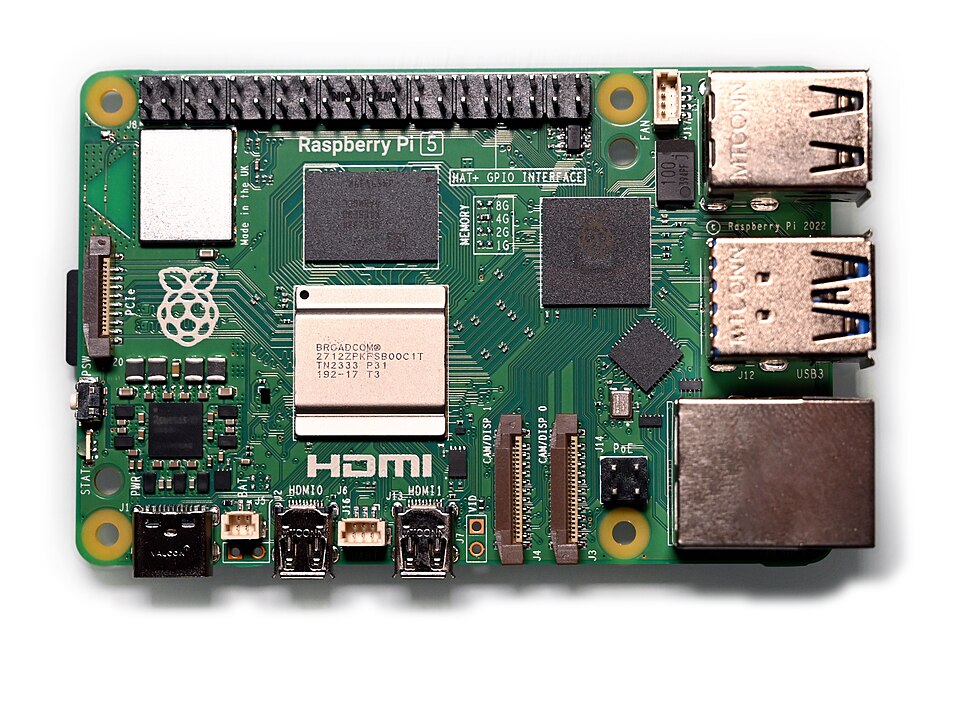
Rung 2. Raspberry Pi 5, 16GB (about $120)
The tinkerer's rung. A Pi 5 with 16GB will run 1B to 3B models through Ollama, slowly. This is not a daily driver, it is a proof of concept you can leave running in a drawer: a tiny always-on assistant, a home-automation brain, a weekend project. Buy it to learn, not to work.
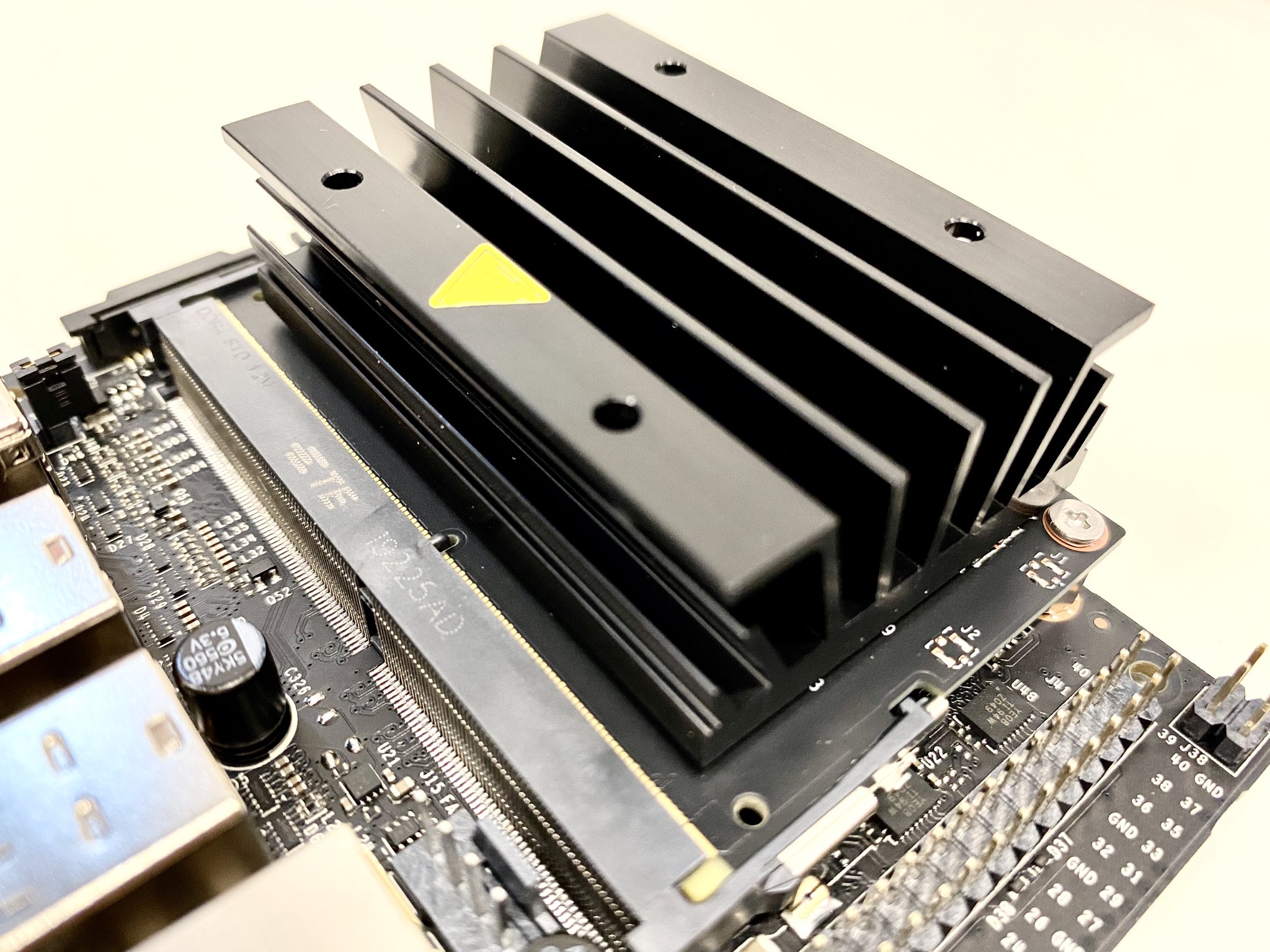
Rung 3. NVIDIA Jetson Orin Nano Super ($249)
The cheapest serious entry point. A real NVIDIA GPU in a box smaller than a wallet.
1AI performance: 67 TOPS2GPU: 1024-core Ampere3RAM: 8GB LPDDR5 (shared)4Power: 7-25W5Runs well: Llama 3.2 3B, Mistral 7B, Gemma 2, DeepSeek 1.5B
67 TOPS runs a 7B model privately and forever. The 7B class is fast enough to feel instant and good enough for most daily tasks. It will not touch anything above 7B or any long context that overruns 8GB, but at $100/month in subscriptions it pays for itself in ten weeks.
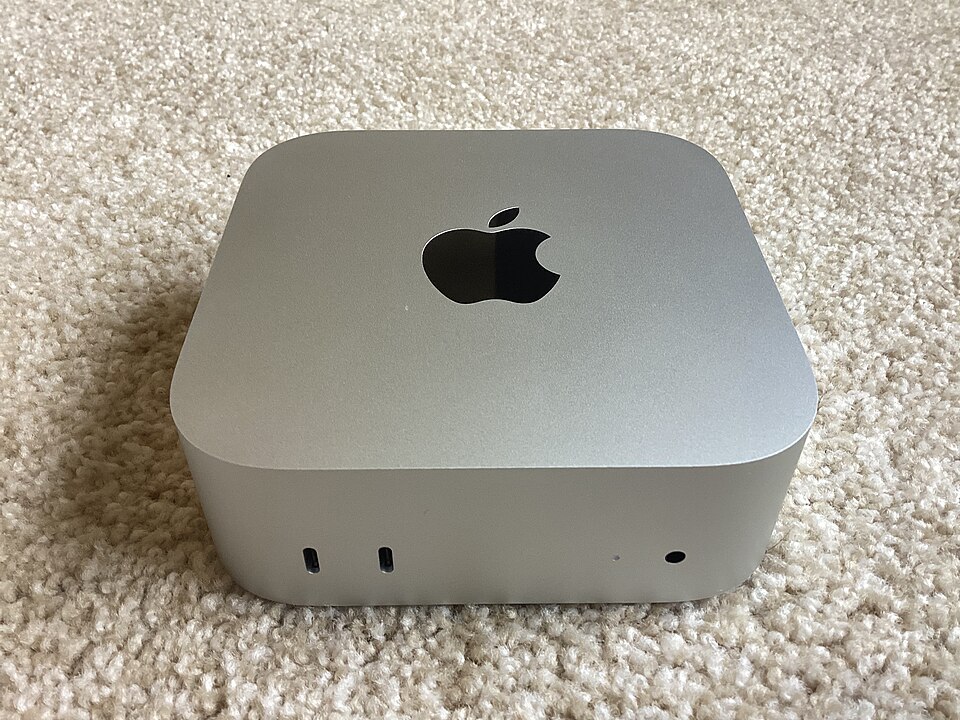
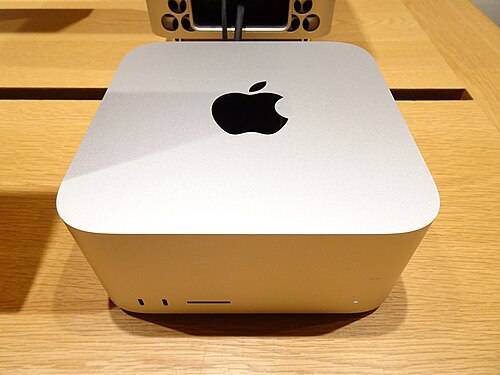
Rung 4. Apple Mac mini M4 (from $599)
The default silent home AI server, because of unified memory. On a normal PC the GPU's VRAM is a hard wall. Apple shares memory between CPU and GPU, so the Mac mini runs bigger than its spec sheet suggests, stays near-silent, and sips power.
1Chip: Apple M42Unified memory: 16-32GB (shared CPU + GPU)3Power: 10-30W under load424/7 power cost: roughly $3-8/month5Runs well: Llama 3.2, Mistral 7B, Qwen 2.5, Phi-3 Medium
It does everything the Jetson does plus larger models, longer context, and several services at once. This is the box people leave on around the clock as the backend for their automations. The $599 is the base, though, and Apple charges hard for memory. For local AI the memory is the point, so price the config you actually need, not the sticker.
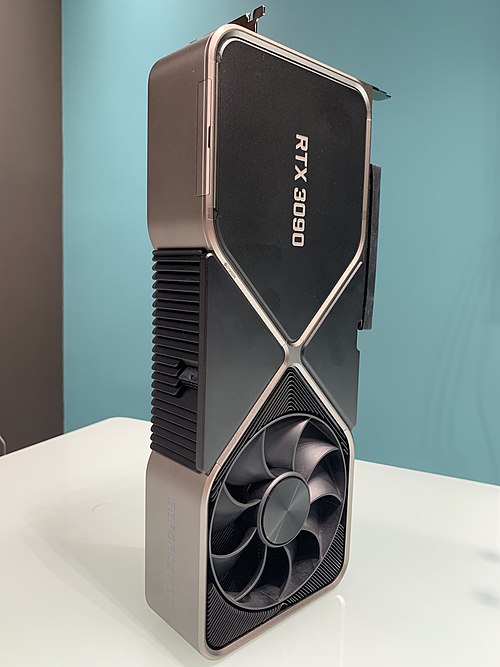
Rung 5. Used RTX 3090, 24GB (about $700 for the card)
The value legend that refuses to die. Six years old and still the best VRAM-per-dollar on the consumer market. A used 3090 gives you 24GB of fast memory for around $700, enough to run 24B to 32B models with real throughput, with full CUDA support so every tool works out of the box.
1VRAM: 24GB GDDR6X2Bandwidth: ~936 GB/s3Used price: ~$600-800 (card only)4Runs well: Qwen 32B, Llama 3.1 8B-70B (quantized), most 32B-class
The honest asterisk: a GPU is not a computer. You need a host PC around it, so budget another $400 to $600 for the rest of the machine. But if you already have a desktop with a spare slot and a big enough power supply, nothing else on this ladder gives you 24GB this cheap.
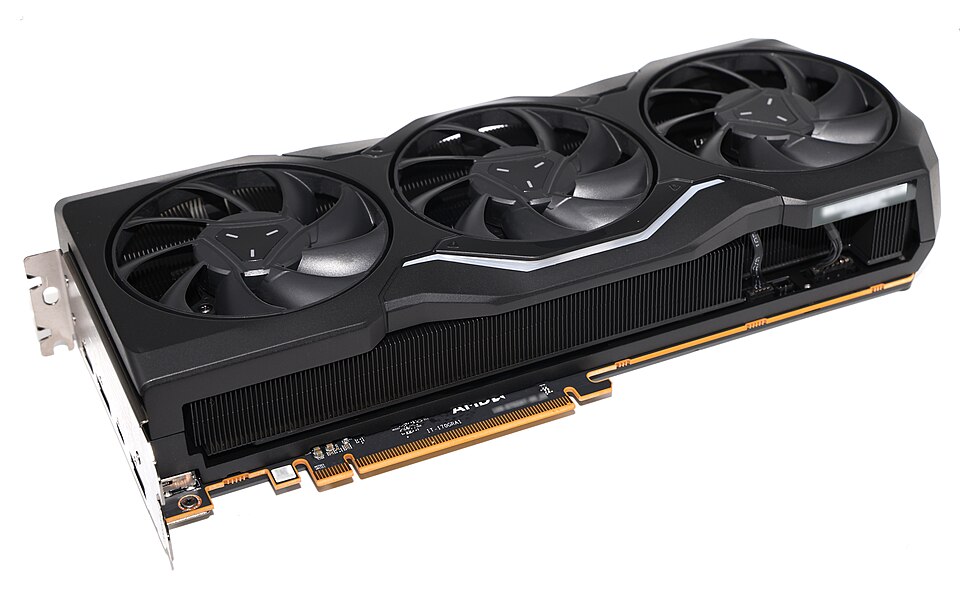
Rung 6. AMD Radeon RX 7900 XTX, 24GB (about $900 for the card)
The same 24GB as the 3090, new, with a warranty, and AMD's software has finally caught up. On ROCm 7.x the 7900 XTX runs Llama 3.1 8B at roughly 96 tokens a second, about three-quarters of an RTX 4090 at a fraction of the price. For pure VRAM-per-dollar on new hardware, nothing from NVIDIA touches it at the consumer level.
1VRAM: 24GB GDDR62Software: ROCm 7.x (first-class support)3New price: ~$899-1,400 (card only)4Runs well: Llama 3.1 8B (~96 tok/s), 32B-class quantized
The catch is the same one that follows AMD everywhere: ROCm has closed most of the gap with CUDA but some tools still assume NVIDIA by default. For Ollama and Open WebUI it works well today. For exotic fine-tuning stacks, expect a few more manual steps.
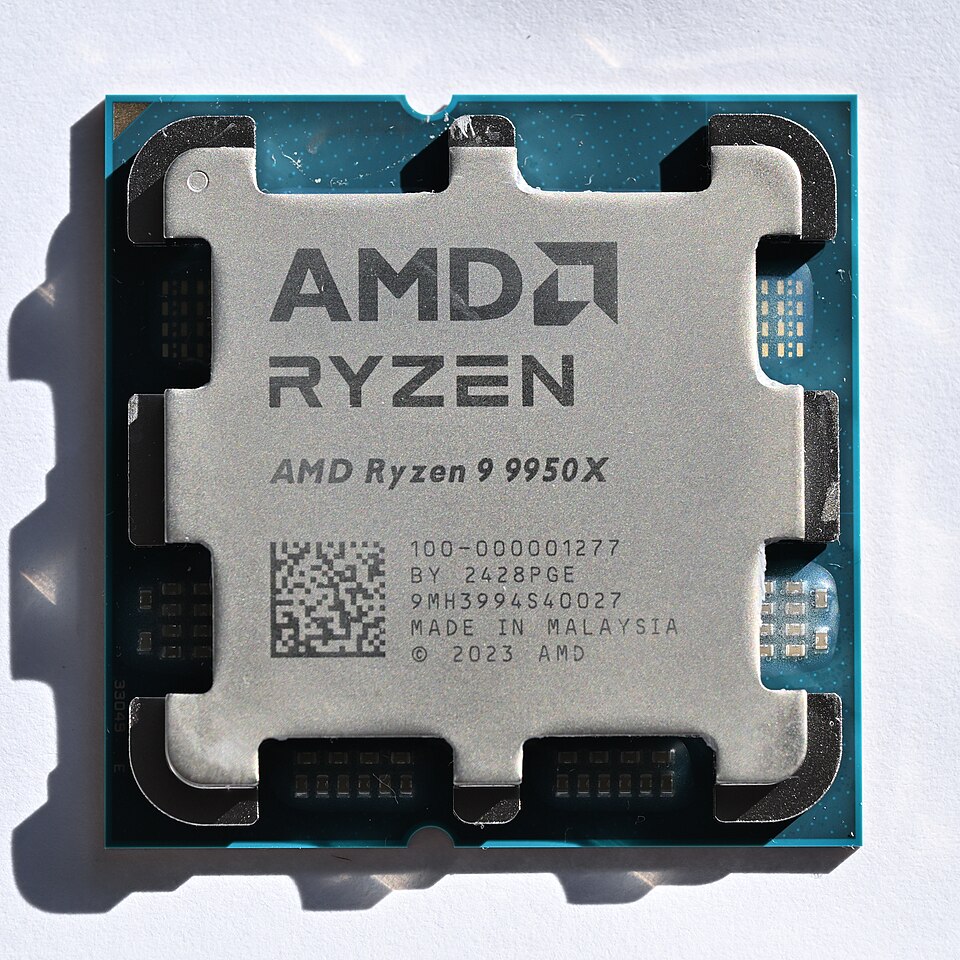
Rung 7. AMD Ryzen AI Max+ 395 "Strix Halo," 128GB (about $1,999)
The sweet spot of 2026, and the box most of these lists forget. AMD's Strix Halo chip pairs a 16-core Zen 5 CPU with a big RDNA 3.5 iGPU and up to 128GB of unified memory in a small box, for roughly what an NVIDIA desktop costs with a quarter of the memory.
1Chip: Ryzen AI Max+ 395 (16-core Zen 5)2GPU: Radeon 8060S (40-core RDNA 3.5)3NPU: XDNA 2, 50 TOPS (~126 TOPS system-wide)4Unified memory: up to 128GB LPDDR5X (~96GB usable as VRAM)5Price: ~$1,999 for 128GB / 2TB6Runs well: Llama 3.3 70B, Mixtral, most 70B-class models
You buy it two ways. The GMKtec EVO-X2 is a finished 128GB mini PC at about $1,999. The Framework Desktop is the same chip in a repairable, upgradable chassis, starting at $1,999 for the board and around $2,850 fully built. Either way you load a 70B model at conversational speed, which nothing below this rung can do. ROCm maturity is the tradeoff, same as Rung 6.
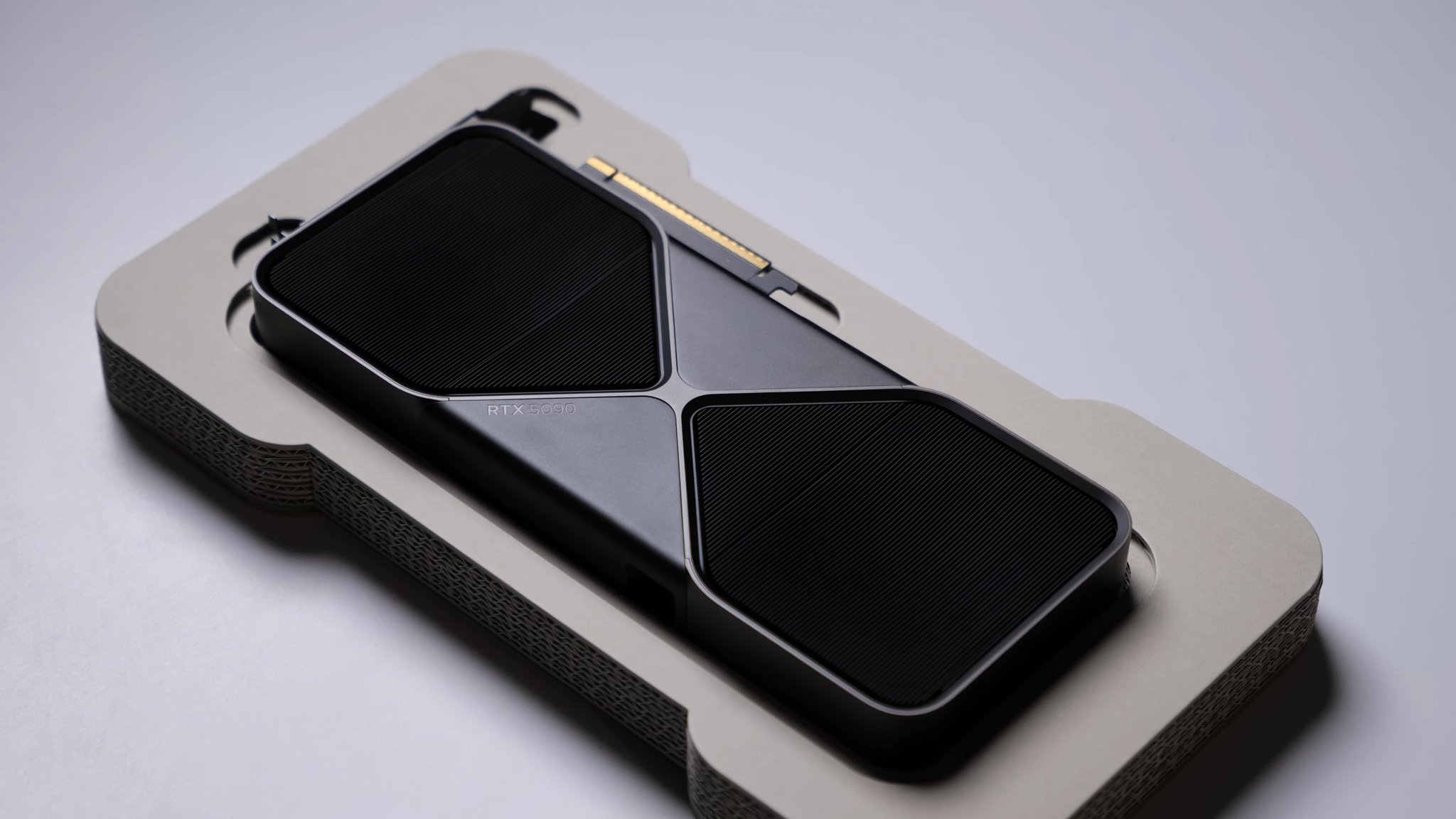
Rung 8. NVIDIA RTX 5090, 32GB (about $3,000 for the card)
The fastest thing a normal person can put in a normal tower. 32GB of the quickest consumer memory made, and raw speed that leaves everything below it behind. This is the rung for people who want frontier-class local inference and occasional training, and who care more about tokens per second than dollars per gigabyte.
1VRAM: 32GB GDDR72New price: ~$3,000+ (card only)3Runs well: 32B at speed, 70B quantized, image and video models
The math is brutal, though. It costs three to four times a used 3090 for 8GB more memory, plus a host PC on top. Buy it because you need the speed and the extra headroom, not because it is efficient. It is not.
Rung 9. Apple Mac Studio M3 Ultra, 96GB (from $3,999)
The big, silent, unified-memory workstation. The Mac Studio pools up to 96GB across CPU and GPU with Metal acceleration, runs large models near-silently, and does it in a box that fits on a desk without a jet-engine fan curve.
1Chip: M3 Ultra (up to 32-core CPU / 80-core GPU)2Unified memory: up to 96GB3Price: from $3,9994Runs well: 70B-class models, long context, multiple services
Worth knowing honestly: Apple pulled the 512GB configuration in early 2026 as the DRAM shortage bit, so 96GB is the ceiling now where it used to reach much higher. Still, for a quiet all-day machine that runs big models and doubles as your actual computer, few things are as pleasant to live with.
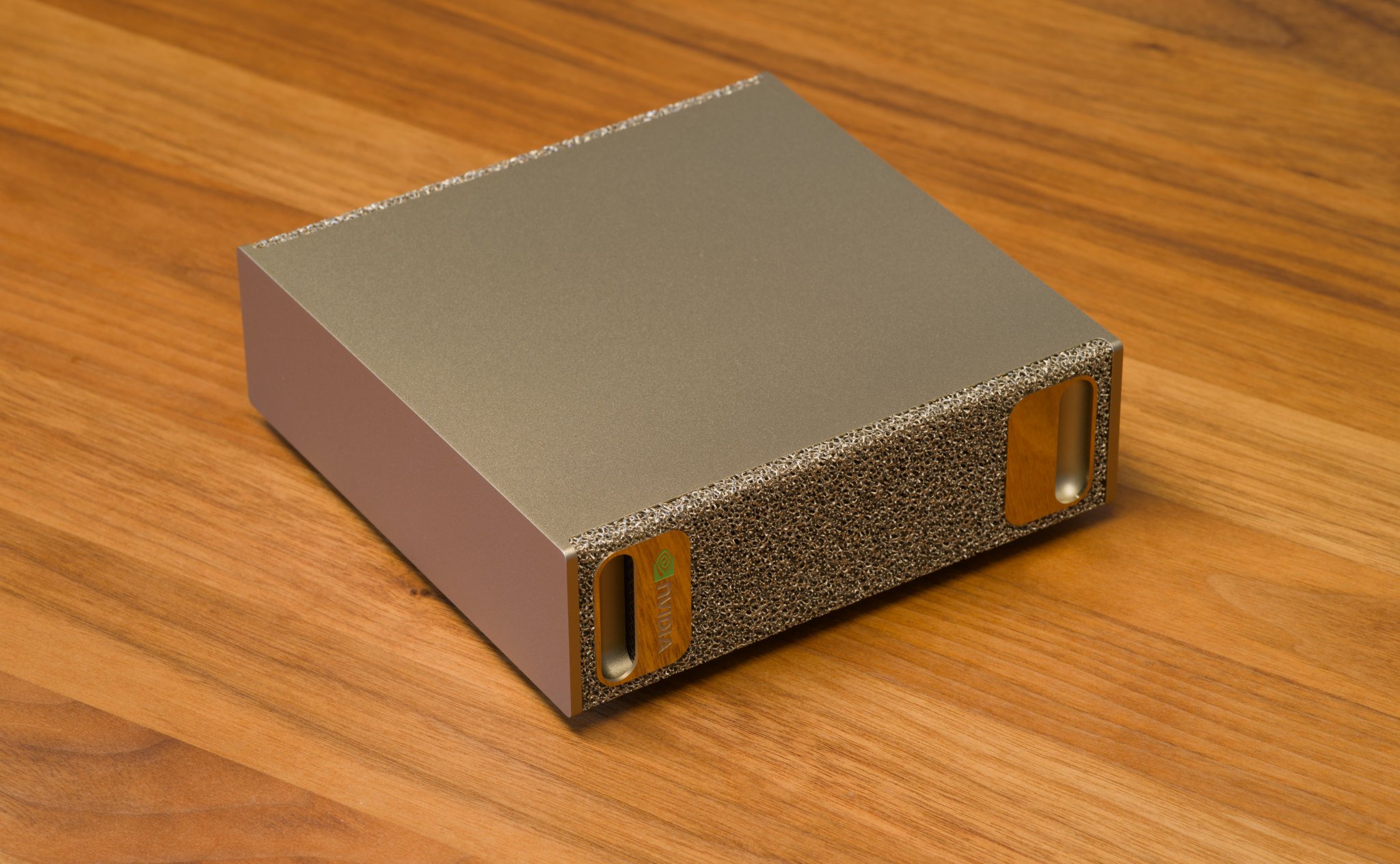
Rung 10. NVIDIA DGX Spark, 128GB ($3,999 to $4,699)
The desktop that thinks it is a datacenter. For fine-tuning open models, hosting 70B-plus assistants, and running inference pipelines that need real throughput.
1Chip: GB10 Grace Blackwell2AI throughput: 1 PFLOP3Unified memory: 128GB LPDDR5x4Storage: 4TB Gen5 NVMe5Power: 150-240W under load6Best for: 70B-200B models, fine-tuning, production inference
128GB of unified memory loads models a consumer GPU cannot even open, and two units linked reach into 400B territory. Price honesty: it launched at $3,999 in October 2025 and has since been marked up to about $4,699 as the memory shortage bit (Tom's Hardware). Next to the Strix Halo box on Rung 7, it costs roughly twice as much for the same 128GB. You are paying for CUDA maturity and throughput, not more memory.
The honest math
1Typical monthly AI spend:2ChatGPT Plus $203Claude Pro $204Cursor Pro $205API costs $50-2006Total $110-260 / month78Local AI monthly:9Hardware $0 (already bought)10Electricity $2-1511API $012Total $2-15 / month
At $100/month in subscriptions, a $249 Jetson pays for itself in ten weeks, a $599 Mac mini in six months, a used 3090 build in under a year, a $2,000 Strix Halo box in about eighteen months, and the $4,000-plus rungs only if you were already burning cloud-GPU rental at four figures a month.
Now the part the hype always skips. The box is a sunk cost, and it only "pays off" if you would genuinely have kept paying the subscription. Buying a $2,000 machine to save $20 a month is a worse deal than the subscription, not a better one. The right rung is the one that matches your real usage, not the fantasy version of it.
Which rung is yours
Light daily use and curiosity: start on Rung 1, then buy the Jetson. A silent always-on assistant for a household or small business: the Mac mini. The cheapest path to real 24GB and 32B models: a used 3090, or the RX 7900 XTX if you want new with a warranty and don't mind ROCm. The best 70B experience without datacenter money: the Strix Halo box. Maximum consumer speed: the RTX 5090. A quiet big-memory workstation you also live in: the Mac Studio. Fine-tuning and production pipelines: the DGX Spark.
The setup that takes one afternoon
The process is identical on every rung.
1. Install Ollama. Open source, turns any model into a local API that speaks OpenAI's language.
1curl -fsSL https://ollama.com/install.sh | sh
2. Pull a model sized to your box's memory.
1# 8GB Jetson or 16GB Mac mini:2ollama pull llama3.234# 24GB 3090 / 7900 XTX:5ollama pull qwen2.5:32b67# 128GB Strix Halo / DGX Spark:8ollama pull llama3.3:70b
3. Change one line in code you already have.
1# Before, paying per request:2client = OpenAI(api_key="sk-...")34# After, local and free:5client = OpenAI(base_url="http://localhost:11434/v1", api_key="ollama")
Your code runs the same. Nothing leaves the machine, nothing costs money per request.
4. (Optional) Add a browser interface with Open WebUI, and you have a private ChatGPT at localhost:3000.
1docker run -d -p 3000:8080 \2 --add-host=host.docker.internal:host-gateway \3 -v open-webui:/app/backend/data \4 ghcr.io/open-webui/open-webui:main
What to actually run on it
The hardware is half the decision. The model is the other half. A rough map for 2026:
Small and fast (fits 8-16GB): Llama 3.2 3B, Gemma 2, Phi-3, Mistral 7B. Great for drafting, classification, and Q&A over your own notes. The workhorse tier (fits 24GB): Qwen 2.5 32B and quantized Llama, strong enough for real coding help and document work. The heavy tier (needs 64-128GB): Llama 3.3 70B and the big Qwen and Mixtral variants, where local output starts feeling close to a cloud model for everyday tasks.
Quantization is the quiet lever underneath all of this. A 70B model at a 4-bit quant fits where the full-precision version never would, at a small and usually acceptable quality cost. Q4 to Q6 is the sane range for most people. Below that, quality drops faster than the memory savings are worth.
What you build once it is running
For personal use it covers the daily stuff for a few dollars a month. The interesting part is business automation, where you wire the local model into n8n, the open-source tool that connects it to Telegram, email, calendar, CRM, and hundreds of services. Every one of these runs with nothing leaving your building and no per-token cost:
1AI receptionist:2client messages on Telegram -> n8n receives it -> local model reads intent3-> calendar checks availability -> booking confirmed45Document analysis:6drop in 50 PDFs -> local model reads them all -> pulls key facts7-> writes a structured report89Daily brief:107am trigger -> model reads your notes and tasks -> summarizes what matters11-> sends it to your phone1213Lead enrichment:14new row in a sheet -> model researches the company -> drafts a tailored opener15-> queues it for your review1617Content repurposing:18one long recording -> model transcribes and cuts it -> writes the posts19-> saves drafts for you to approve2021Inbox triage:22new email -> model sorts, labels, and drafts a reply -> you press send or edit
For privacy-sensitive work it stops being a cost decision and becomes the only one. Legal documents, medical records, financial data, anything under NDA has no business on a third-party API. Local AI processes it on your machine and it never leaves.
What actually goes wrong
The 20% is real. Frontier models still win on hard reasoning, cutting-edge coding, and research where the single best answer matters. Local AI is the reliable, private, always-on workhorse for the other 80%, not a replacement for everything. Keep one cloud subscription for the hard 20% and run the rest at home, and you have both.
Memory is the ceiling, not TOPS. Buy for the model size you want to run, and remember unified-memory boxes stretch further than a spec-matched PC with separate VRAM.
A GPU is not a computer. The 3090, 7900 XTX, and 5090 rungs all need a host machine around them. The card price is not the system price, so add $400 to $600 before you compare against a finished mini PC.
Prices are moving up. The DRAM shortage already pushed the DGX Spark up 18% and made Apple pull its 512GB Mac Studio. The good deal today may cost more next quarter.
AMD saves money and costs time. Strix Halo and the 7900 XTX give you the most memory per dollar, but ROCm still trails CUDA on turnkey tooling. Fine for Ollama today, more patience needed for heavy training.
Heat, noise, and quantization are the small print. Big GPU builds are loud and warm. Aggressive quantization saves memory but eats quality if you push it too far. Neither is a dealbreaker, but nobody mentions them in the sales pitch.
Two things to do now
Try it free first. Install Ollama on the computer you already own and run a 7B model this weekend. Any 8GB machine does it. Prove the workflow before you spend a cent on hardware.
Then buy one rung up from your real needs, not five. The people who quietly set up local AI in 2025 are going to look far ahead of the curve by 2027 as cloud prices keep climbing and local hardware keeps getting better. Most people will keep paying $200 a month out of habit. A few will spend one afternoon this week and never send another byte to someone else's server.
I break down AI tools and the money being made with them like this regularly. Follow for the next one, and join my Telegram: https://t.me/+lzSPoQ0svRU1ZWZi