1
Upload your image
PNG, JPG or WebP. Preview prompts before you continue.
Use this Cinematic Dual-Tone Portrait from Uploaded Photo photo prompt as a starting point for your own portrait or selfie. Review the prompt, upload a reference photo, and generate a personalized result in YouMind.
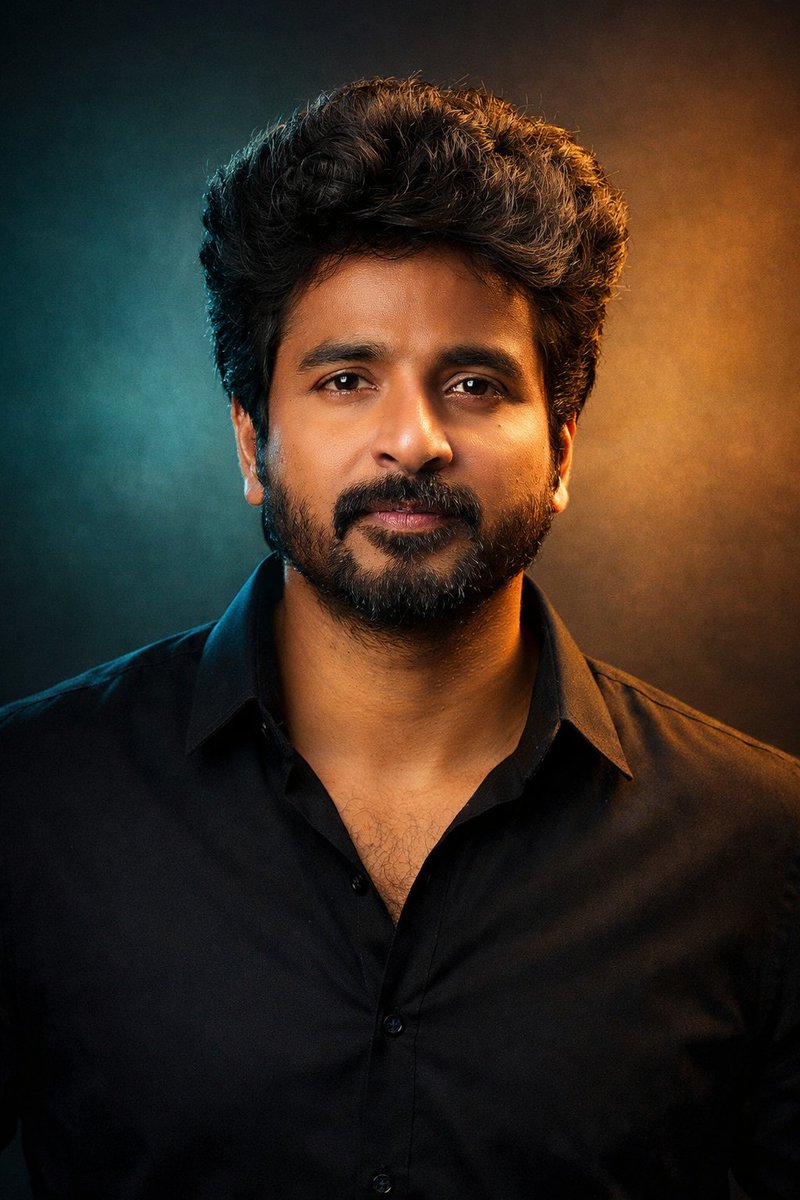
Ready-to-use prompt
Portrait / Selfie • Photography • Profile / Avatar • GPT Image 1.5
"A cinematic studio portrait of the person in the uploaded photo, framed from the chest up, facing the camera with a calm, confident presence. Dramatic dual-tone lighting with cool teal and warm golden tones creating a modern, cinematic mood. Natural skin texture, sharp focus on the eyes, soft shadows, and smooth color transitions. Hair styled naturally, wearing a minimal dark outfit with a contemporary aesthetic. Clean studio background with subtle gradients. Professional photography, shallow depth of field, cinematic color grading, ultra-realistic, high detail, 4K quality. Aspect ratio: 3:4 "
Turn the Cinematic Dual-Tone Portrait from Uploaded Photo prompt into your own AI photo in three steps.
PNG, JPG or WebP. Preview prompts before you continue.
Browse practical photo prompts for portraits, selfies, cinematic posters, profile images, and social visuals.
Start with a prompt, bring your photo, and continue the creation flow in YouMind.
Keep exploring
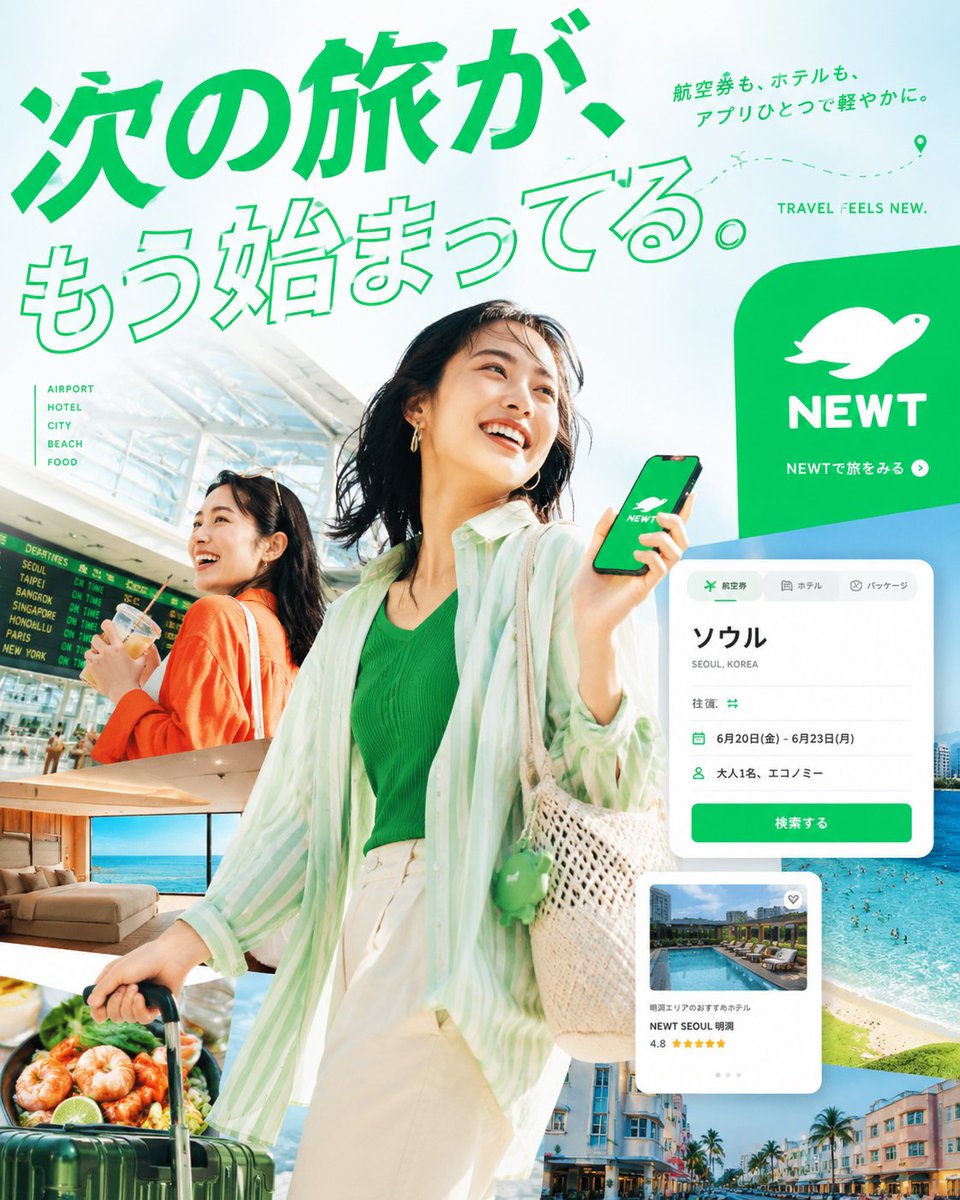
Influencer / Model • Photography • Product Marketing • GPT Image 2
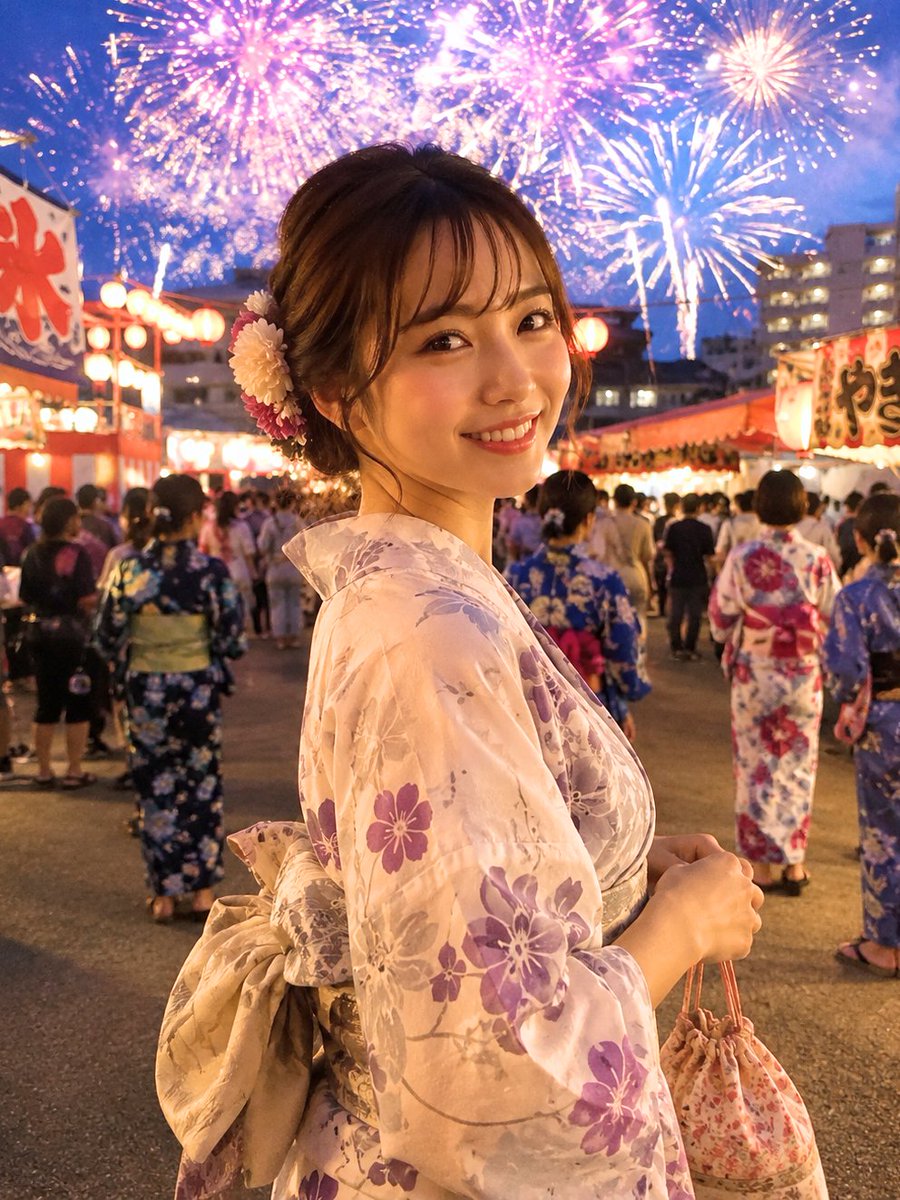
Portrait / Selfie • Photography • Social Media Post • GPT Image 2
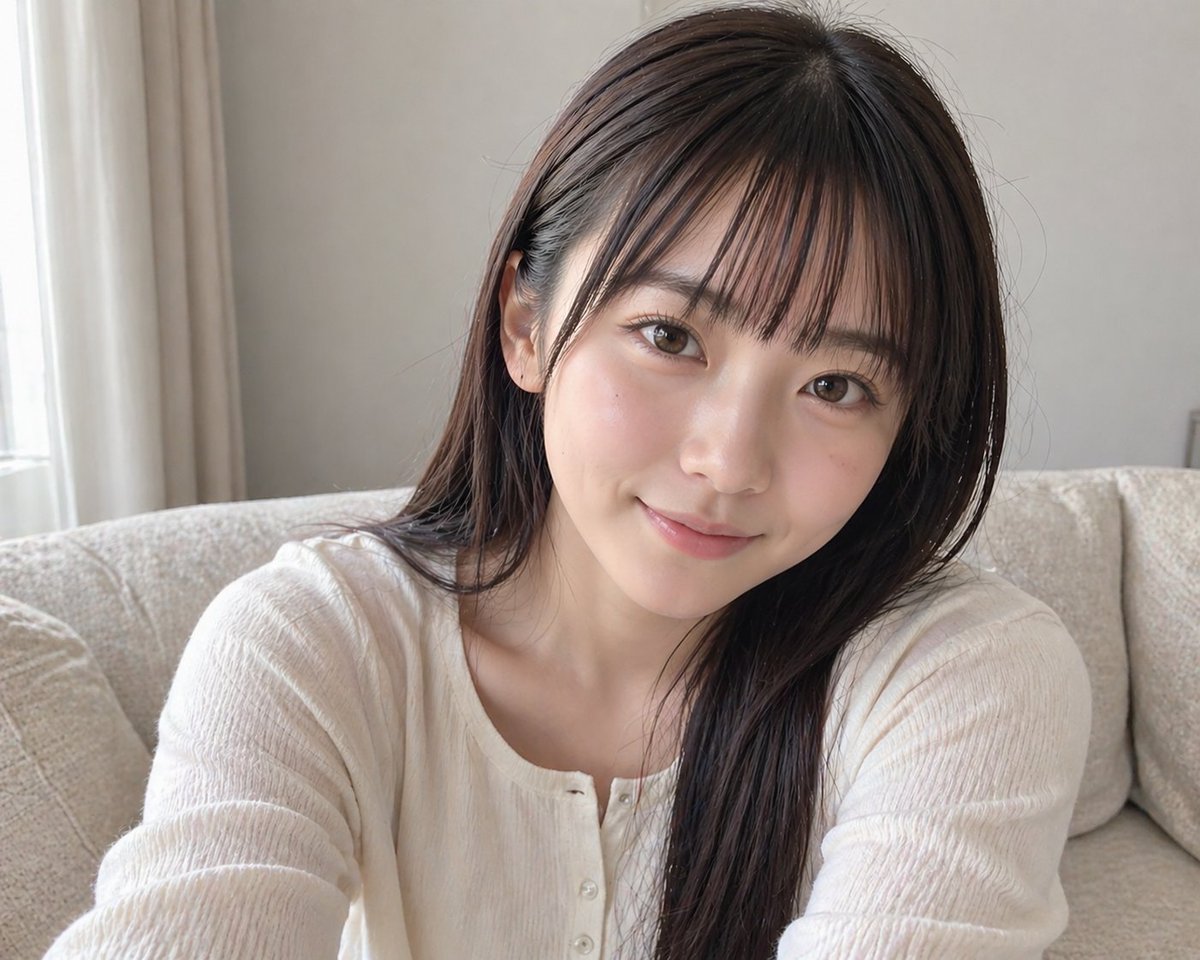
Portrait / Selfie • Photography • Social Media Post • GPT Image 2
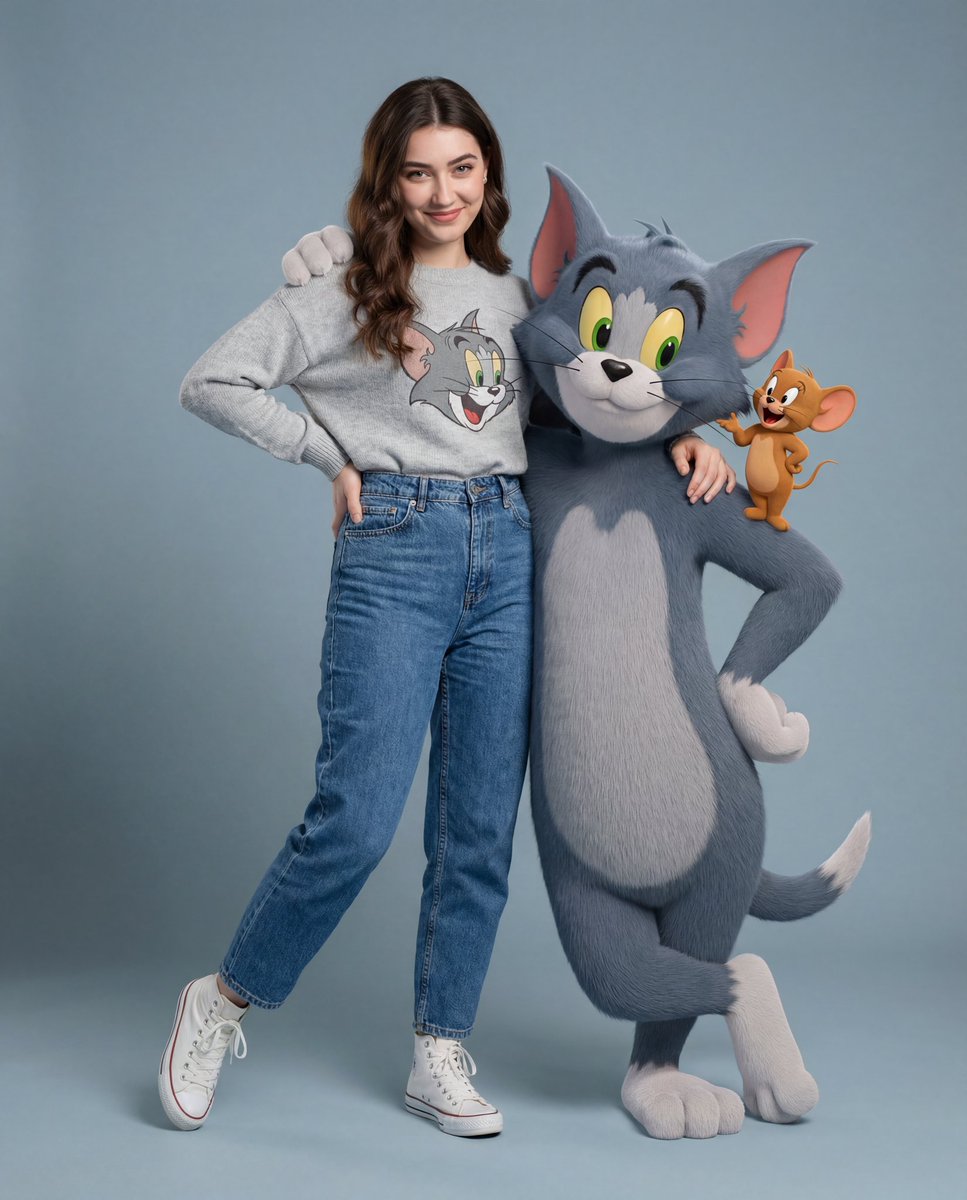
Character • Photography • Social Media Post • Nano Banana Pro
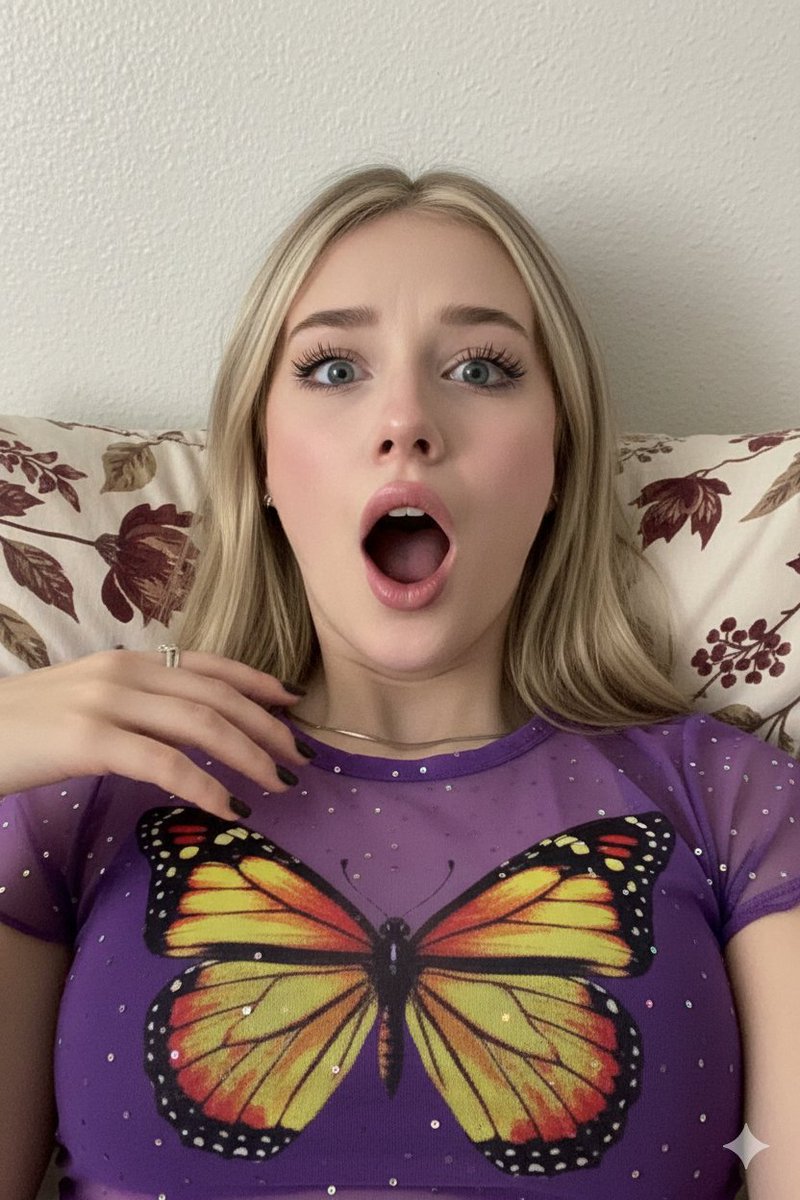
Portrait / Selfie • Photography • Social Media Post • Nano Banana Pro

Influencer / Model • Photography • App / Web Design • GPT Image 2