YouMind

YouTube 轉課程 Slides

安裝人數
9
來源YouMind

展示內容

Course Slide Outline — Better ChatGPT Results Through Structured Critique
  • Audience: Beginners familiar with submitting prompts; no technical background required.

  • Goal: Produce a stronger, fact-preserving draft using a shared rubric, separate AI reviews, targeted revisions, and a defensible human acceptance decision.

  • Narrative mode: Tutorial.

  • Slide count range: 15 slides proposed.

Suggested session: 35–45 minutes including practice; instructional estimate, not a verified five-minute method.
Running example: A fictional operations manager announcing a move into workflow consulting on LinkedIn.
Companion handout: Detailed tutorial and teaching guide. Full prompts, scoring anchors, checkpoints, and implementation checklist stay in the handout.
Source: My Simple But (WEIRD) Way of Getting Better ChatGPT Results, full available transcript, 0:00–8:38. Visuals were not independently inspected. All exercises and operational rubric definitions are course additions.

1) Improve the draft—not just its score

Turn one career-change announcement into a draft you can defend with evidence. Promise a repeatable review method, not guaranteed results or a perfect score. Introduce the presenter's “force prompting” as the source concept; teach explicit criteria and human oversight. Finish with a baseline, reviewed revision, and a brief acceptance rationale.

2) A confident self-rating can hide generic writing

  • Contrast the presenter's reported 9/10 self-rating with his objections to “safety net” and “tectonic shift.”

  • Ask what those phrases actually tell the reader about this person's decision.

  • Separate an enthusiastic rating from evidence that the brief was met.

  • Anchor to 1:05–2:35; frame the example as presenter-reported, not a model benchmark.

3) Follow the learning path from brief to decision

  1. Define the audience and preserve a baseline.

  2. Set standards and obtain separate, evidence-based reviews.

  3. Revise, investigate disagreement, and compare versions.

  4. Accept the draft only when a human can justify the result.

Course Slide Outline — Better ChatGPT Results Through Structured Critique

描述

將 YouTube 影片或逐字稿轉換為詳細教學、經審核的課程大綱,以及附有三頁預覽的課程 Slides。預設採用留白充足的藍色(#0965FF)、灰階影像與編輯風格排版。

相關技能

查看全部
PPT

雙色套印效果簡報

打造具有獨特手作美感的簡報,靈感來自經典套印技法。這項技能會將你的內容轉化為視覺上引人注目的 Slides,以克制而富有編輯感的美學為重點,運用有限的色彩配置與大量留白,呈現清爽俐落的設計。 你可以從三組精選雙色配色中選擇:冷調的鈷藍與洋紅,營造古典歐洲氛圍;溫暖的朱紅與森林綠,喚起復古美式風格;或大膽的鼠尾草綠與亮粉紅,展現帶有東亞當代氣息的設計。每款設計都搭配專屬字體,包括帶有粗獷木刻印刷質感的標題與簡潔的無襯線內文,並呈現未塗佈紙張的肌理與清晰可見的套印效果。 你的簡報將透過細緻的銅版畫風格插圖更加生動,與訊息相互呼應而不喧賓奪主。這項技能仔細平衡文字與圖像,運用非對稱版面並聚焦於必要元素,兼顧易讀性與視覺衝擊力。製作出專業且令人難忘的 Slides,以獨特融合歷史印刷魅力與現代設計思維的風格脫穎而出。

S
568免費
PPT

YouMind Starry Slide

以 YouMind Starry 風格生成 slides — 深藍色夜空搭配柔和金色光芒、內容驅動的插圖、粗細筆畫對比的襯線標題,以及充足的留白空間。三階段工作流程:文字框架 → 預覽圖片 → 完整 deck 組合。
S
147免費
PPT

當代藝術 Slides

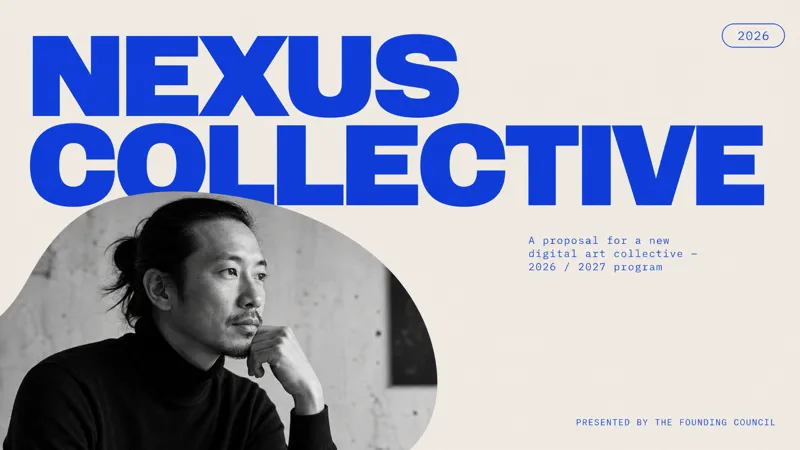
此技能製作精緻、極簡風格的專案提案簡報,適合藝術、文化、設計、時尚、展覽策劃等創意領域的專業人士。專為需要以強烈現代視覺識別呈現專案的使用者設計,讓簡報脫穎而出。 簡報呈現獨特的編輯美學,特色包括超大無襯線字體、醒目的黑白人像攝影,以及嚴謹的皇家藍與柔和灰色調。採用乾淨的不對稱佈局、大量留白和獨特的圓角圖片遮罩,使每張投影片宛如雜誌版面。技能會自動生成所有必要圖片,確保與主題一致且相關,從專業頭像到動態場景皆可。 使用者輸入專案詳細資訊後,技能將產生完整且經過打磨的提案簡報。輸出結果是視覺上令人難忘且專業的提案,給人自信且有條理之感,非常適合創意專案提案、品牌活動或設計工作室簡報。

N
215免費

資訊

版本
v2
更新時間
執行點數
依實際用量
模型
自動選擇

準備好創作更大膽的作品了嗎?

YouTube 轉課程 Slides
