Visual Recipe Studio
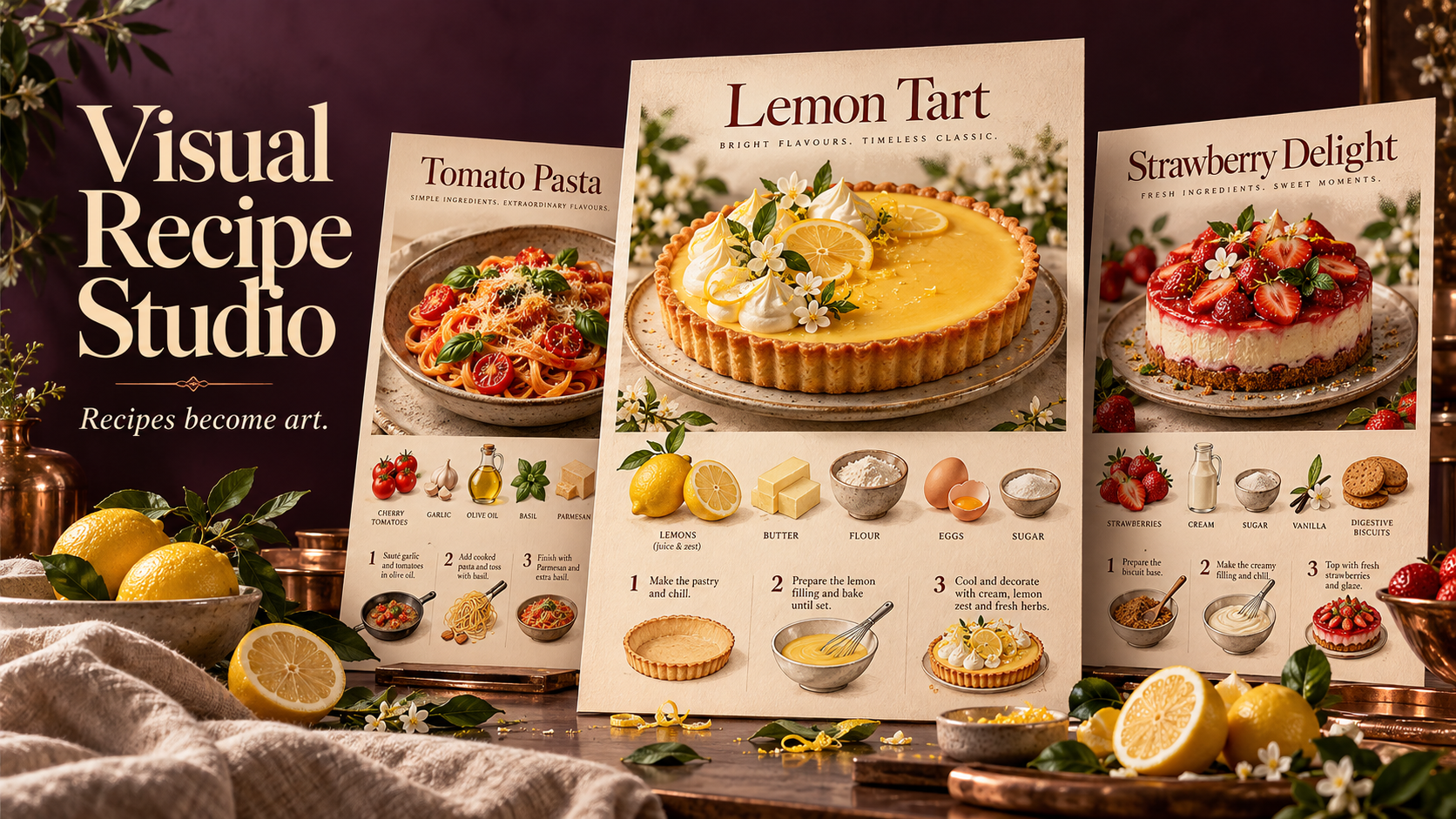
A recipe worth making deserves a poster worth displaying. Visual Recipe Studio transforms a dish name or your own recipe into three beautifully different food posters—each a complete visual guide to making the dish. THE DISH TAKES CENTER STAGE Every poster features an appetizing, full view of the finished dish at the top. Below, illustrated ingredients, clear quantities, and step-by-step preparation turn the recipe into a visual story you can follow. ONE RECIPE. THREE CREATIVE INTERPRETATIONS. Receive three separate, complete posters—not three color variations. Each explores a distinct composition, typography, atmosphere, and visual treatment, while preserving the same approved recipe. DESIGNED AROUND YOUR DISH A rustic loaf might inspire a warm, flour-dusted composition. A lemon tart could become a bright culinary editorial. The creative direction grows from the food itself, without forcing every recipe into the same template. START WITH A NAME OR A FULL RECIPE Share a dish name, paste a family recipe, or provide a readable recipe image or document. When research is needed and available, the skill finds a suitable recipe and presents sources. You review and approve the recipe before poster creation begins. A SIMPLE, GUIDED FLOW Share your dish → approve the recipe → choose a poster format → receive three distinct designs. The conversation and poster text follow your language unless you request another. Refine individual posters afterward, from colors and atmosphere to text size and layout. Made for kitchen inspiration, recipe collections, food content, and thoughtful culinary gifts.





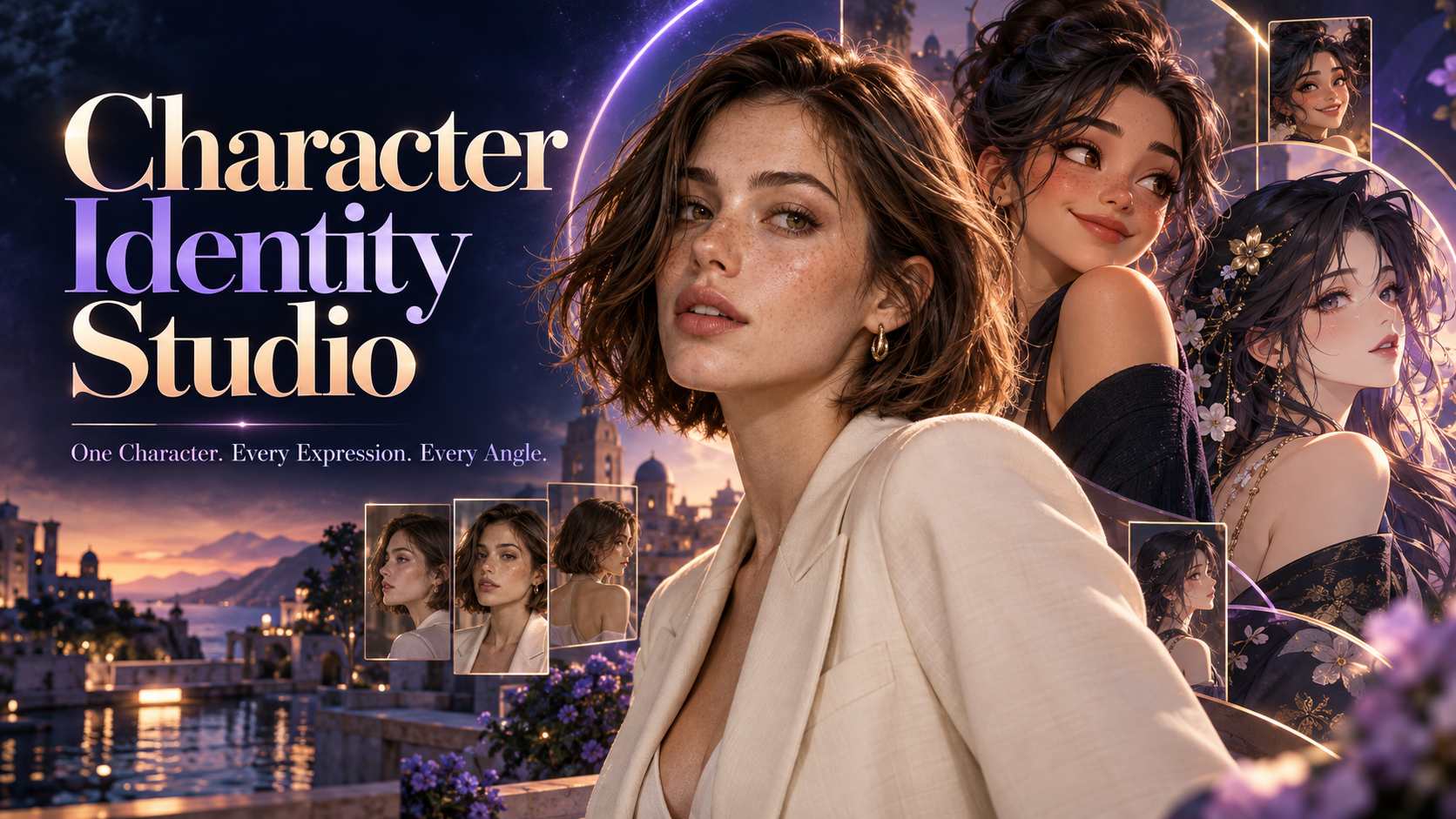
角色身分工作室
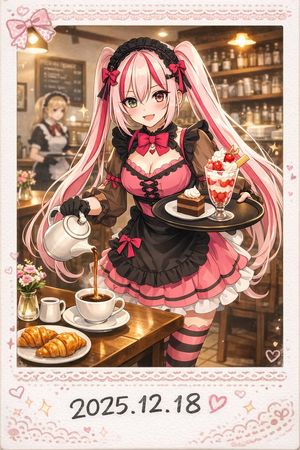
讓你的角色擁有清晰身分——從第一眼形象,到每種表情與角度。 角色身分工作室透過互動式選擇,引導你完成角色創作。探索超寫實攝影、寫實 3D、風格化 3D 動畫、2D 動畫、動漫或插畫風格。你可以創造人類、奇幻角色或動物吉祥物。 設計你的角色 選擇外觀、臉部特徵、髮型、體型、服裝與獨特細節。你可以精確描述想要的效果,也可以讓工作室補充創意細節。引導式工作流程會依照你使用的語言進行。 確認初次形象 先從一張全身角色圖開始。調整特定特徵,或要求產生新的替代方案。只有在你確認角色後,才會開始製作參考圖。 建立你的參考組圖 你會收到三張獨立圖片,每張都會整理成清晰的參考表: • 6 種臉部表情:中性、溫和微笑、大笑、悲傷、生氣與驚訝。 • 6 個頭部角度:正面、右側面、左側面、背面,以及兩個 45° 角度——只要看得到臉部,就會使用中性表情。 • 3 個全身視角:放鬆、中性的站姿,包含正面、側面與背面。 每張參考表都會以你確認的角色圖作為主要視覺參考,協助保留臉部身分、髮型、服裝、比例與視覺風格。 你的最終作品集 一張確認過的角色圖,加上三張包含 15 個分格的參考表。 為 AI 角色專案、動畫規劃、故事創作,以及未來的圖片或影片生成,提供實用的視覺基礎。