Luxury 3D watch product experience page (Next.js + Three.js)
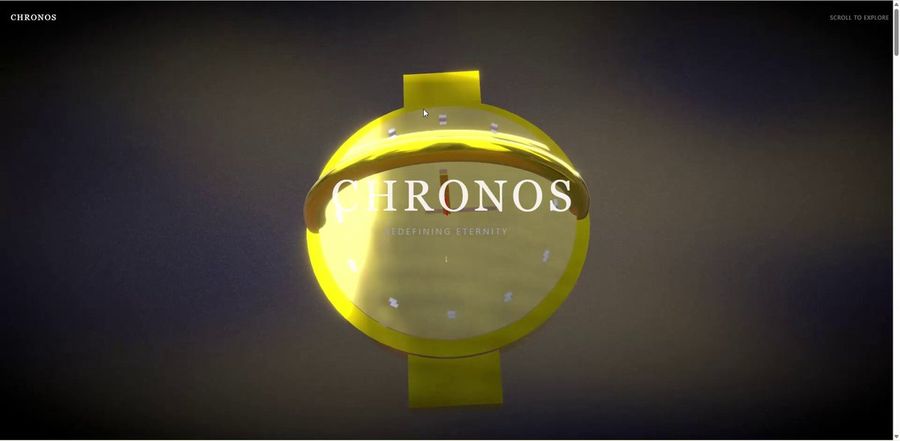
A long, detailed Japanese prompt for designing a luxury 3D product experience web page for high-end watches, using Next.js, Three.js, React Three Fiber, GLSL, and specific scroll sections and shader requirements.
Створіть вебсторінку з цим промптом
Як використовувати цей промпт
- 1
Скопіюйте повний промпт вище.
- 2
Відкрийте платформу, яка підтримує Gemini 3 Pro, наприклад YouMind, і вставте промпт.
- 3
Змініть об'єкт, стиль або деталі відповідно до вашої ідеї, а потім генеруйте.
Це безкоштовний AI-промпт із бібліотеки YouMind. Досліджуйте тисячі інших промптів для вебсторінка, які можна безкоштовно копіювати та адаптувати.
Дослідити більше промптів для вебсторінкаБільше від Gemini 3 Pro
Neobrutalist webpage generation prompt
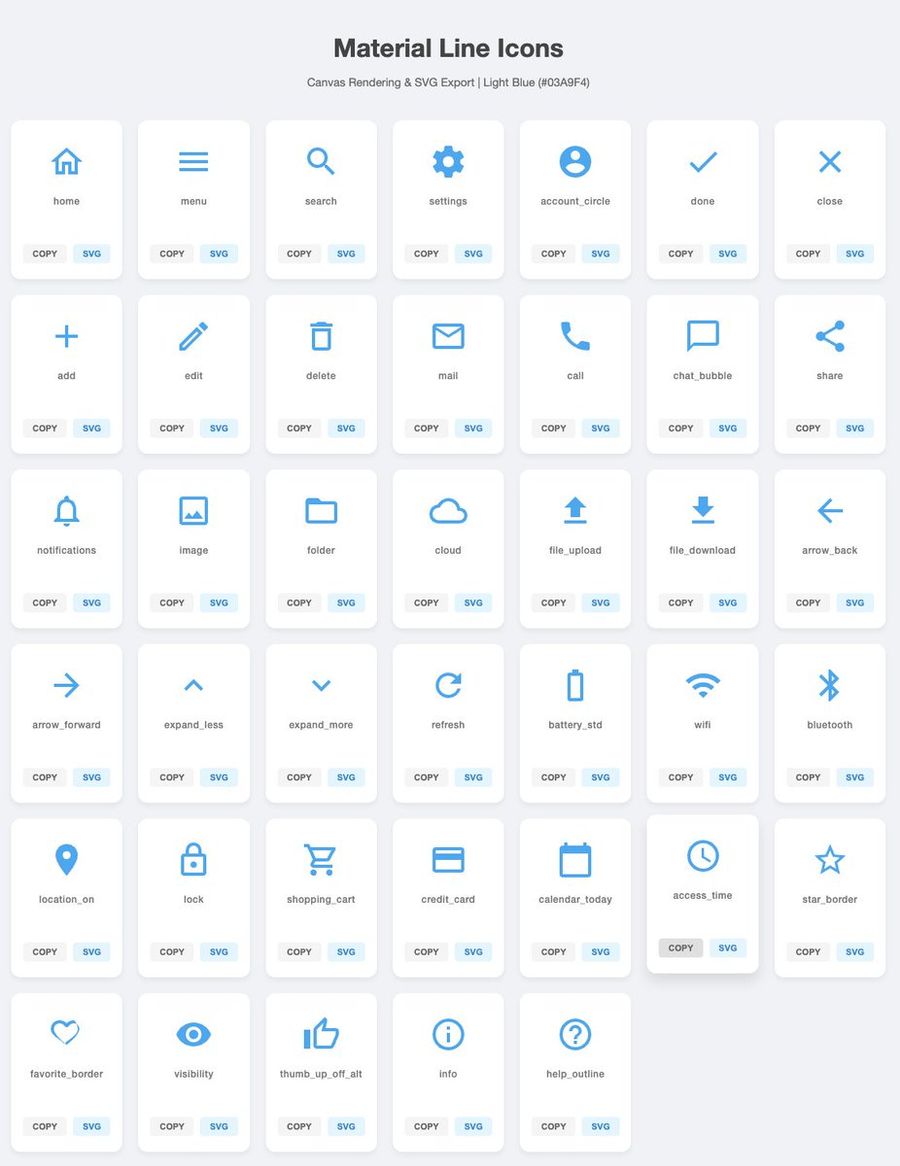
Generate 40 simple SVG icons with download buttons
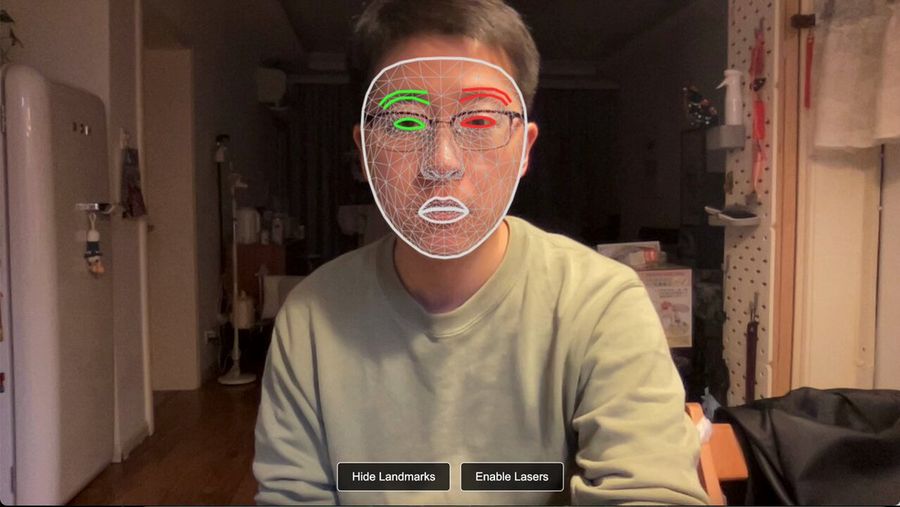
Laser eye effect web demo with Mediapipe and Three.js
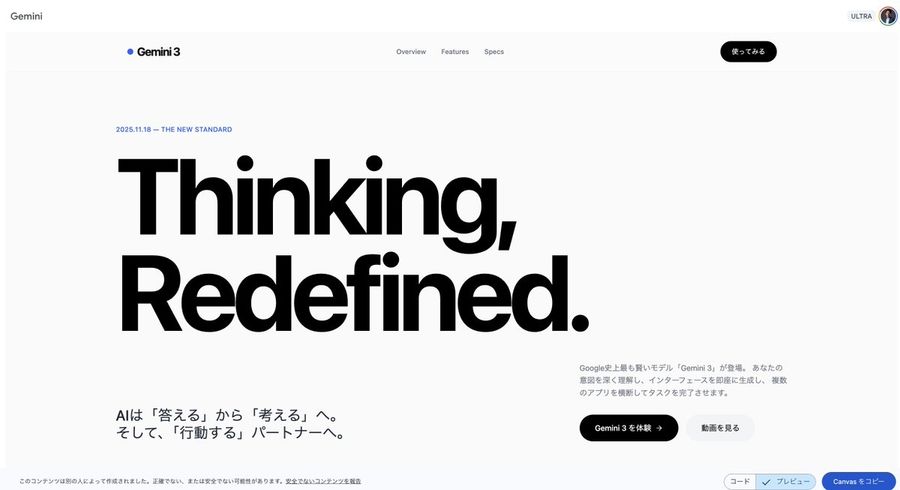
High-end Swiss-style landing page generator in React
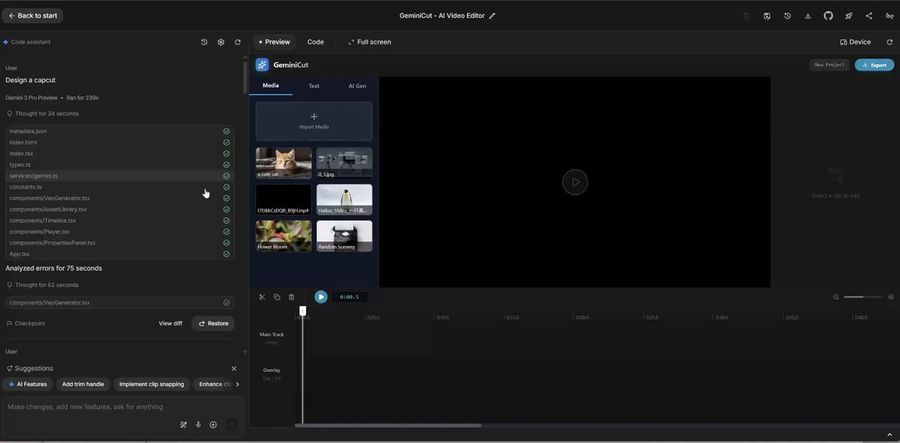
CapCut-like video editor UI in Gemini
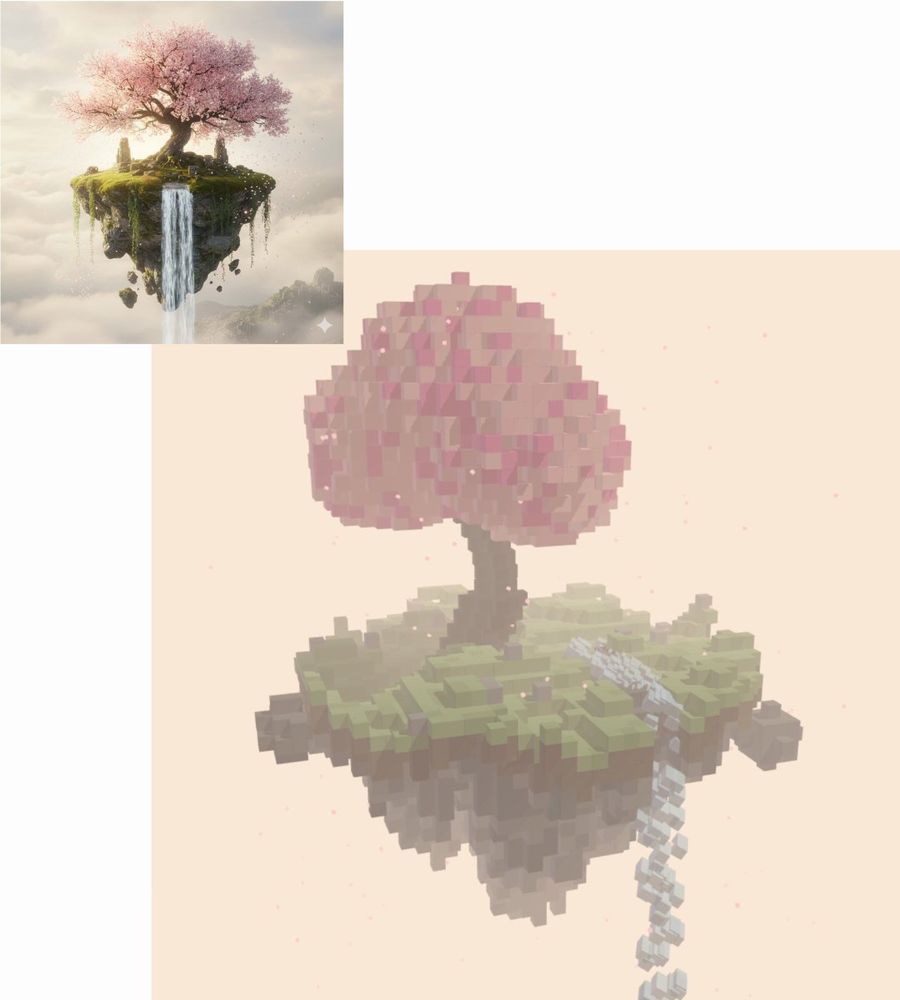
Voxel art threejs scene generation prompt from image
Більше функцій промптів

Пошук AI промптів
Дозвольте AI шукати серед десятків тисяч промптів. Фільтруйте за моделлю, часовим діапазоном, ключовими словами та сортуйте за залученістю — переглядами, закладками, репостами тощо.
Зображення в промпт
Перетворіть будь-яке фото на детальний AI промпт для зображення. Безкоштовний конвертер зображень у промпти аналізує композицію, стиль та освітлення, щоб ви могли відтворити будь-який вигляд за лічені секунди.
Інші функції промптів
Перегляд за моделлю
Перегляд за типом медіа
ШІ-інструменти
Створено для творців. Безкоштовно назавжди.
YouMind — це творчий ШІ-копілот, якому довіряють мільйони творців у всьому світі. Кожен промпт тут підібраний так, щоб допомогти вам створювати краще та швидше.