"Video editing, outsourced for 50,000 yen. Delivery in 2 weeks."
This might already be a thing of the past.
First, let me confess something.
That commentary video of mine you might have seen? I didn't edit it.
I just talked to Claude Code in plain Japanese. I didn't open After Effects or Premiere even once. I didn't write a single line of code.
Wait, hold on. "Editing video without writing code" sounds like it makes no sense, right? I had the exact same look on my face at first.
But this has seriously arrived. It's 2026, and video editing is automated.
By the time you finish reading this article, you'll be thinking, "Oh, I can do this myself too."
1. The premise that "video editing is something to outsource" is already outdated
Let's look at the honest numbers.
The market rate for outsourcing YouTube editing is roughly 50,000 to 100,000 yen per video. Delivery takes 2 weeks. And sometimes, there are delays.
For people who want to keep posting content, this is low-key painful. Money goes out. You're kept waiting. Meanwhile, your next video is stalled.
"I worked so hard to make it, but it's stuck in editing." I think some of you know this feeling.
If you try to edit it yourself, your time just melts away. It takes a full day to edit 1 hour of raw footage into 30 minutes. Just adding subtitles can take until dawn. So many people give up on video content because of this "weight of editing."
So, what happened?
Just 10 minutes of talking to Claude Code. The cost is almost zero.
To be precise, you need a Claude Code subscription. But once you pay that, you just throw the video in. You can say goodbye to a world where you pay 50,000 yen per video.
Plus, if you turn it into a template, you can churn out dozens of videos a day. Just hand over the videos you've recorded and say, "Edit this." It's like the editing finishes while you're sleeping.
At first, it's a bit scary to leave the editing entirely to AI, right? You think, "What if it cuts in a weird place?" I get it. I was the same. But when I tried letting it handle one video, that anxiety vanished instantly. In fact, it's sometimes better at finding the right cut points than I am.
With outsourcing, you go back and forth with messages for every correction. "Please fix this," "Sorry, the delivery will be delayed again." That soul-crushing back-and-forth has completely disappeared.
Let me say this because it's the most important part.
What you need isn't programming knowledge. It's not difficult AI skills.
It's the power to put what you want to do into words. That's it.
2. What exactly is HyperFrames?
Let me introduce the main star: HyperFrames.
It was created by HeyGen. Yes, that company famous for AI avatars. They released this video editing framework for free.
Free. I'll say it again. It's free.
Released on April 16th. It's an open-source system that renders videos from HTML.
And the setup is shockingly easy. You can actually add it as a "Skill."
npx skills add heygen-com/hyperframes
Even if you're not tech-savvy, setup ends with this one line. Within 24 hours of its release, engineers around the world were buzzing. "Can video editing really be automated like this?"
Actually, there was a similar trend before. A tool called Remotion became a hot topic around January 2026. But to be honest, I couldn't master it. It could edit, but the precision wasn't there.
HyperFrames is decisively different. It works exactly as you want it to, which is surprising.
The reason is that you can customize it yourself. With normal software, you're stuck within the range of pre-existing features. HyperFrames is the opposite; you can grow the editing functionality itself with words, saying things like "Use this cutting style," "Use this font," or "Use this color."
At first, it's honestly a bit of a bare-bones tool. But that's the good part. The position of subtitles, the timing of pauses, the tempo of cuts. Every time you tell it "Tighten this up a bit" or "Don't use this color," it gets closer and closer to your preference. You don't have to adapt yourself to the features of existing software.
By the way, it works with things other than Claude Code too. Codex, Cursor, Google's Antigravity, Grok. Apparently, they've officially partnered with Grok as well. If you think Claude Code is a bit expensive, you can use other tools just fine.
Now, you might wonder, "Why is it free?" The answer is simple: HeyGen is trying to own the entire foundation of AI video production. Generation, editing, everything. The more it spreads for free, the stronger their core business becomes.
That's why we can ride the best part of this wave right now.
Honestly, this isn't just a story about a "convenient tool." The entire premise of video creation has changed. That's what this is. So, the earlier you touch it and get used to it, the more you clearly benefit. That gap will only widen as time goes on.
3. [Demonstration] 84 minutes of Zoom recording becomes 2 minutes 58 seconds
Enough talk; let me show you the real thing.
This was originally an 84-minute recording of a Zoom seminar. A long recording, nearly an hour and a half.
I edited it down to about 3 minutes. To be exact, a 2-minute 58-second digest. It cuts out 15 highlights from the main footage and burns in subtitles that perfectly match the speaking voice for each.
The colors are deep navy with gold accents. The font is a serif style, giving it a calm, branded feel.

And here's the part I want you to see most.
This is pretty much the only instruction I actually gave:
"I want to edit this video. Use Hyperframes. Make it a 3-minute digest with subtitles. Please time the subtitles to match the audio."
That's it. Where to cut, what font to use, how to match the subtitles to the voice—the AI thought about all those details and did it automatically.
It's not just "fast." It's more accurate to say that traditional editing work is "over."
Moreover, even if it stops halfway, just saying "Still going?" makes it resume. If you set the goal at the beginning, it will keep running on its own until it's achieved. I was doing other work and it was finished when I came back. This was truly my first time experiencing editing like that.
The subtitles don't drift from the voice by even a single frame. This is the part that wears down your nerves the most when doing it manually. You can leave all of that to the AI.
I'll also mention the editing time. On another day, I had it edit a 90-minute recording into five 5-minute digests. That's quite a high-level task. It finished in 1 hour. By hand, that's a full-day project.
And you can mass-produce this. I turned a 72-minute Zoom recording into five 1-minute digests without showing any people. It definitely has the power to handle long-form content.
And one more small but effective point.
With AI captions, sometimes the line breaks are weird or the text cuts off strangely, right? With HyperFrames, if you teach it the rules for subtitle cutting and line breaks, it follows them almost perfectly.
The more you use it, the more your own personal editing style accumulates. If you record your screen while editing and give it to the AI, it can even input your specific habits.
Sorry, let me say this once. Basically, it means you can create a "copy of your own editing" inside the AI. When I realized this, I honestly got goosebumps.
4. You can make all of this using the same method
The amazing thing is that it doesn't matter what the genre is.
What I'm doing is exactly the same. "Just hand over the material and put what you want to do into words."
Here are some examples that work for both content creation and professional work.
First, a vertical SNS review. It connects 8 clips made by AI and uses a tier list format to rank products S, A, and B. While keeping the voice, rank badges pop out perfectly timed to the speech. A 1-minute 26-second vertical video. Since it fits the mold just by throwing in material shot on a smartphone, it's perfect for mass-producing short videos.

Next is a complete reproduction of a trending Instagram Reel. The woman appearing, the background, and the speaking voice are all recreated with AI. I just gave it the URL and asked, "Reproduce this video exactly." A vertical Reel is created from zero material. Since you can transplant a trending structure directly into your own video, it's effective for hooks on X or Reels.
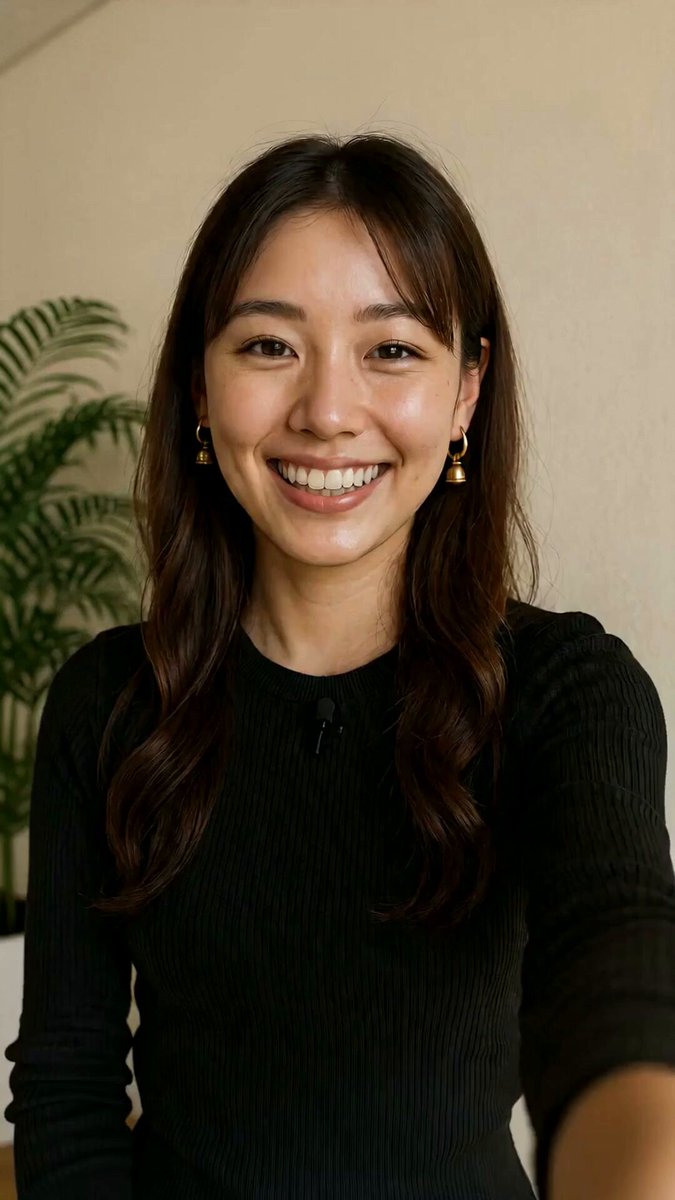
Vertical commentary videos with a person speaking also work. Clone the voice from a local mp4, make it speak with Seedance, match the mouth with HeyGen, connect them with Hyperframes, and add subtitles. Just give this flow in words. A 67-second talking avatar. It's perfect for people who want to mass-produce commentary videos without showing their face.
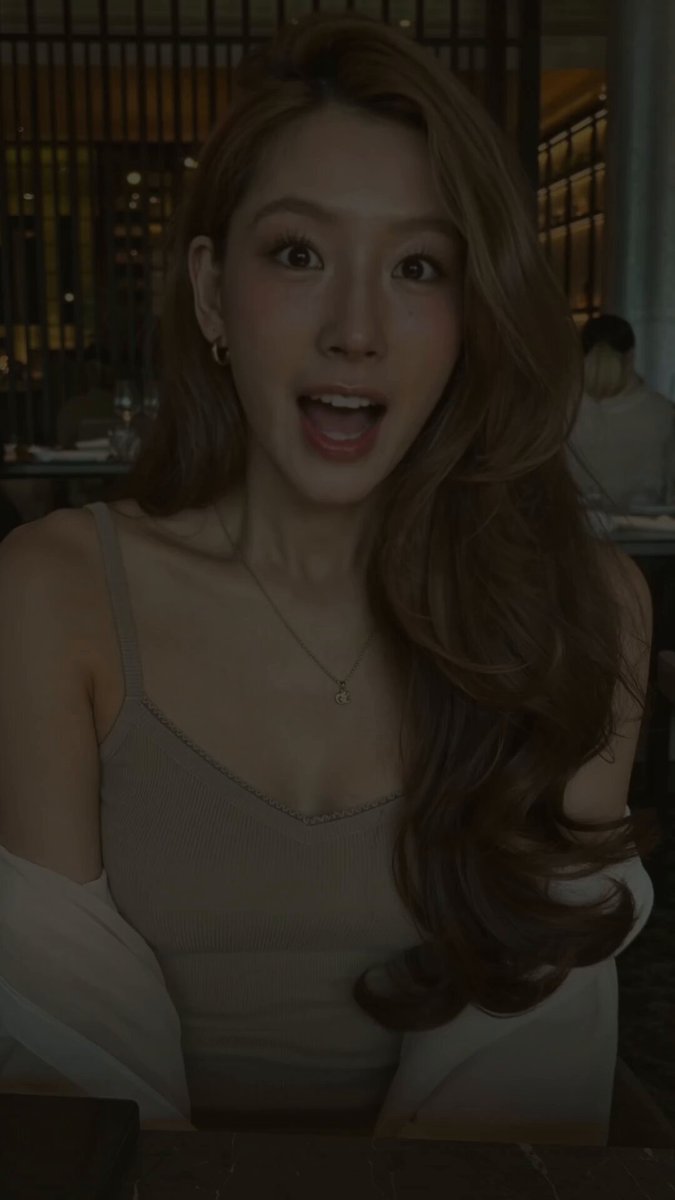
And then, actual work. A PR project I received from Pollo AI, about 1 minute long. It includes narration and BGM, and this is the actual deliverable. I also rendered a PR video for Lovart using the same method. You can escape the exhaustion of outsourcing every time you record a product intro or video sales letter.

It's also great at mass-producing commentary videos. From note explanations and Claude explanations to the Fable5 announcement, I've made many videos with characters, narration, and subtitles.

Conversely, I also did an edit where I intentionally removed text. An animated battle where blue, red, and purple warriors clash under a moonlit night—I set the subtitles to zero and let the visuals tell the story.

If you have seminars or courses, this alone will keep your content moving. You can cut out as many promotional shorts as you want from one long recording. One recording session allows for dozens of posts. Both "no content ideas" and "can't keep up with editing" disappear at once.
One more thing for content creators. Attaching a video to an X post increases dwell time and is algorithmically advantageous. You can prepare that "opening video" every time at zero cost. It's subtle, but incredibly effective.
By the way, expanding overseas feels like the push of a button. Just ask to "Turn this Japanese template into English, Chinese, and Korean versions and adjust the layout." Multi-language videos come out immediately. You can reach multiple languages with perfect subtitles without relying on YouTube's inaccurate auto-captions.
In total, 10 projects and over 12 finished videos rendered. Horizontal, vertical, with and without subtitles. I'm not just saying this on a whim; these are all things I've actually completed and delivered. So, I believe the reproducibility is quite high.
You can let go of the "money, time, and hardship" of video editing
All the videos I've shown so far were made with the same tool.
Long-form digests, SNS vertical videos, commentaries, professional projects. The genres are all different. Horizontal and vertical. Yet, all I did was "communicate with words."
The 50,000 yen for outsourcing.
The 2-week delivery time.
That feeling of "maybe I don't have a talent for editing."
You can let it all go now.
Honestly, this change was a bit too heavy to keep to myself. That's why I've shown you everything like this.
npx skills add heygen-com/hyperframes
Put this into Claude Code and try throwing in one of your videos.
"Make a 3-minute digest. Match the subtitles to the voice."
Really, that's all it takes. The moment you experience it, you won't be able to go back.
I don't just "teach" AI; I actually use it every day to run my content and deliveries. That's why I can say this with confidence.
To those who have held back what they wanted to say because they couldn't make videos. To those who gave up on posting just because of the weight of editing. I think there are so many of you. You can take back that time and money now.
Now, it's your turn.