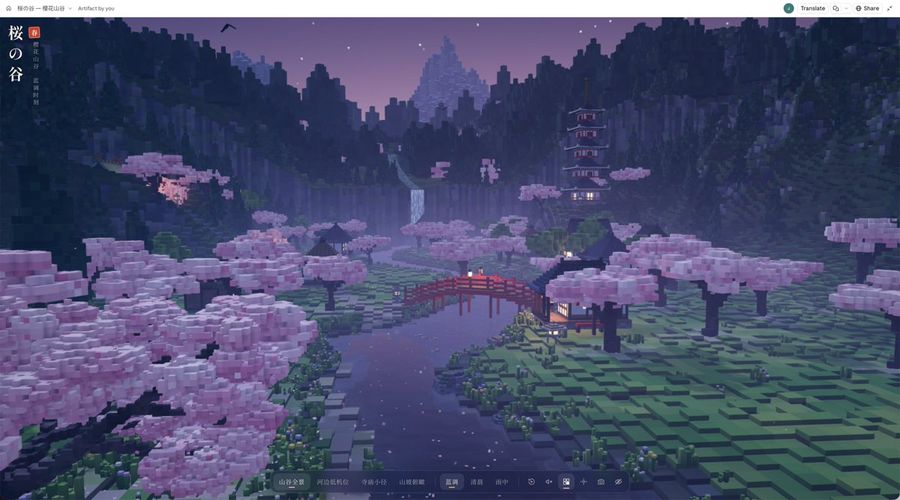
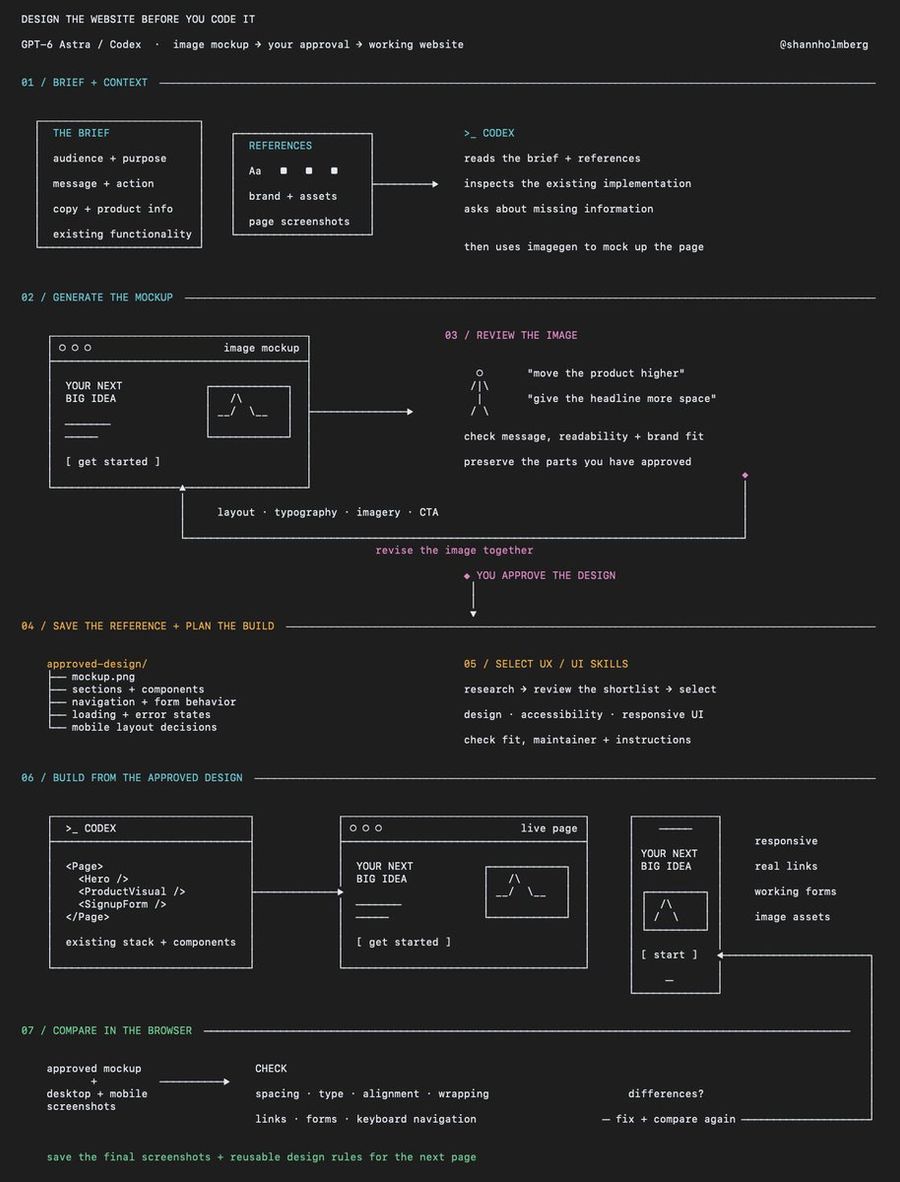
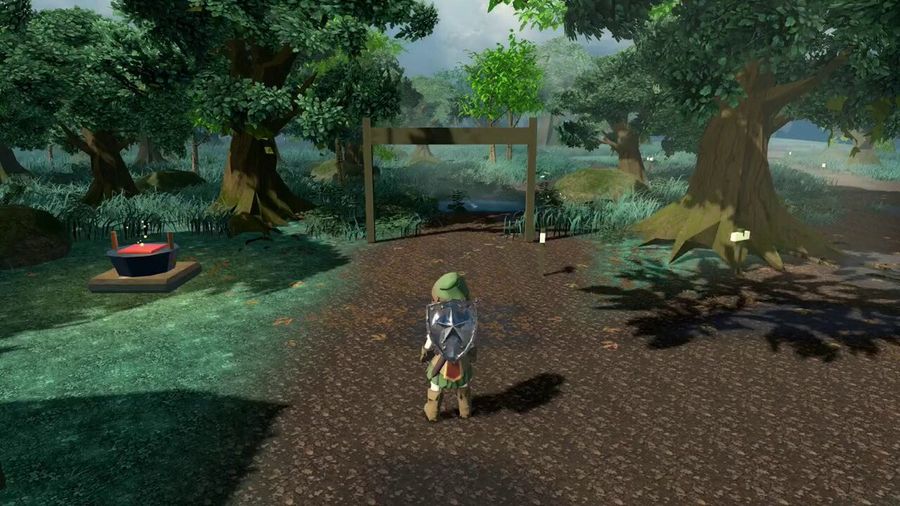
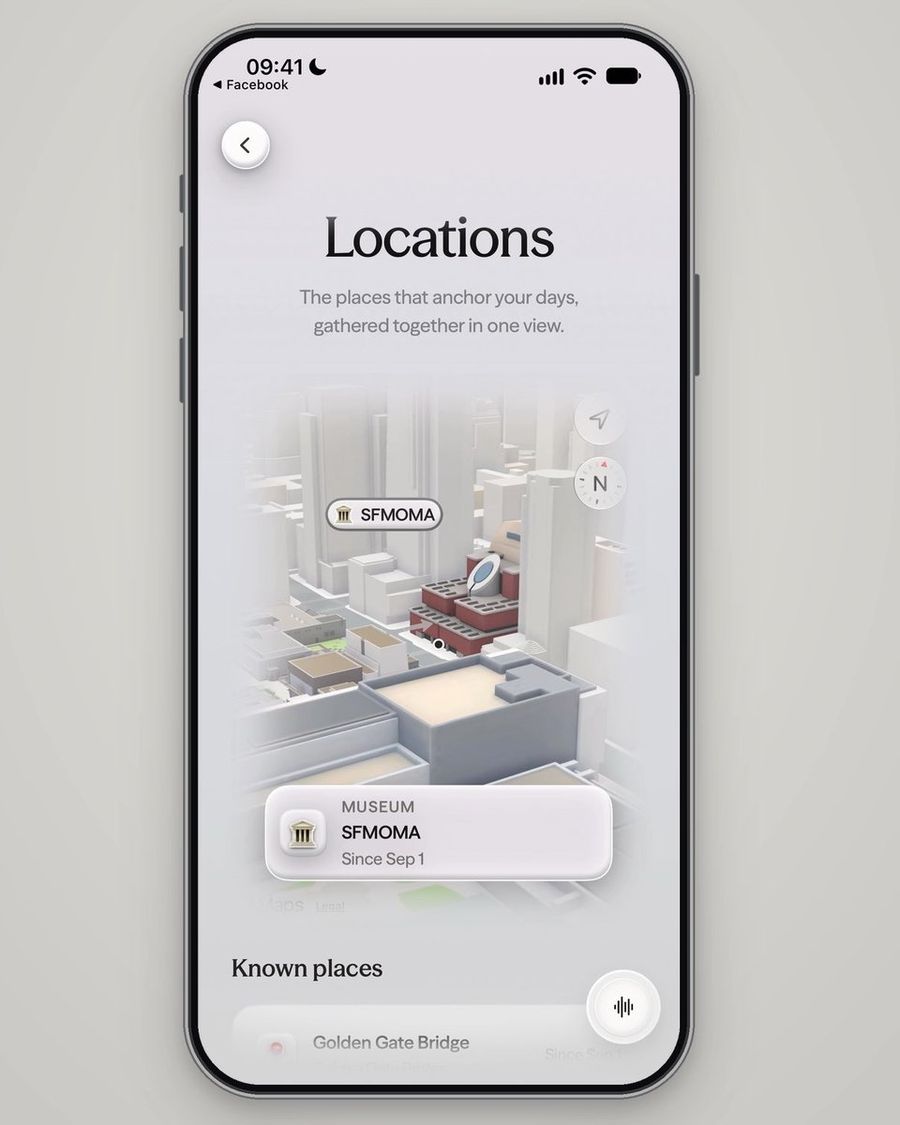
A highly detailed prompt for creating an interactive 3D Japanese cherry blossom valley in a browser using Three.js/WebGL, tested on both Opus 5.5 and GPT-6 Astra.
المطالبة
Please directly create a high-fidelity 3D landscape webpage that can be interacted with in real-time within a browser.
Theme: Japanese-style cherry blossom valley.
Implement using HTML, CSS, JavaScript. Do not generate images, do not just provide design proposals,
do not fake 3D with a background image plus parallax effects. I want an actual runnable, explorable product.
[1. Work Positioning]
This is a complete, continuous valley landscape with depth layers,
not isolated small ornaments, floating islands, sand tables with bases, or simple technical demos.
Style: Modern fine-grained voxel art:
Retain the modeling language of cubic geometry, but the screen should be high-resolution, anti-aliased, with delicate light and shadow.
No retro low-resolution pixelation, no crude block stacking, no pixel filters applied to the screen.
Visual quality first. Rather have fewer features than sacrifice composition, materials, and lighting.
[2. Usage of Reference Images]
If reference images are attached, please first understand their compositional hierarchy, scale, lighting, and color relationships.
Only borrow atmosphere and visual language, redesign the scene,
do not copy the positions of buildings, trees, mountains, and roads, do not replicate 1:1.
Reference images are not background assets for the webpage. The scene itself must be composed of real 3D geometry.
[3. Scene Composition]
The default view upon opening should present a complete, attractive picture,
without requiring users to rotate the camera to find a good angle first.
Use a perspective camera, not a sandbox-style isometric top-down camera.
The screen has clear foreground, midground, and background:
Foreground:
An ancient cherry tree with presence, accompanied by rocks, vegetation, stone lanterns, and some falling petals,
forming a natural frame at the edge of the screen, but without blocking the river, bridge, and main buildings.
Midground:
A winding river guides the gaze into the screen, with a red wooden bridge spanning the water;
villages, tea houses, shrines, and paths distributed along the terrain, with real traffic relationships between buildings.
The ground has undulations, shoreline, and natural transitions, not models evenly placed on a plane.
Background:
Multi-tiered towers on slopes, forests and ridges at different distances, and distant snow-capped mountains.
Express distance through scale changes, occlusion, warm/cold variations, and aerial perspective,
rather than simply shrinking distant objects.
Do not spread all elements evenly. Need primary/secondary, density/sparse, whitespace, and clear visual focus.
[4. Modeling and Screen Quality]
Cherry Trees:
Trunks have turns, forks, and roots; crowns consist of irregular flower clusters,
with gaps, thickness variations, and visible branches. Do not make them regular spheres or cube clumps.
Buildings:
Roofs have layered tiles, eaves, beams/columns, and window grids;
different buildings have differences in use, volume, and height, do not copy the same house to fill the valley.
Terrain:
Shorelines have wet stones, grass, and vegetation transitions.
Avoid overly regular steps, repeating stripes, checkerboards, and obvious procedural generation grids.
Water Surface:
Must reflect surrounding scenery, with moderate ripples, depth variations, and shore transitions.
Try to use actual scene reflections; if performance degradation is needed, maintain visual credibility.
Do not replace water with flickering noise, strong distortion, or a whole blue plane.
Details:
Can have some koi, falling petals, fireflies, waterfalls, and distant birds,
but all should serve the atmosphere, cannot make the screen look noisy.
Do not pile up details just to claim model count.
[5. Color and Atmosphere]
Default is Blue Hour:
Cool valleys and distant mountains, soft pink cherry blossoms, warm but not overexposed lantern and window lights.
Warm light concentrated where people are active, do not dye the entire environment orange.
Need soft shadows, light/dark at object contacts, reasonable exposure,
restrained bloom, anti-aliasing, and thin mist with distance layering.
Avoid whitening, grayness, oversaturation, full-screen thick fog, overexposed lights, and obvious aliasing.
Block geometry can be clear, but rendering itself cannot be rough.
Also provide "Morning" and "Rainy" atmospheres;
when switching, synchronously change sky, ambient light, fog, and local effects,
not just modifying background color.
[6. Interaction and Interface]
Provide four designed cameras:
Valley Panorama, Low Riverbank Camera, Temple Path, Slope Overlook.
Switching should be smooth, each camera needs independent compositional value.
Basic Interaction:
Mouse drag to observe, scroll wheel to zoom or move forward, touch screen supports drag and pinch-to-zoom.
Provide reset view, hide interface, and save current screen functions.
Optional Enhancements:
Free exploration, slow camera tour, ambient sound.
Ambient sound off by default, only play after user actively clicks.
Extra functions cannot affect the completeness of the default screen.
Interface should be restrained, designed, with landscape as the main subject.
Titles and control bars on edges, not blocking visual focus.
Desktop and mobile cannot have button overflow, text overlap, or unoperatable issues.
[7. Engineering and Performance]
Allow use of Three.js / WebGL, and version-pinned, mutually compatible CDN dependencies.
Prioritize mature rendering capabilities, do not rewrite the entire engine for "zero dependency".
Self-written HTML, CSS, JavaScript try to organize in one HTML file.
Scenery generated by procedural geometry and materials, not relying on external images or 3D model resources.
Repeated objects use suitable batch or instanced drawing methods;
Reasonably control subdivision, shadows, reflections, and rendering resolution.
Provide high-quality and lightweight modes, mobile defaults to lighter settings.
Do not trade infinite voxel increase for detail.
Add loading prompts, WebGL unsupported prompts, and necessary error handling.
Do not autoplay when sound is not enabled; respect system preference for reduced motion.
[8. Pre-delivery Acceptance]
Do not deliver immediately after writing code.
If the current environment supports browser running and screenshots, please actually open the page first,
Check default camera, four views, atmosphere switching, desktop and mobile layout,
Then correct obvious composition, exposure, occlusion, and rendering issues based on screenshots.
Key Checks:
Whether there are blank screens, loading failures, console errors;
Whether there are clipping, flickering, shadow banding, overexposure, water surface anomalies;
Whether the default screen truly looks like a complete landscape, not a small sand table;
Whether function buttons are actually usable, whether mobile side has overflow.
Can use browser screenshot acceptance, but do not call image generation tools.
Incomplete tests must be stated honestly, do not claim verified.
Final Delivery:
1. An actually existing, openable HTML file, or interactive preview supported by the current environment.
2. If screenshots possible, attach one real browser rendering screenshot.
3. Brief explanation of operation method and necessary runtime conditions.
Please complete the production directly; make consistent design choices for non-critical details yourself,
do not repeatedly hand implementation problems that can be self-resolved back to me for decision.
كيفية استخدام هذه المطالبة
1
انسخ المطالبة الكاملة أعلاه.
2
افتح منصة تدعم GPT 6 Astra مثل YouMind، ثم الصق المطالبة.
3
غيّر الموضوع أو النمط أو التفاصيل لتناسب فكرتك، ثم ابدأ الإنشاء.
هذه مطالبة مجانية للذكاء الاصطناعي من مكتبة YouMind. استكشف آلاف المطالبات الأخرى لنوع صفحة ويب، وكلها مجانية للنسخ والتعديل.
دع الذكاء الاصطناعي يبحث بين عشرات الآلاف من المطالبات. صفِّ حسب النموذج والنطاق الزمني والكلمات المفتاحية، ورتّب حسب التفاعل مثل المشاهدات والإشارات المرجعية وإعادات النشر وغيرها.